56
4
CALIBRATION
Adjust to achieve correct balance sensitivity using either the internal weight (TW only) or the external weight.
Set the relevant "span calibration" in in advance by following the procedure in "Before Starting
Calibration …" (^ page 54). (As the default setting, "span calibration using the internal weight" is set
for TW, and "span calibration using the external weight" is set for TX.)
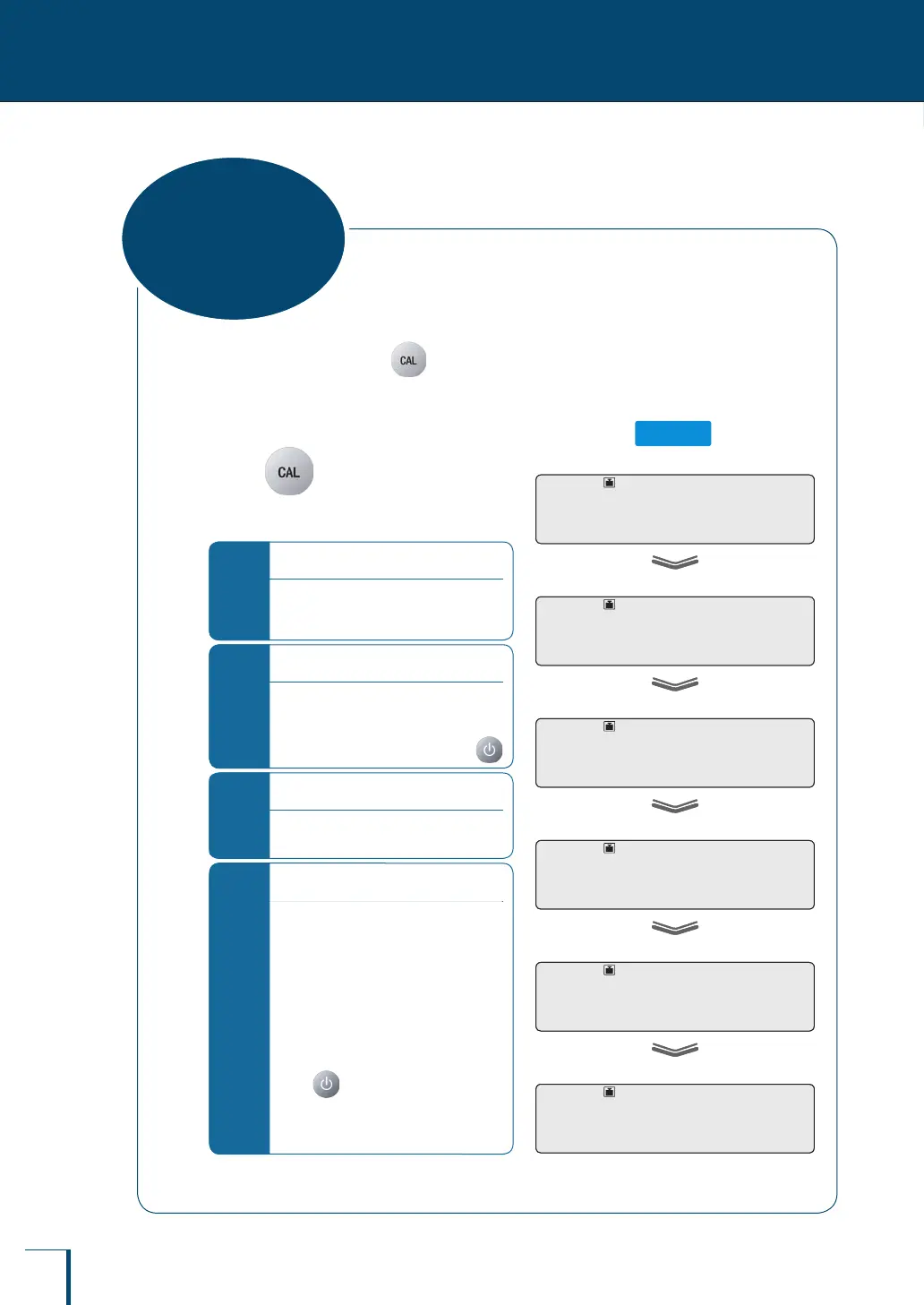
Span calibration using the internal weight (TW series only)
1
Press
Span calibration using the internal weight will
start automatically.
*
If "WAIT" is displayed…
The calibration record is being output.
When output has nished, span
calibration will start automatically.
*
If "BUSY" is displayed…
There is something placed on the pan.
When this item is taken off the pan, the
span calibration will start automatically.
To cancel the span calibration, press
*
If "ERR H" is displayed…
See "Responding to Messages" (^
page 137).
*
If "ERR C" is displayed…
Span calibration was not completed for
one of the following reasons.
There is too large a discrepancy
between the zero point of the
balance and the sensitivity.
A container has been placed on the
pan.
The pan is not on the balance.
There is too large a discrepancy in
the value of the internal weight.
Press and redo the operation from
the beginning. If even on doing this the
same display reappears, calibrate the
internal weight (^ page 64).
"END" will be displayed and the balance will return to the weighing mode.
! !C!A!L!3
! !C!A!L!2
! !C!A!L!1
! !C!A!L!0
! !W!A!I!T
!E!N!D
! !C!A!L!3
! !C!A!L!2
! !C!A!L!1
! !C!A!L!0
! !W!A!I!T
!E!N!D
Span Calibration
and Adjustment
* This may not
be displayed.



 To Next Page