BEFORE
WEIGHING
USING MORE CONVENIENTLY MAINTENANCE
TROUBLESHOOTING
FOR YOUR
INFORMATION
USING THE
BALANCE
41
Continued on next page
Switching Units
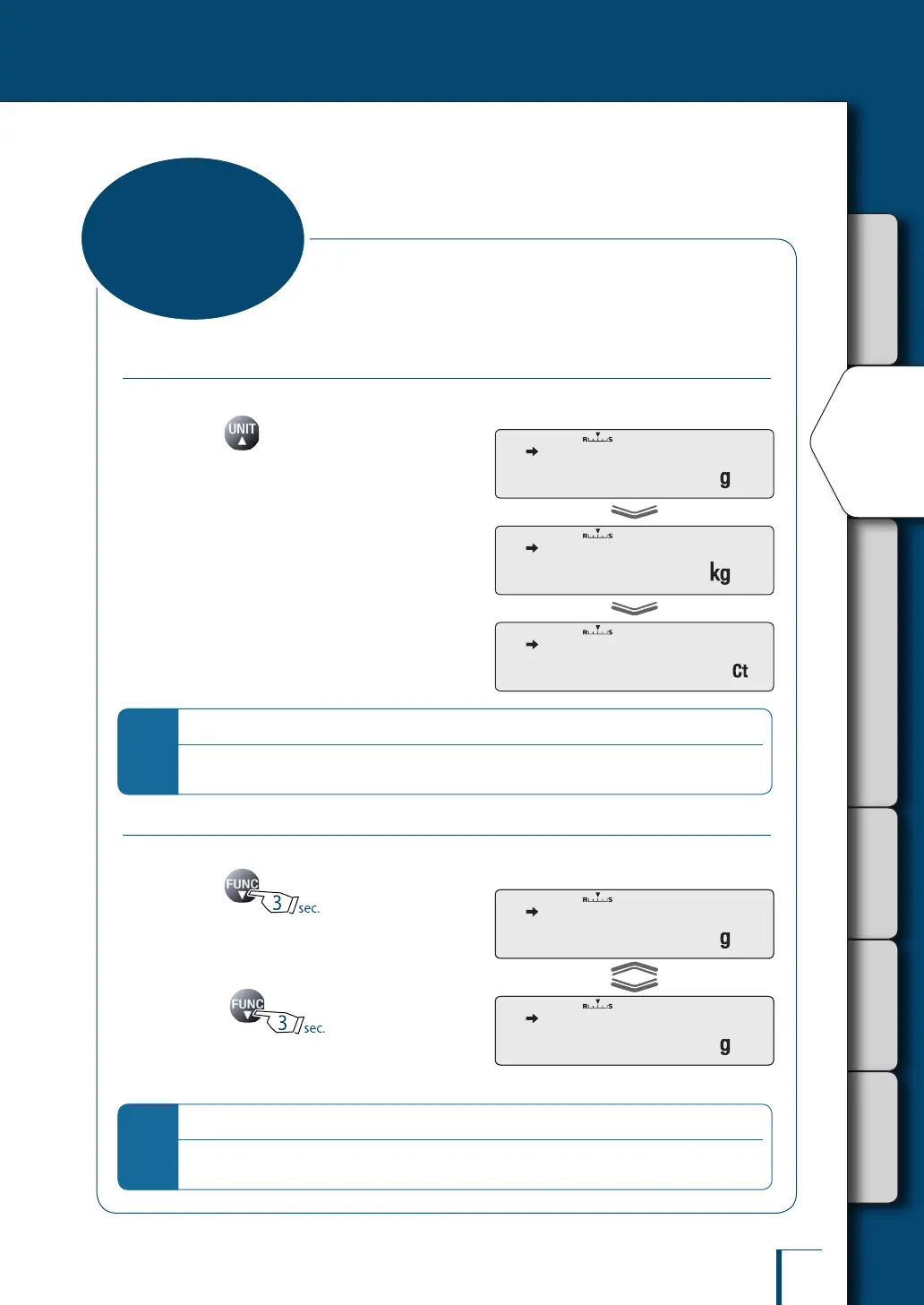
You can display different units from among those set to be available.
1
Press in the weighing mode.
Repeatedly pressing this key will cycle you
through the registered units.
When the balance is shipped from the factory,
the only unit registered is grams (for TWC**3L
and TXC**3L, "g" and "ct" only).
To be able to switch to other units, you must rst
register the units you wish to use.
^
"Selecting Units to Display", page 83
When user-specied units have been selected,
the characters and symbols that indicate the
units don't light up.
*
Unit display after restarting
When the power is turned off and back on, the balance starts up displaying the units that were in use
before the power was turned off.
Selecting the Minimum Number of Displayed Digit
If necessary, the minimum number of displayed digit can be reduced by one digit.
1
Press for about
3 seconds.
The minimum number of displayed digit will be
reduced by one.
2
Press again for about
3 seconds.
The minimum number of characters displayed
will return to the original setting.
*
Display after selection
The decimal place doesn't change. Note also that when one digit is removed the display area for the nal
digit appears as a blank.
! ! !0.0!0!0
! ! !0.0!0
! ! !0.0!0!0
! ! !0.0!0
Selecting the
Display
! ! !0.0!0!0
0.0!0!0!0!0!0
! ! ! 0.0!0



 To Next Page