108
Convenient Functions Relating to Output
10
CONNECTION AND COMMUNICATION WITH PERIPHERAL DEVICES
5
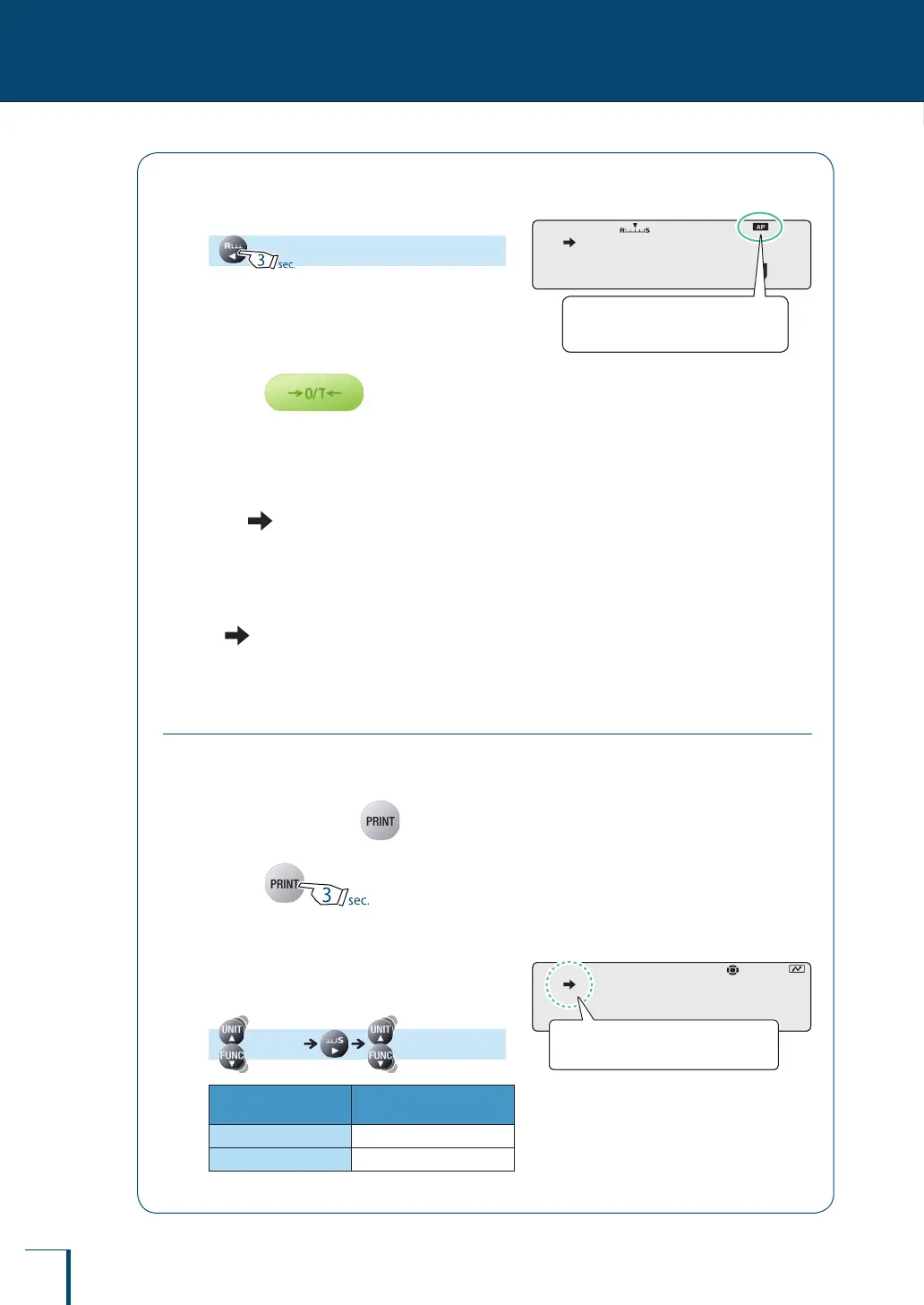
Return to the weighing mode.
6
Place the container on the pan and
press
The balance will be tared.
7
Place the sample into the
container.
After (the stability mark) lights up, the
displayed weight reading is automatically
output.
8
Remove the sample from the pan.
If (the stability mark) lights up at a value
close to zero, the displayed weight reading is
automatically output.
Printing / Outputting Continuously (Continuous Output Function)
This function allows displayed weight readings to be automatically output continuously in the
same timing as the display refresh cycle (approximately 100 msec intervals) while weighing,
without having to press
1
Press for about
3 seconds in the weighing mode.
2
Select the continuous output
function.
[APL.PRN] [SEQ.PRN]
Stability Mark
Continuous Output
Function
Lit
ON
Unlit
OFF
! ! !0.0!0!0
When the setting is made, the auto
print symbol lights up.
! ! !0.0!0!0
When the setting is made, the auto
print symbol lights up.
!S!E!Q.P!R!N
Check the presence or absence of
the stability mark.
!S!E!Q.P!R!N
Check the presence or absence of
the stability mark.



 To Next Page