BEFORE
WEIGHING
MAINTENANCE
TROUBLESHOOTING
FOR YOUR
INFORMATION
USING THE
BALANCE
USING MORE CONVENIENTLY
125
Continued on next page
This section explains the menu settings that determine the communication specications when the
balance is connected to a PC, printer, or other device.
For information on the WindowsDirect communication function, see "WindowsDirect Communication
Function" (^ page 111).
The settings made here are effective simultaneously for RS-232C and the DATA I/O communication
ports. If you are connecting the printer to the DATA I/O connector, set the communication specications
of the balance to "MODE1".
The default setting is "MODE1".
Apart from this default setting, another ve modes comprising frequently used combinations of
communication settings are provided.
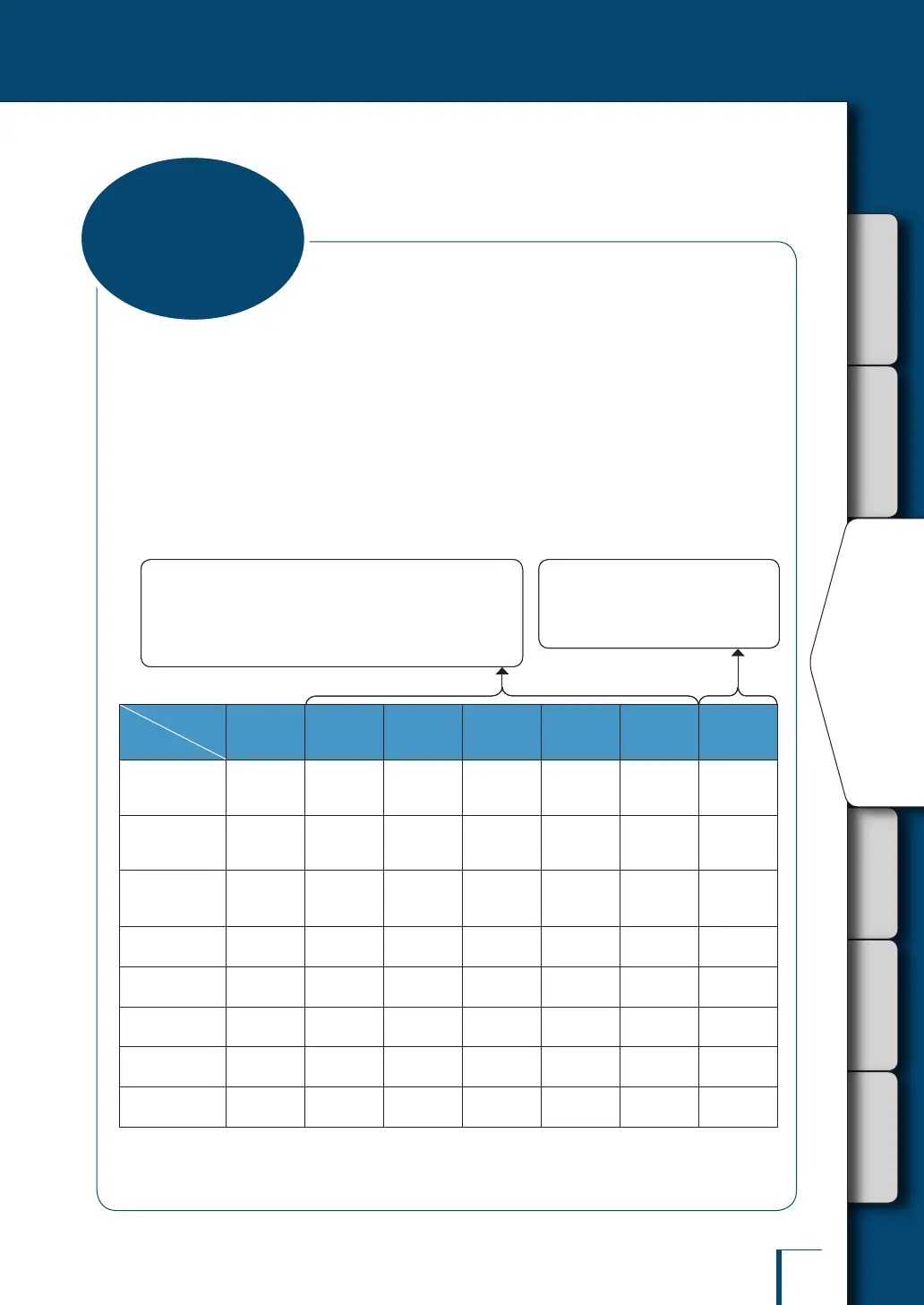
WindowsDirect
Communication
Standard
Settings 1
Standard
Settings 2
Standard
Settings 3
Standard
Settings 4
Standard
Settings 5
User-
Specied
Settings
Display with
user-specied
settings
WIN|
etc.
MODE.1 MODE.2 MODE.3 MODE.4 MODE.5 MODE.U
Relevant
manufacturer
Shimadzu
Shimadzu
(standard)
Shimadzu
(responses
given*)
Mettler Sartorius A&D
-
Baud rate
(communication
speed)
300 1200 1200 2400 1200 2400
Any required
setting
Parity
(bit length)
None (8) None (8) None (8) Even (7) Odd (7) Even (7)
Any required
setting
Stop bit
1 1 1 2 2 2
Any required
setting
Handshake
Hardware Hardware Hardware OFF Hardware OFF
Any required
setting
Data format
WindowsDirect
communication
Shimadzu
standard
Shimadzu
standard
Mettler
standard
Sartorius
standard
A&D
standard
Any required
setting
Delimiter
WindowsDirect
communication
C/R C/R C/R+L/F C/R+L/F C/R+L/F
Any required
setting
* The balance can return responses to commands from a PC.
When a command is received normally, OK (C/R) is returned and when a command is received abnormally, NG (C/R) is
returned.
Selecting one of the settings from "MODE1" to "MODE5"
allows you to set all of the following items at once: baud
rate (communication speed), parity (bit length), stop bit,
handshake, data format, delimiter.
^ "Standard Settings (MODE)", page 126
The user can set each item
according to requirements.
^ "User-Specied Settings",
page 126
Selecting one of the settings from "MODE1" to "MODE5"
allows you to set all of the following items at once: baud
rate (communication speed), parity (bit length), stop bit,
handshake, data format, delimiter.
^ "Standard Settings (MODE)", page 126
The user can set each item
according to requirements.
^ "User-Specied Settings",
page 126
Communication
Settings



 To Next Page