92
8
APPLICATION FUNCTION MODE
In this mode the weight of the sample is converted to a percentage of the reference weight.
The following two setting methods are available for percentage weighing.
100% Reference
The reference weight is set as 100%.
Specic Percentage
Reference
The reference weight is set as a percentage value of your choice.
Preparation for Percentage Weighing
1
Press in the weighing mode.
This opens the main menu.
2
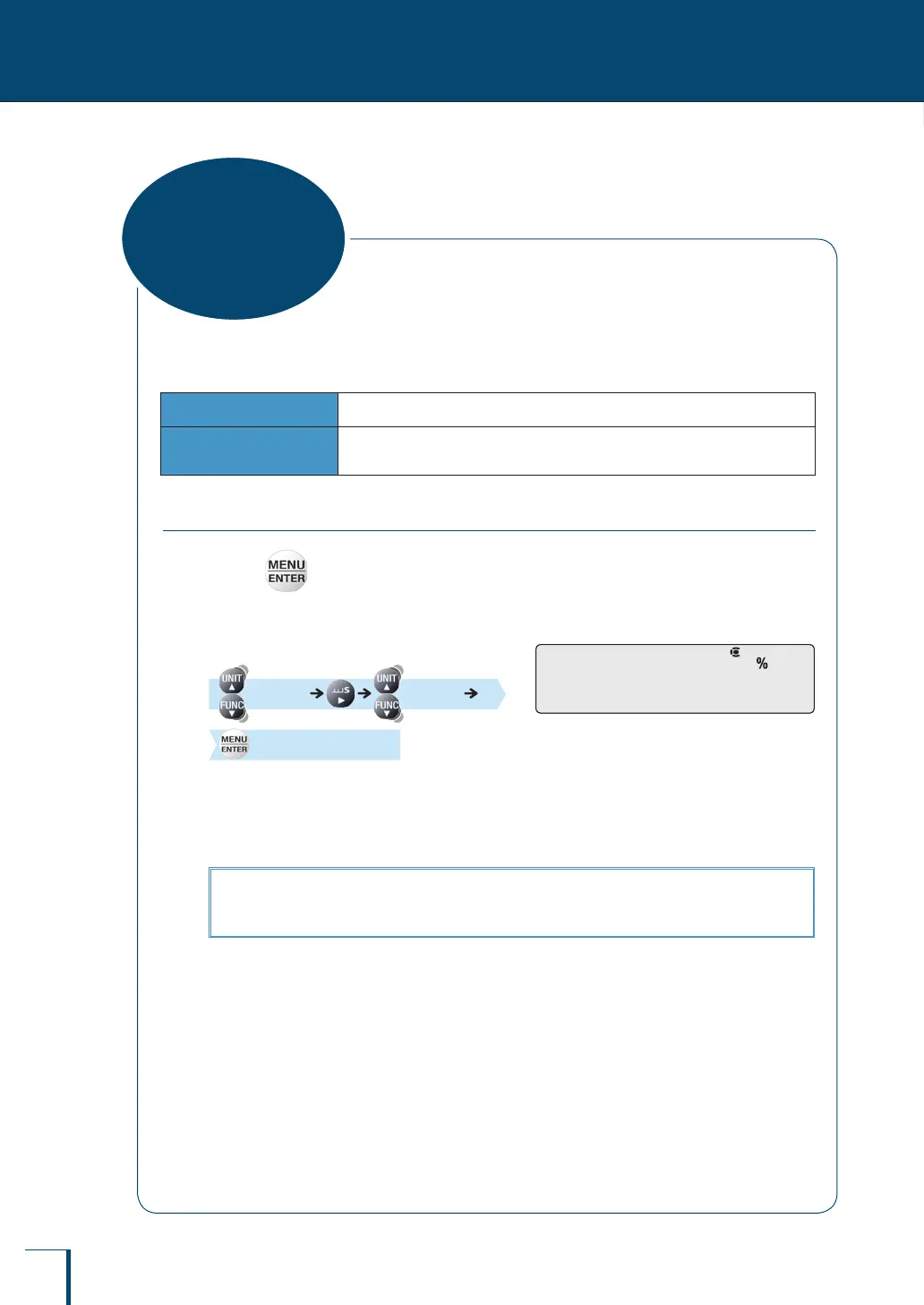
Select percentage weighing.
[APL.FUNC] [PERCENT]
[SET]
The setting beyond this point differs depending
on the percentage value you are assigning to the
reference weight.
If the reference weight is being set as 100%, see "When setting the reference as 100%…" (^ page 93).
If the reference weight is being set as a specic percentage, see "When setting the reference as a
percentage of your choice…" (^ page 94).
P!E!R!C!E!N!TP!E!R!C!E!N!T
Percentage
Weighing



 To Next Page