144
GLP Output Function
13
FOR YOUR INFORMATION
Setting a Balance ID
When managing multiple balances, by setting a four-digit management number (ID) and turning
the GLP output function ON, you can add the balance ID to calibration records (^ page 67)
and weight reading outputs.
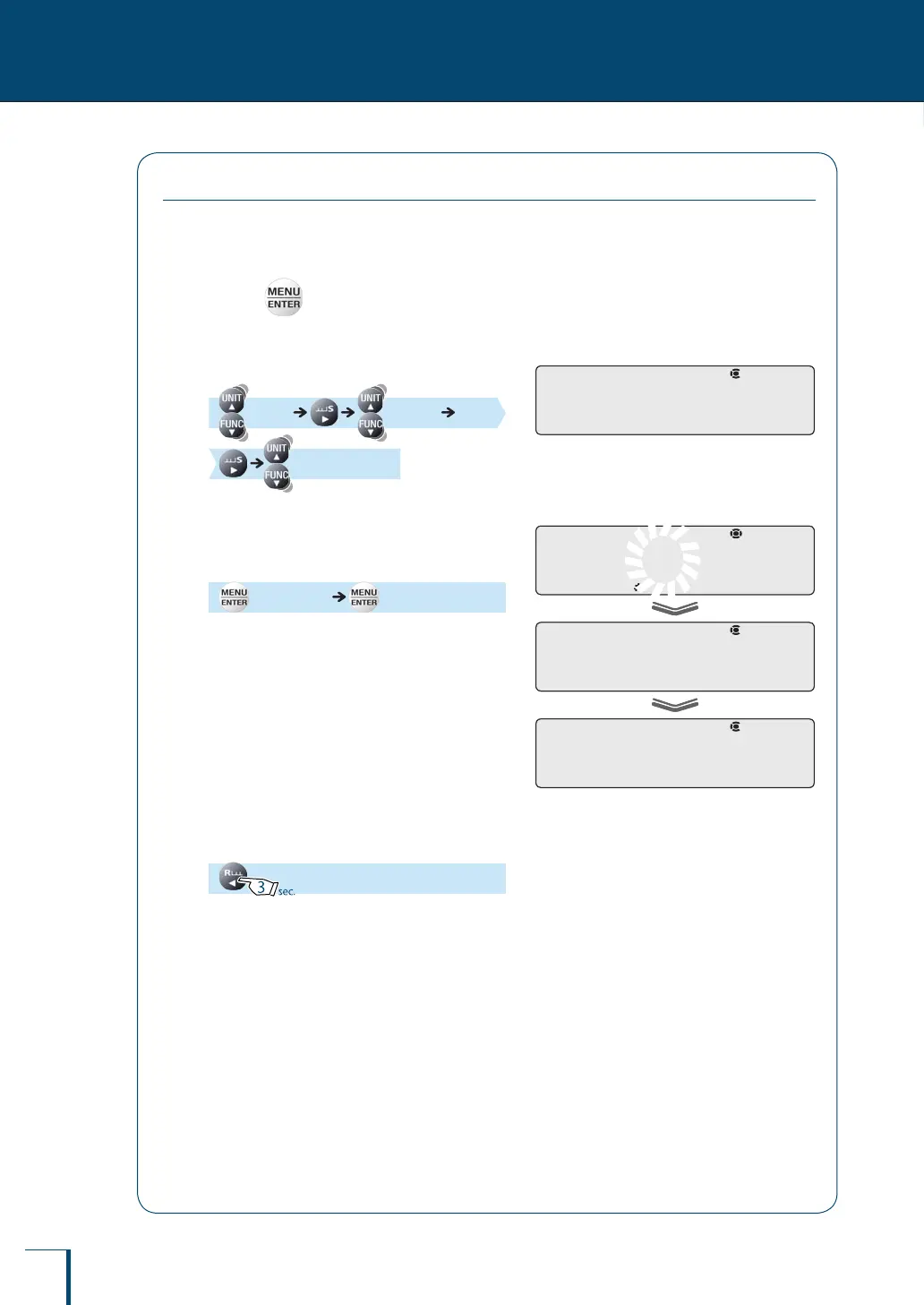
1
Press in the weighing mode.
This opens the main menu.
2
Select setting of a balance ID.
[TOOLS] [SYSTEM]
[BAL.ID]
3
Enter the required numerals (max.
4 digits).
(Enter the ID.) [SET]
^
"Entering Numerical Values", page 49
The default ID is "0000".
4
Return to the weighing mode.
! !B!A!L.I!D ! !B!A!L.I!D
! ! !0!0!0!0
! !S!E!T! !
! !B!A!L.I!D
/
/
/
/
/
/
/
/
/
/
/
/
/
/
! ! !0!0!0!0
! !S!E!T! !
! !B!A!L.I!D
/
/
/
/
/
/
/
/
/
/
/
/
/
/



 To Next Page