60
4
CALIBRATION
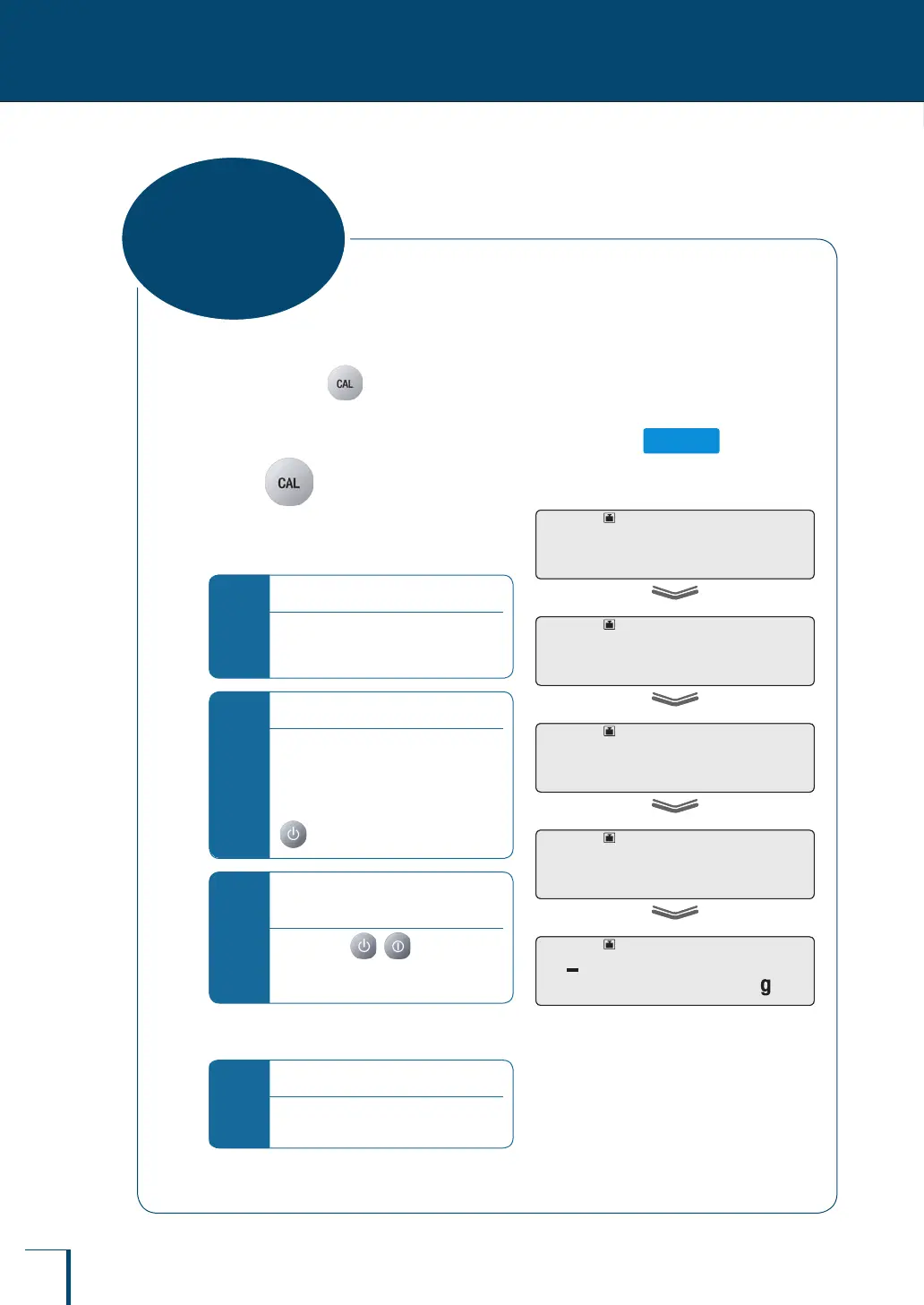
This means checking for drift in the sensitivity of the balance by using the internal weight (TW only) or
the external weight.
Set "calibration check" for in advance by following the procedure in "Before Starting Calibration
…" (^ page 54). (As the default setting, "span calibration" is set.)
Calibration check using the internal weight (TW series only)
1
Press
A calibration check using the internal weight
will start automatically, and the sensitivity drift
will be displayed.
*
If "WAIT" is displayed…
The calibration record is being output.
When output has nished, span
calibration will start automatically.
*
If "BUSY" is displayed…
There is something placed on the
pan. When this item is taken off the
pan, the calibration check will start
automatically.
To cancel the calibration check, press
*
If there is no need to change the
sensitivity drift…
On pressing ( with the TXB
series) "ABORT" is displayed and
calibration check ends.
^
"What is sensitivity drift?", page 63
*
If "ERR H" is displayed…
See "Responding to Messages" (^
page 137).
!T!E!S!T!3
!T!E!S!T!2
!T!E!S!T!1
!T!E!S!T!0
E!-! !0.0!0!5
!T!E!S!T!3
!T!E!S!T!2
!T!E!S!T!1
!T!E!S!T!0
E!-! !0.0!0!5
Calibration Check



 To Next Page