86
8
APPLICATION FUNCTION MODE
Application Function Mode
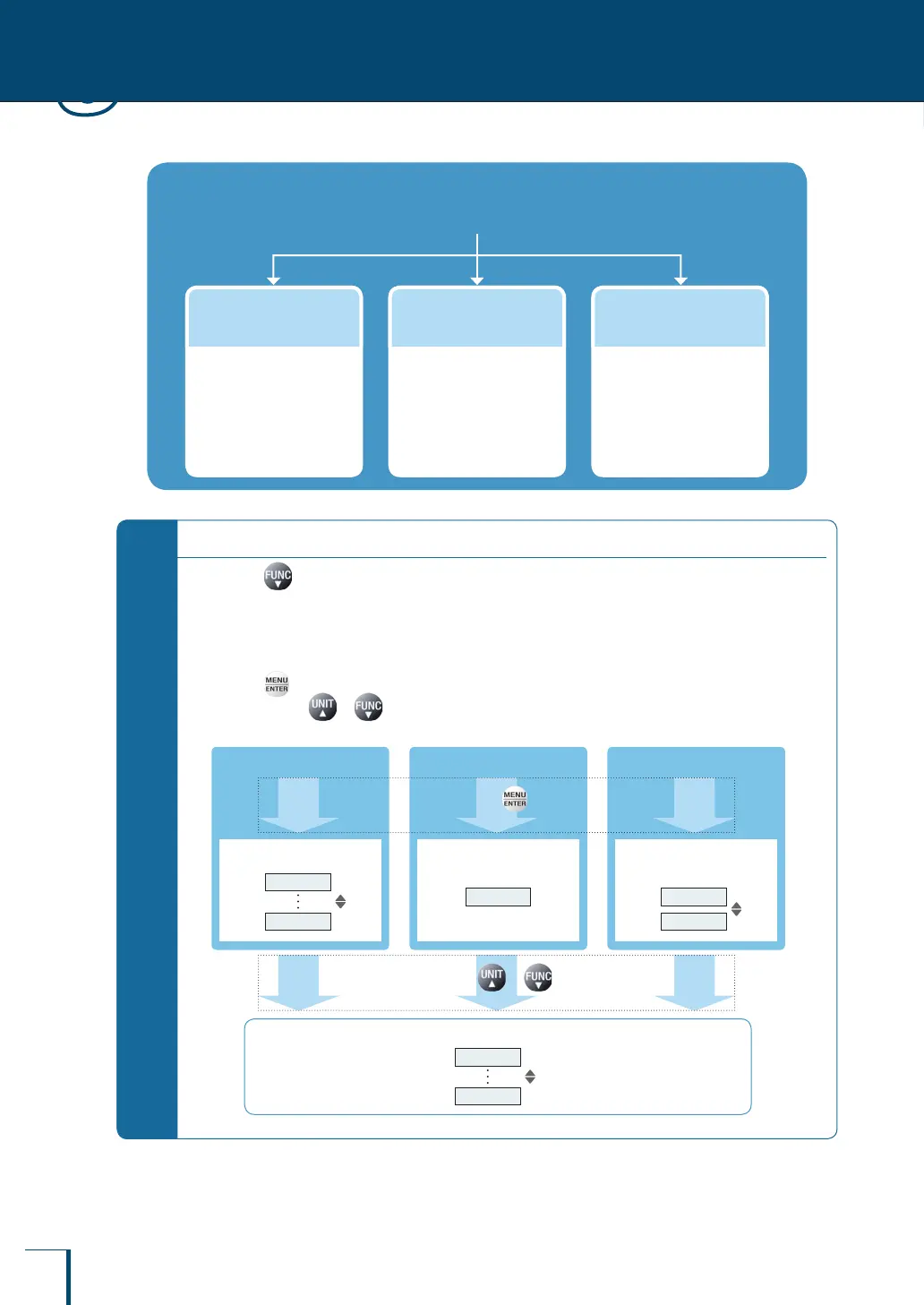
You can choose one of the three modes indicated below to suit the application.
Percentage
weighing
You can measure weights
as a percentage of a
reference weight.
(^ page 92)
Formulation
This mode is convenient
when mixing a number of
different samples together
according to a formula.
(^ page 96)
Piece counting
You can set the unit weight
of the sample (item to be
weighed) and then "count"
the number of pieces
present.
(^ page 87)
*
When the application function mode is set…
Pressing alternately selects the weighing mode (gram or other unit indication) and the application
function mode in use.
It can be used in combination with the comparator function (^ page 102).
If the power is turned OFF and back ON the balance will start up in the weighing mode but the application
function mode settings will be retained.
Pressing displays the menu for setting the various application function modes.
If you then press or , the top hierarchical level of the main menu appears.
The ow of the operation for displaying the menu is shown below.
Piece counting Percentage weighing Formulation
Unit weight setting menu
5
100
Percentage reference
value setting menu
100 REF
etc.
Component number and
gross weight setting menu
ELM.NUM
TOTAL
Displays the main menu.
Press
Press or
STAND
TOOLS



 To Next Page