BEFORE
WEIGHING
MAINTENANCE
TROUBLESHOOTING
FOR YOUR
INFORMATION
USING THE
BALANCE
USING MORE CONVENIENTLY
99
Continued on next page
Outputting Component Numbers
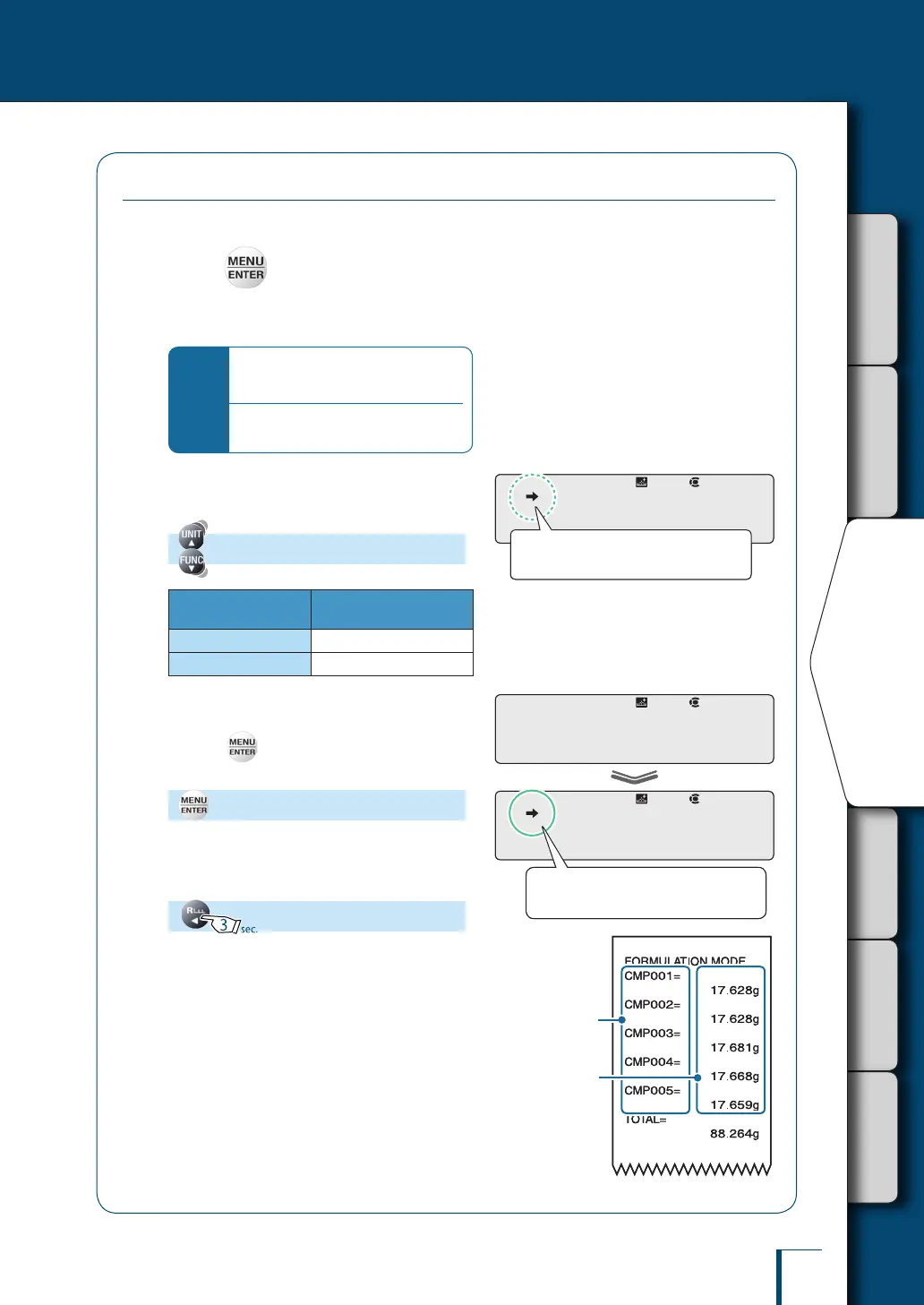
The numbers for each component are automatically assigned to the output results.
1
Press in ready to weigh status
while in the formulation mode.
This opens the main menu.
*
If the ready to weigh status is not
established…
Perform steps
1
and
2
of formulation
(^ page 96)
.
2
Select component number output
setting.
[ELM.NUM]
Stability Mark
Outputting Component
Numbers
Lit
ON
Unlit
OFF
3
Change the output setting.
Pressing alternately sets ON and OFF for
the output setting.
[SET]
4
Return to ready to weigh status.
!E!L!M.N!U!M
Check the presence or absence of the
stability mark.
!E!L!M.N!U!M
Check the presence or absence of the
stability mark.
! !S!E!T!
!E!L!M.N!U!M
When ON is set the stability mark is
lit.
! !S!E!T!
!E!L!M.N!U!M
When ON is set the stability mark is
lit.
Component
number
Weight reading for
each component
(output regardless
of the ON/OFF
status of component
number output)
Component
number
Weight reading for
each component
(output regardless
of the ON/OFF
status of component
number output)



 To Next Page