118
Connecting to a PC (RS-232C)
10
CONNECTION AND COMMUNICATION WITH PERIPHERAL DEVICES
Data Format
The details of the data format when standard setting 1 (MODE.1) or data format 2 (DF.2) in the user
settings has been selected in the communication settings (^ page 125) are given below.
Standard format
The data format when outputting negative values (for example: -123.456 g) is as shown below.
The delimiter is a carriage return.
The data length varies depending on the accompanying information, the number of characters
used to indicate units, the delimiter and so on.
Data length for this example: 12 bytes
1 2 3 4
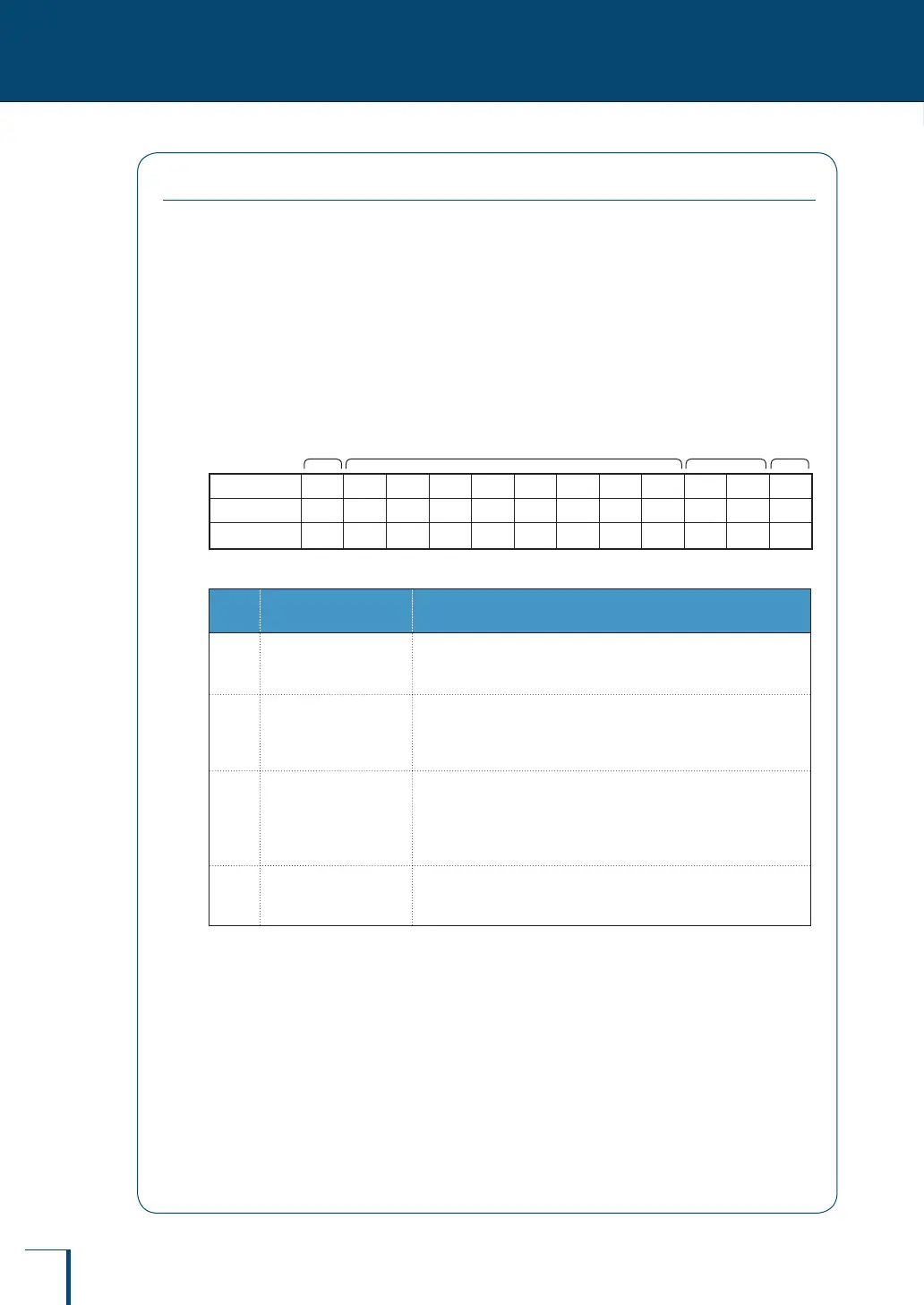
Position 1 2 3 4 5 6 7 8 9 10 11 12
ASCII code
2DH 20H 31H 32H 33H 2EH 34H 35H 36H 67H 20H 0DH
Data - 1 2 3 . 4 5 6
g C/R
No. Position Explanation
1
Position 1
(sign)
If the value is positive " " (a space) is entered and if the value is
negative "-" (a minus symbol) is entered.
2
Positions 2 to 9
(absolute values)
If not all of the eight locations are used for a numerical value, a code
representing a space is entered at the blank positions, as shown in
the example.
3
Positions 10 and 11
(units)
If the unit designation comprises one character, a code representing
a space is entered at position 11.
If the unit designation comprises three characters, a total of 13
characters is sent.
4
Position 12
(delimiter)
This is a code that represents the delimiter.



 To Next Page