48
3
MENU SETTINGS
1
Open the target menu from the weighing mode.
The method used to open a menu option differs depending on the group.
For details on the methods used for menu opening from each group, see "The Structure of the
Menu" (^ page 46).
2
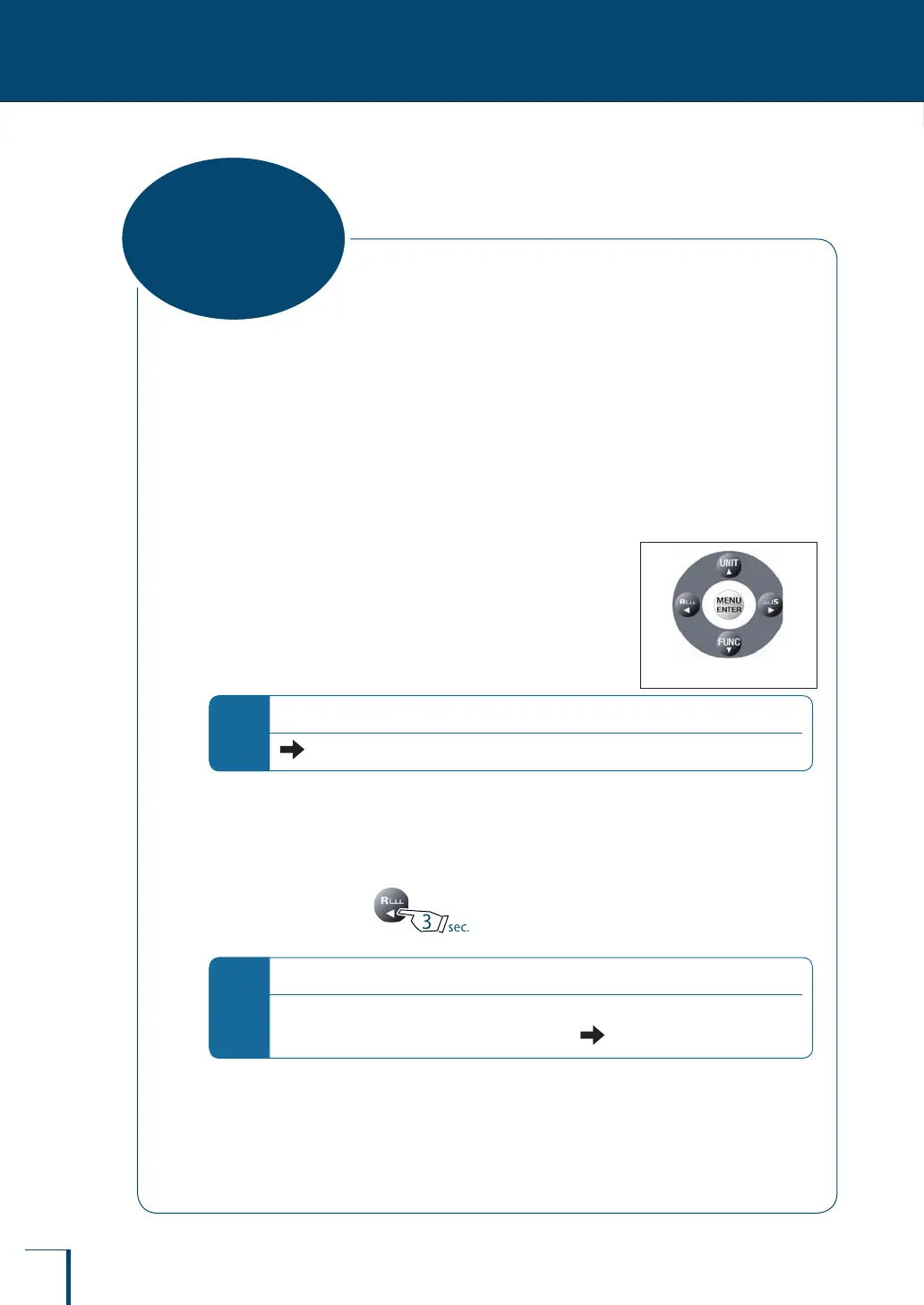
Set menu options by pressing the menu operation keys.
The menu operation keys are used to set functions and to enter
numerical values.
For details on how to operate the menu operation keys, see
"What Is the Menu?" (^ page 46).
For details on the operating procedure for entering numerical
values, see "Entering Numerical Values" (^ page 49).
*
For a menu option that is already set…
(the stability mark) appears in the menu display.
3
Conrm and return to the weighing mode.
The operation after conrming the menu selection differs depending on the menu, and you will
either be returned to the weighing mode automatically or will need to do it manually.
To return manually, press for approximately 3 seconds.
*
If you open the menu again…
The recently set menu option will be displayed rst.
Note also that, when the set menu option is displayed, (the stability mark) also appears.
Menu operation keysMenu operation keys
Basic Menu
Operations



 To Next Page