BEFORE
WEIGHING
MAINTENANCE
TROUBLESHOOTING
FOR YOUR
INFORMATION
USING THE
BALANCE
USING MORE CONVENIENTLY
57
Continued on next page
Caution
Instructions
If calibration doesn't end
normally and the balance
stops, do not move it nor
leave it as it is.
Moving the balance in such a
condition may cause failure
because the internal weight is not
held correctly.
Before moving the balance, be
sure to turn the power on and start
it up correctly (so that the internal
weight is correctly held).
Span calibration using the external weight
1
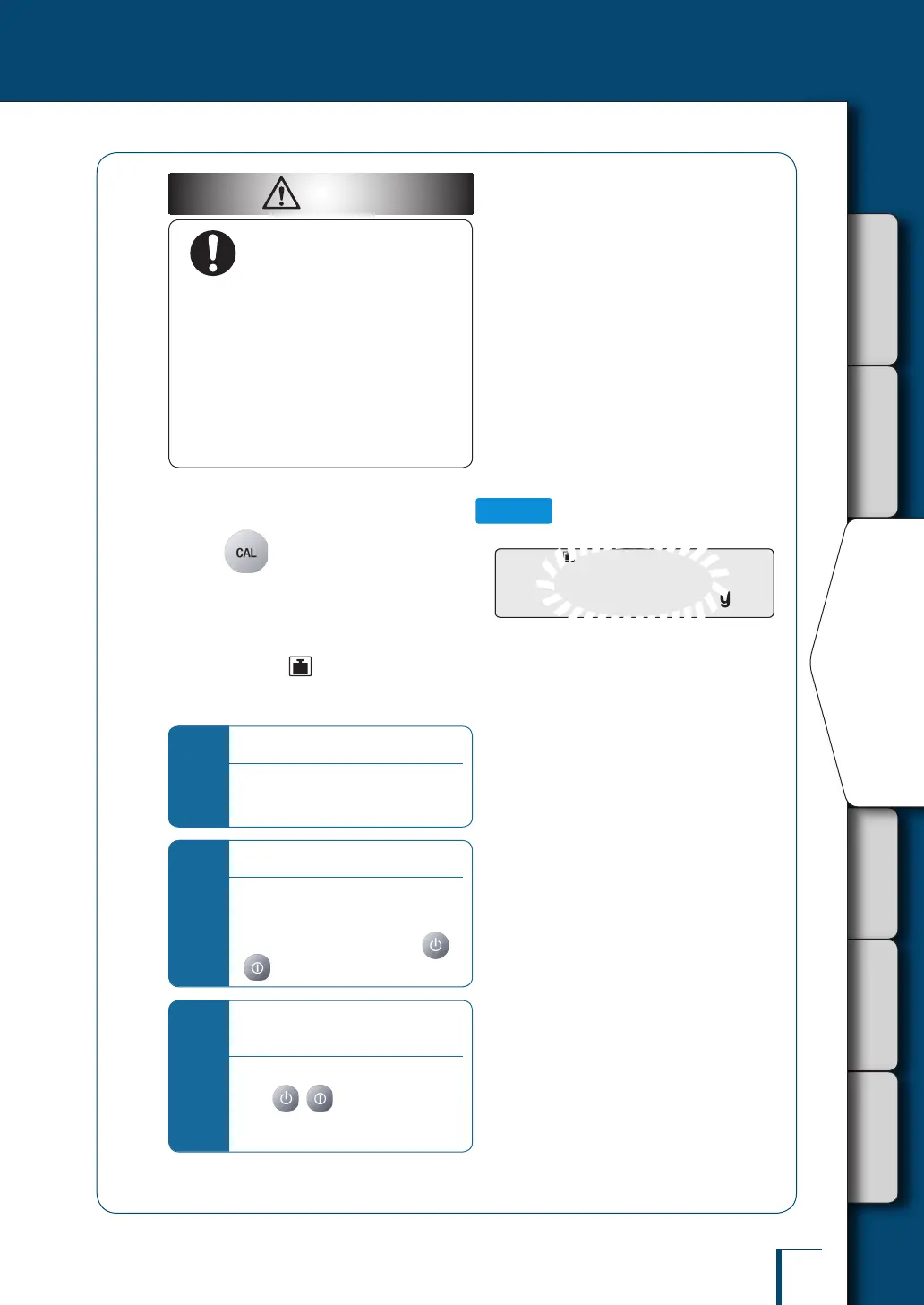
Press in the weighing mode.
When the GLP output function (^ page
142) has been set to ON, initially the indication
"WAIT" is displayed, then the balance model
name and other information is output.
After a little while (the weight symbol)
lights up and the weight value of the weight to
be placed on the pan ashes.
*
If "WAIT" is displayed…
The calibration record is being output.
When output has nished, span
calibration will start automatically.
*
If "BUSY" is displayed…
There is something placed on the pan.
Take the item off the pan and follow the
procedure below.
To cancel scan calibration, press
( with the TXB series).
*
If no operation is performed within
60 seconds…
"ERR C" (calibration error) is displayed.
Press ( with the TXB series)
and repeat the operation from the
beginning.
!3!0!0.0!0!0
/
/
/
/
/
/
/
/
/
/
/
/
/
/
/
/
/
/
/
/
/
/
/
/
/
/
/
/
/
/
/
!3!0!0.0!0!0
/
/
/
/
/
/
/
/
/
/
/
/
/
/
/
/
/
/
/
/
/
/
/
/
/
/
/
/
/
/
/



 To Next Page