112
WindowsDirect Communication Function
10
CONNECTION AND COMMUNICATION WITH PERIPHERAL DEVICES
There are four types of output data format.
Indication Output Data Format
*
If you have selected a format with
[ENTER] appended…
In some Windows applications, ENTER
may cause the current window to close.
If this is the case, select a format with
[Tab] appended.
WIN|
Numerical value + [ENTER]
WIN|.U
Numerical value, unit symbol
+ [ENTER]
WIN-
Numerical value + [Tab]
WIN-.U
Numerical value, unit symbol
+ [Tab]
3
Conrm and return to the weighing
mode.
[SET]
This completes the setting procedure at the
balance.
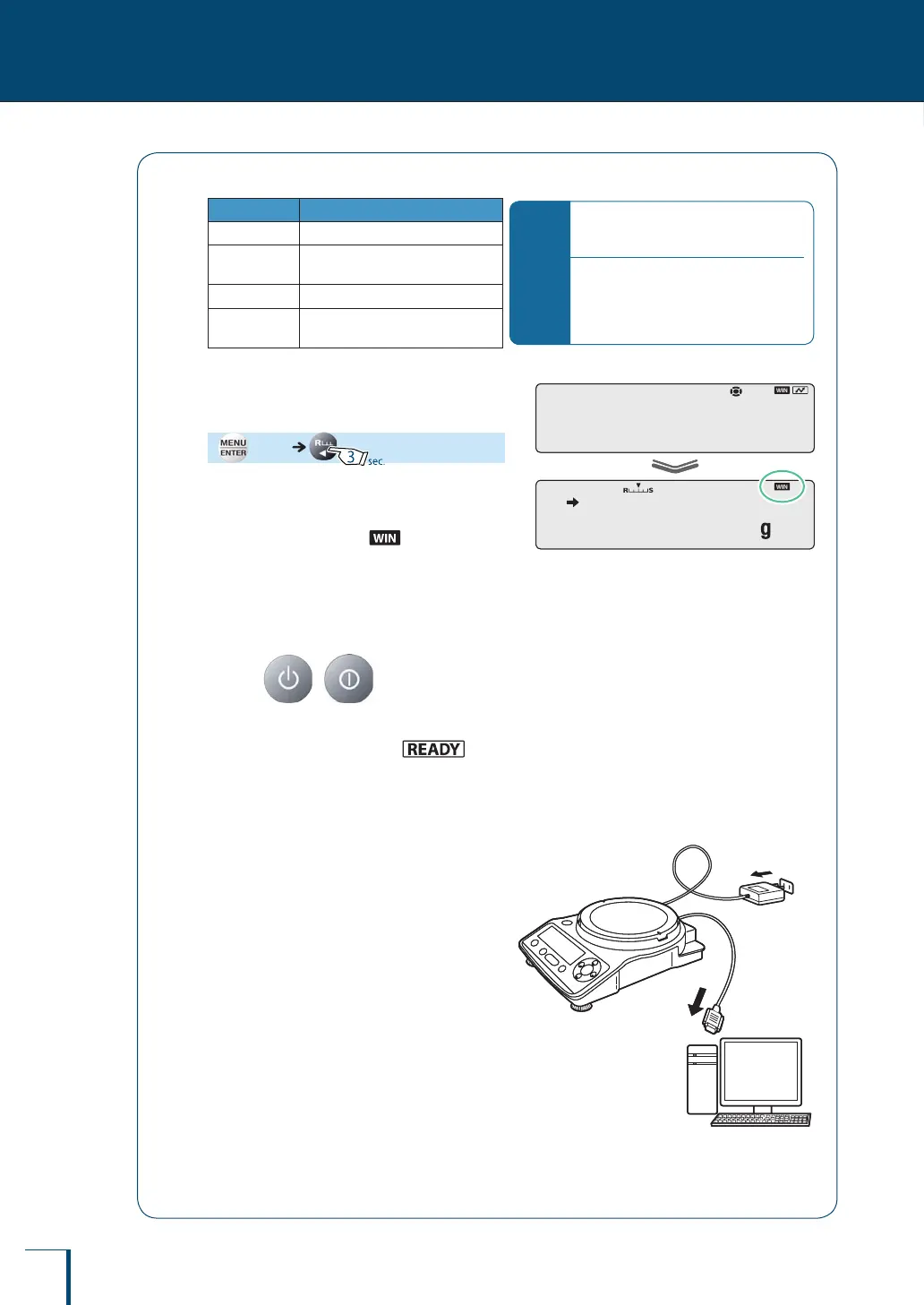
When the function is set, (the Win symbol)
lights up.
Connecting the RS-232C cable
1
Press ( with the TXB
series) in the weighing mode.
With a TW/TX series balance, (the
ready symbol) will light up and the standby
mode will be established.
With a TXB series balance, the power will be shut off.
2
Remove the AC adapter from the
power outlet.
3
Connect the RS-232C cable to the
RS-232C connector on the rear of
the balance.
4
Connect the RS-232C cable to the
PC.
! !S!E!T!
! ! !0.0!0!0
! !S!E!T!
! ! !0.0!0!0



 To Next Page