BEFORE
WEIGHING
MAINTENANCE
TROUBLESHOOTING
FOR YOUR
INFORMATION
USING THE
BALANCE
USING MORE CONVENIENTLY
103
3
Enter the target value and the
tolerance range with respect to the
target value.
^
"Entering Numerical Values", page 49
When entering the target value:
[TG.VAL]
(Enter the target value.) [SET]
When entering the tolerance range with
respect to the target value:
[LM.VAL]
(Enter the tolerance range value.)
[SET]
4
Return to the weighing mode.
5
Place the container on the pan and
press
The balance will be tared.
6
Insert a sample into the container.
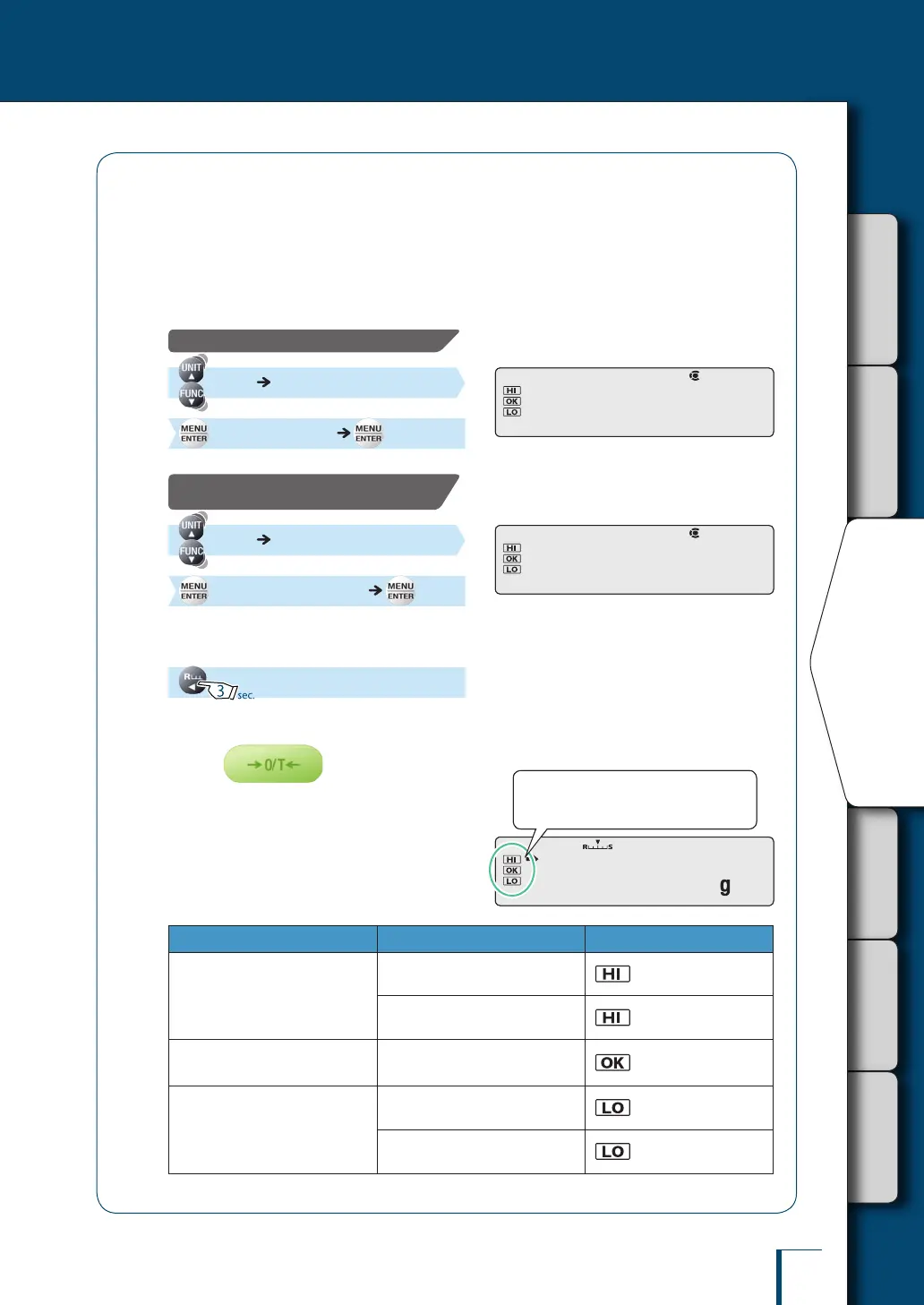
Excess or deciency is determined according to
the the following conditions.
Condition Judgment Comparator Symbol
Over the target value range
Large difference with respect to
the target value
(ashes slowly)
Small difference with respect to
the target value
(ashes quickly)
Within the target value range
(target value ± permissible range)
Acceptable
Under the target value range
Small difference with respect to
the target value
(ashes quickly)
Large difference with respect to
the target value
(ashes slowly)
! !T!G.V!A!L ! !T!G.V!A!L
! !L!M.V!A!L ! !L!M.V!A!L
!1!0!5.0!0!0
The comparator symbols light in
accordance with the excess/deciency
judgment.
!1!0!5.0!0!0
The comparator symbols light in
accordance with the excess/deciency
judgment.



 To Next Page