BEFORE
WEIGHING
MAINTENANCE
TROUBLESHOOTING
FOR YOUR
INFORMATION
USING THE
BALANCE
USING MORE CONVENIENTLY
105
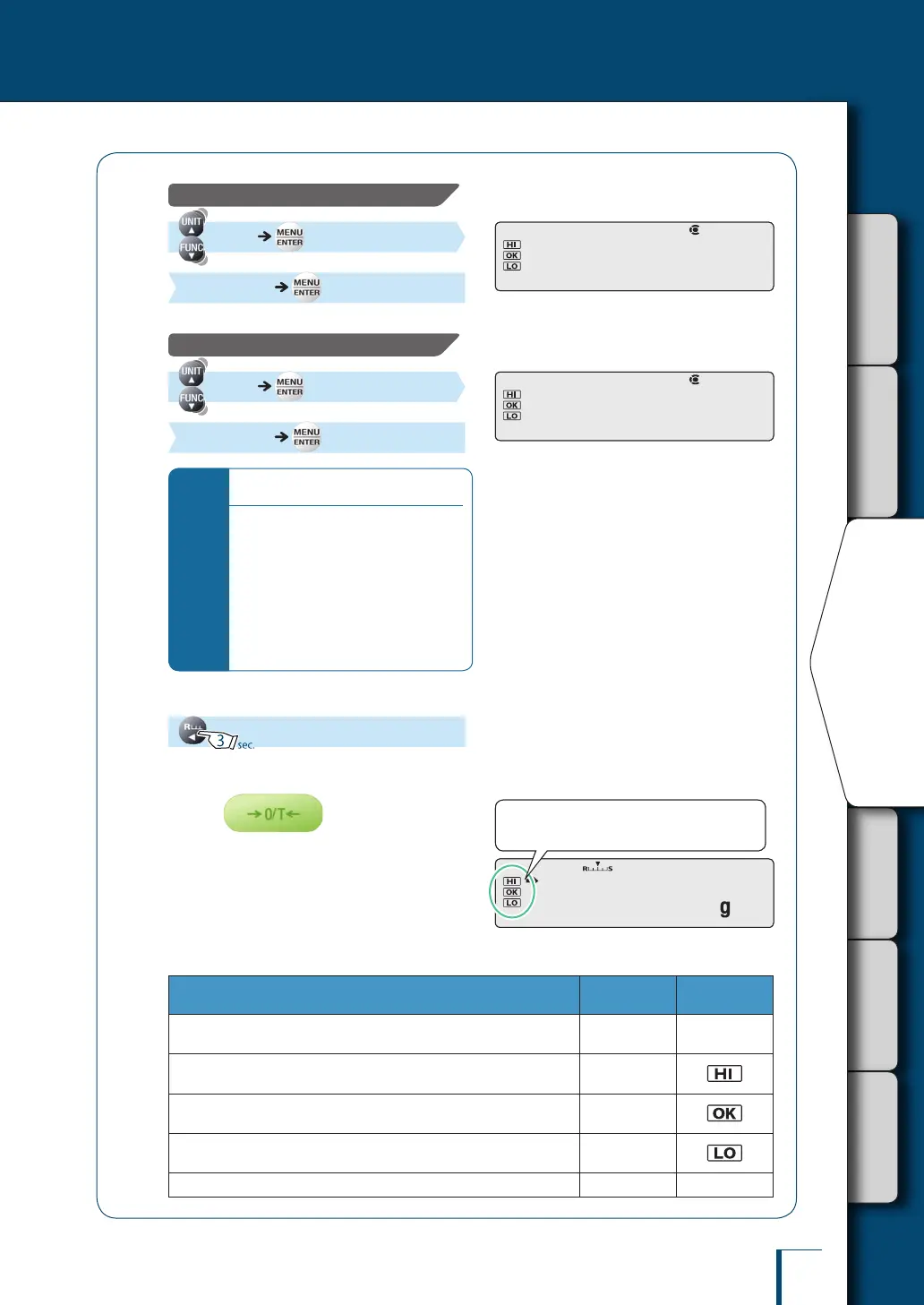
To enter the checkweighing range lower limit value:
[UND.RNG] (Enter the checkweighing range
lower limit value.) [SET]
To enter the checkweighing range upper limit value:
[OVR.RNG] (Enter the checkweighing range
upper limit value.) [SET]
*
Be sure to double check all values.
If the entered values don't go together
logically, for example if a value lower
than the lower limit value is entered as
the upper limit value, the values will
be automatically corrected and other
values will be set.
Particular care is required when
entering new values where settings have
been made before (updating).
4
Return to the weighing mode.
5
Place the container on the pan and
press
The balance will be tared
6
Insert the sample (item to be
measured) into the container.
Pass or fail determination is based on the
following conditions.
Condition Result
Comparator
Symbol
Upper limit value of the checkweighing range
< indication
Out of Range All off
Upper limit value of the pass range
< indication ≤ upper limit value of the checkweighing range
HI
Lower limit value of the pass range
≤ indication ≤ upper limit value of the pass range
PASS
Lower limit value of the checkweighing range
≤ indication < lower limit value of the pass range
LO
indication < lower limit value of the checkweighing range Out of Range All off
!U!N!D.R!N!G !U!N!D.R!N!G
!O!V!R.R!N!G !O!V!R.R!N!G
!1!0!5.0!0!0
The comparator symbols light in accordance
with the pass or fail determination.
!1!0!5.0!0!0
The comparator symbols light in accordance
with the pass or fail determination.



 To Next Page