Operating Manual Audiology Scanners
Document version: 3.3 04-2020 118
Scanning
First switch on the scanner, then start aural Scan.
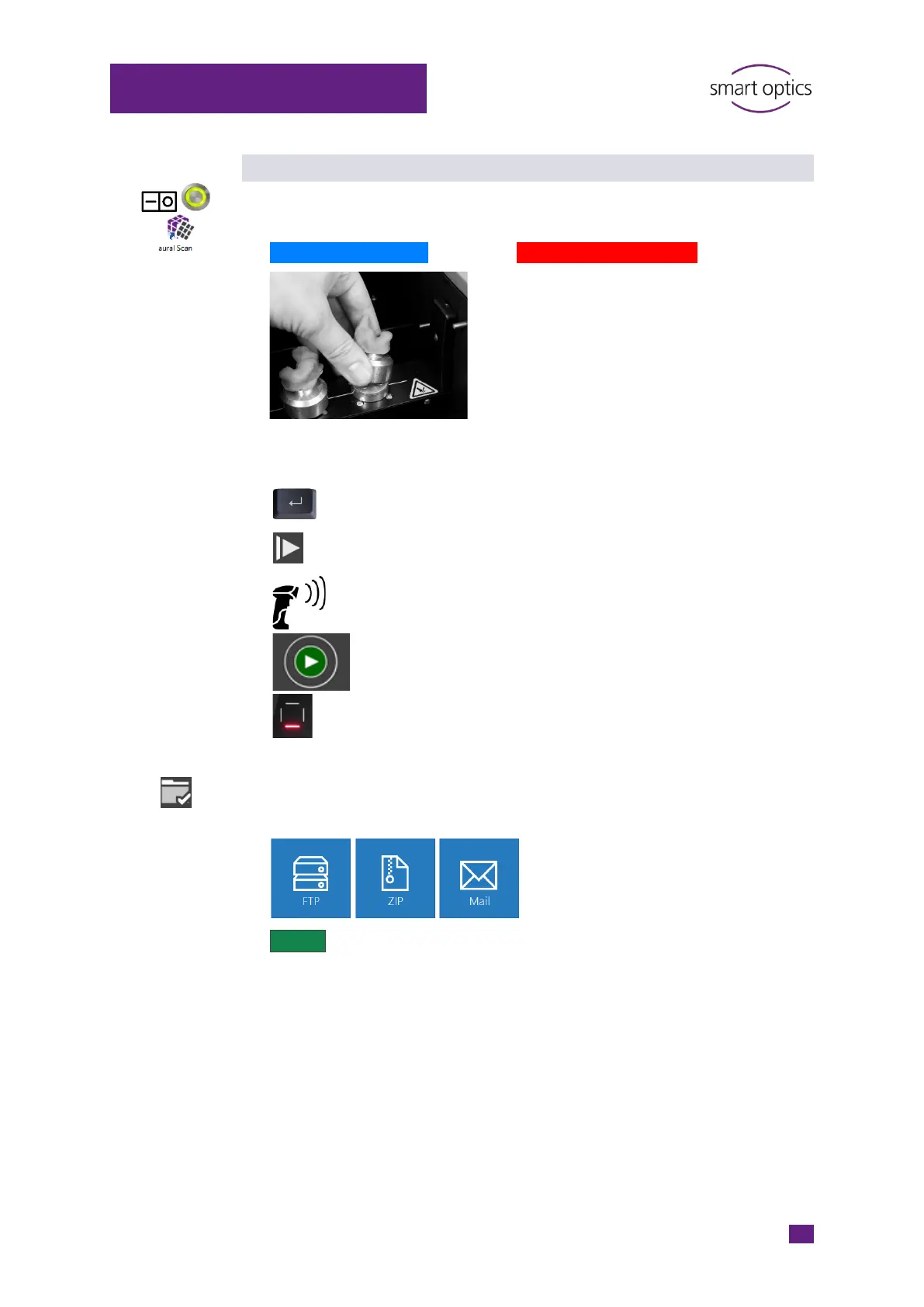
Mount and insert the impressions:
Left ear – left position Right ear – right position
Scanning:
The method is supported by:
Scan, duo Scan, duo Scan Touch, ds Production, free Stage
Scan, duo Scan, duo Scan Touch, ds Production, free Stage
Scan, duo Scan Touch, ds Production, free Stage
Scan Touch
Stage
The scan is generated and rotates once.
Everything OK? Finish the work.
Select the export method:
Finalize and export the project.
The scan files are saved (folder C:\Scans).



 To Next Page