Operating Manual Audiology Scanners
Document version: 3.3 04-2020 119
Check the settings
Answer the following decisive questions:
Yes Everything is ok, no changes needed.
No Change the setting! Click on the keyword for more information!!
Should aural Scan:
Save scan files in the work folder C:\Scans?
Save scan files only in the STL file format?
Position scan files in the XYZ coordinate system?
Necessarily name scan files with the side identification _L and _R?
Name the right and left impression differently?
Automatically match the scan files?
Should aural Scan:
Display texts in the current language ?
Create a log file for the scan project?
Limit scan names to a specific length?
Please contact your Support!
Should aural Scan in the 3D viewer:
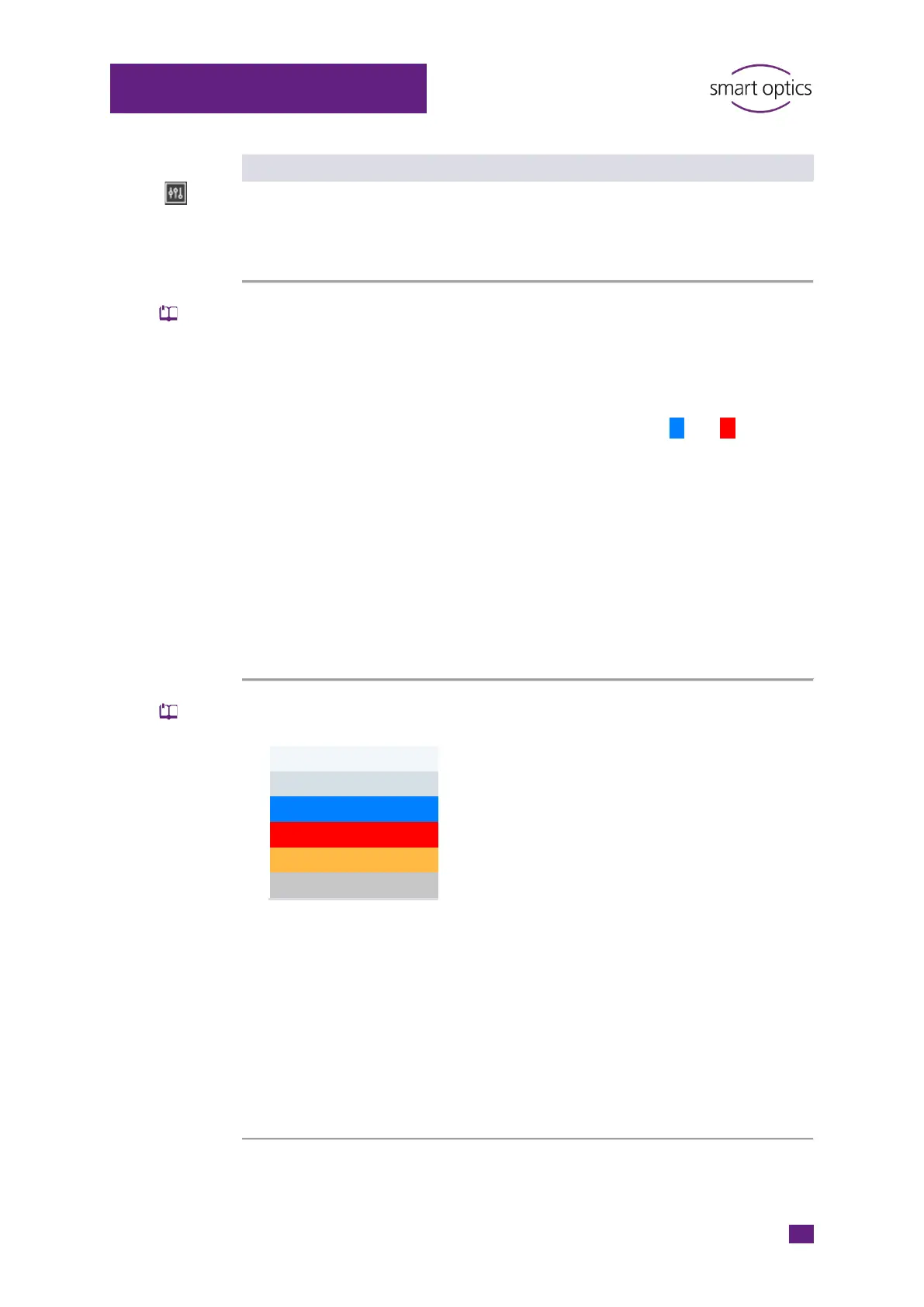
Display the following colors?
Rescan area
Smooth, brighten up scans and display them with light reflexes?
Rotate scans at the end of the process once around themselves and …?
… rotate slowly?
Display scans in normal quality?
Display scans in normal quality while moving them?
Rotate scans with the left mouse button and move them with the right
one?



 To Next Page