Chapter 5 Maintaining the Workstation 5-55
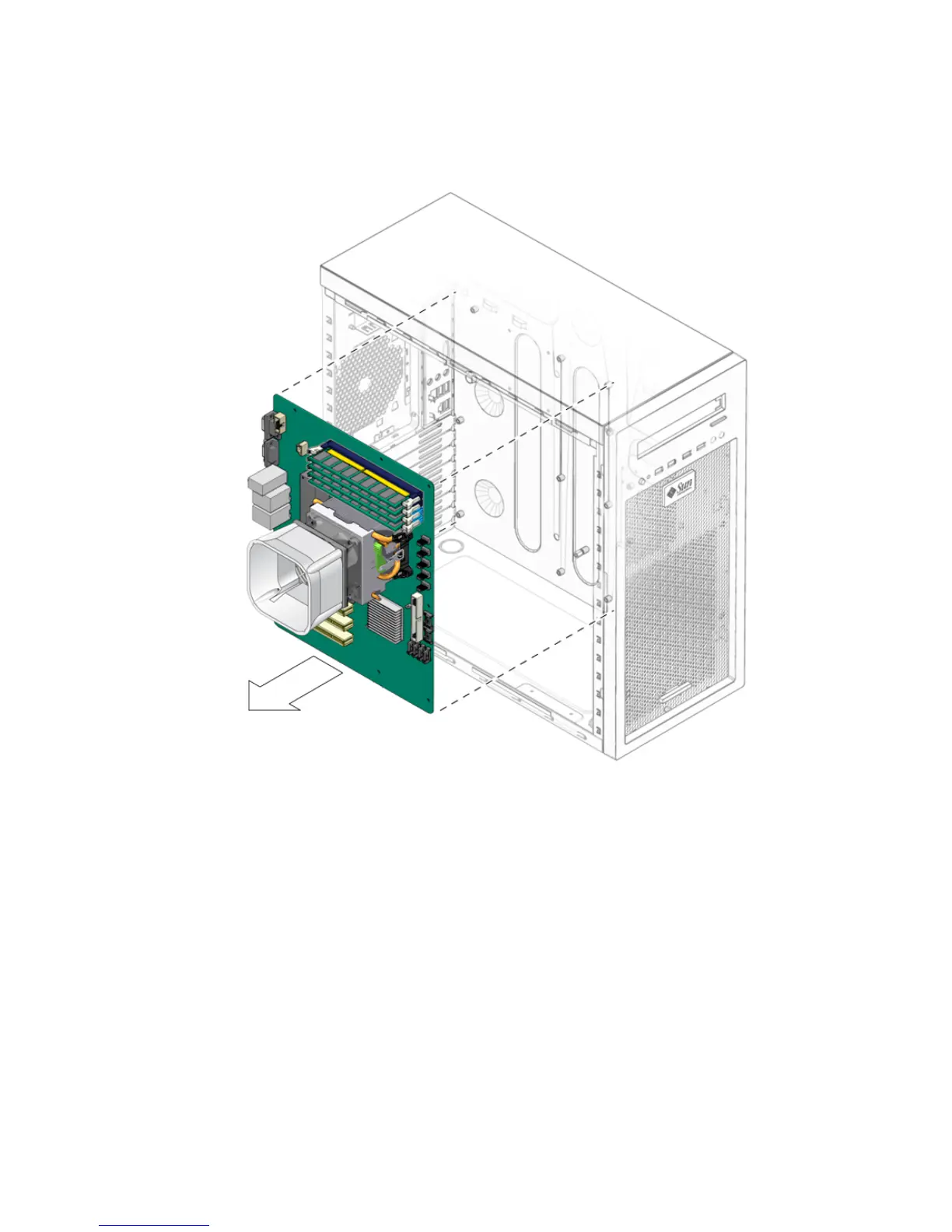
7. Pull the motherboard away from the chassis (see FIGURE 5-38).
FIGURE 5-38 Removing the Motherboard From the Chassis
Refer to the following sections to remove and replace the CPU and memory:
■ Section 5.16, “Replacing the Heatsink and CPU” on page 5-46
■ Section 5.8, “Removing or Installing DIMMs” on page 5-22














 To Next Page