5-26 Sun Ultra 20 M2 Workstation Service Manual • January 2007
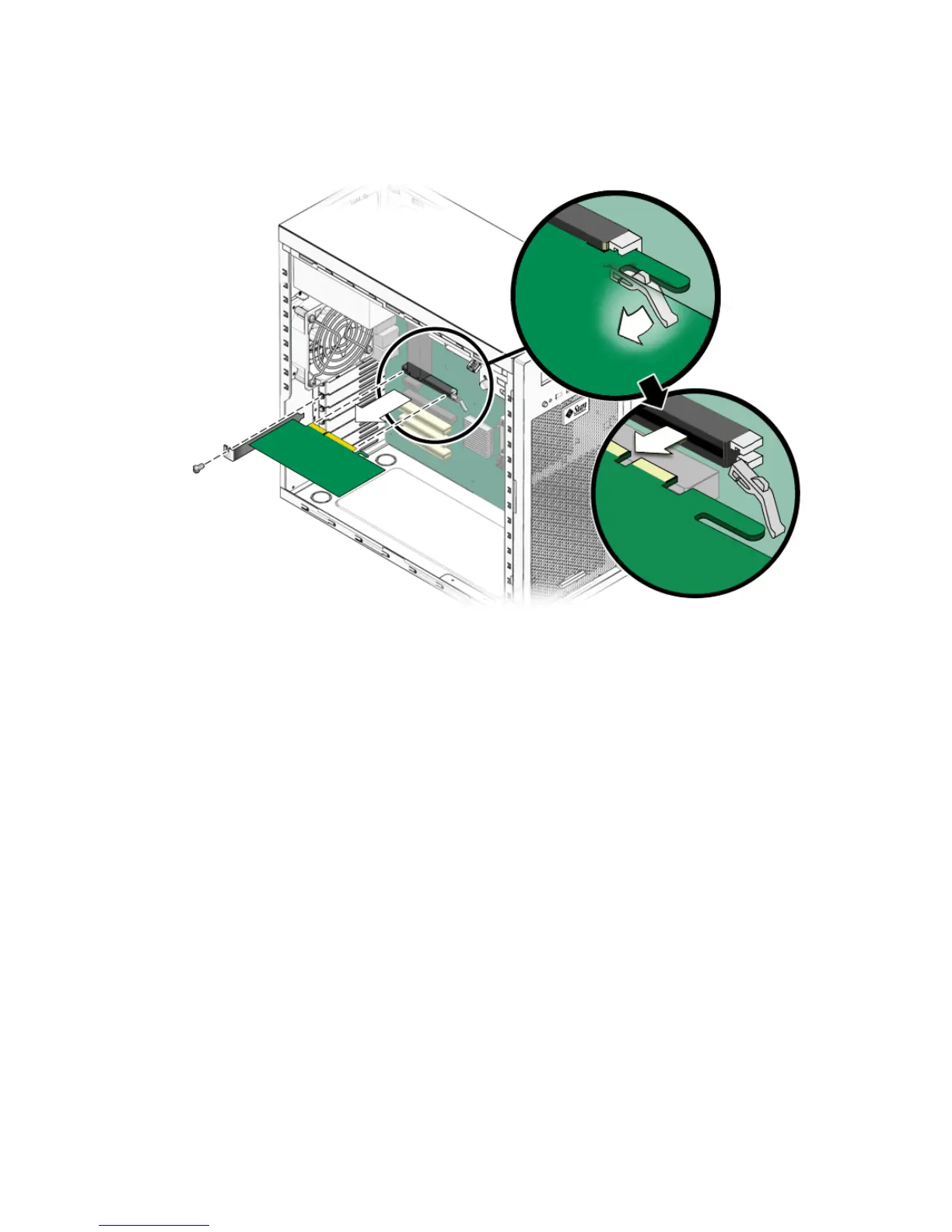
4. Unfasten and open the PCI-E card retainer (see FIGURE 5-17).
FIGURE 5-17 Removing a PCI-E Graphics Card
5. Remove the PCI-E card.
Gently rock the card forward, and then lift it straight out of the card slot and set it
aside on an antistatic surface.
6. Choose your next step.
■ If you are replacing the card, follow the instructions in Section 5.9.2, “Installing a
PCI-E Card” on page 5-27.
■ If you are not replacing the graphics card, replace the slot filler panel, then close
the system by performing the steps in Section 5.3.1, “Postinstallation Instructions”
on page 5-5.














 To Next Page