6-3
12345 786
1
2
3
pocH-100
i
Revised June 2008
TROUBLESHOOTING
INTRODUCTION
6.2. ERROR MESSAGES
Important
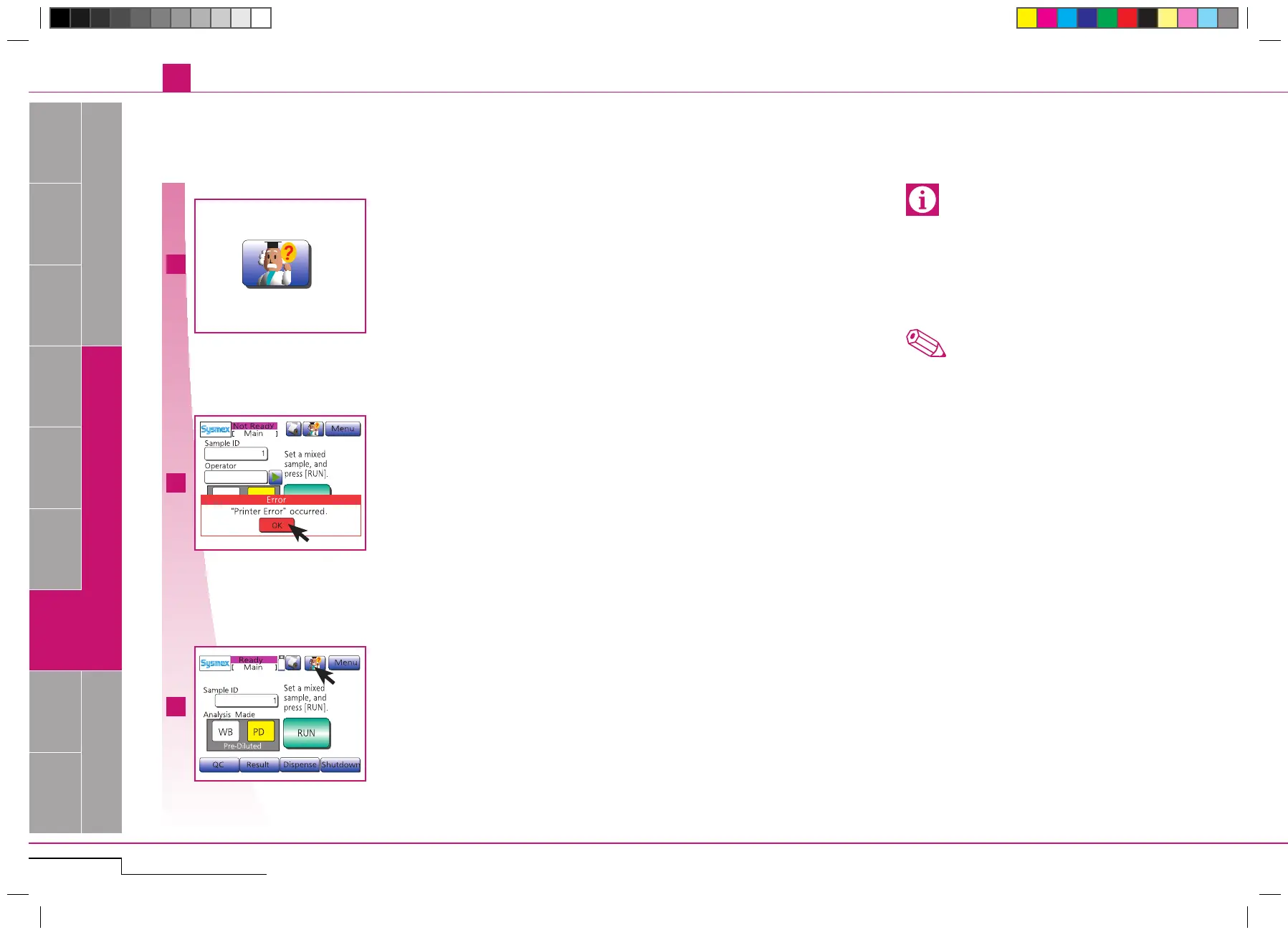
Alarm sounds, button flashes and an error
dialog appears.
Press"OK" to stopalarmandclose error
dialog.
PressHELP-buttonand then"Detail";fol-
low instructions on screen. (
*
1)
Note
*
1
.
Multiple errors are displayed ranked by impor-
tance.Press"Detail" fordisplaying thehelp
screenofthersterror.
• If you are unable to solve the problem, contact your
Sysmex service representative for assistance.
Please note the ERROR CODE to enable your ser-
vice representative to provide quick assistance.
• In case of a power failure during operation, turn
the main power switch OFF.
Error dialog.
Press "OK".
Press HELP-button and then "De-
tail".



 To Next Page