V/D
S
ERIES
R
EGULAR TESTS AND MAINTENANCE
5-14 Revision: 2.1
The current high and low values for the selected input are displayed:
RH: Current autoclave value during the high measurement.
AH: Reference value of the high measurement using external test
equipment.
RL: Current autoclave value during the low measurement.
AL: Reference value of the low measurement using external test
equipment.
• Modify the values according to your reference measurements.
• Use the or button to navigate to the part that you would like to
change (digit of a value or change between the selected values).
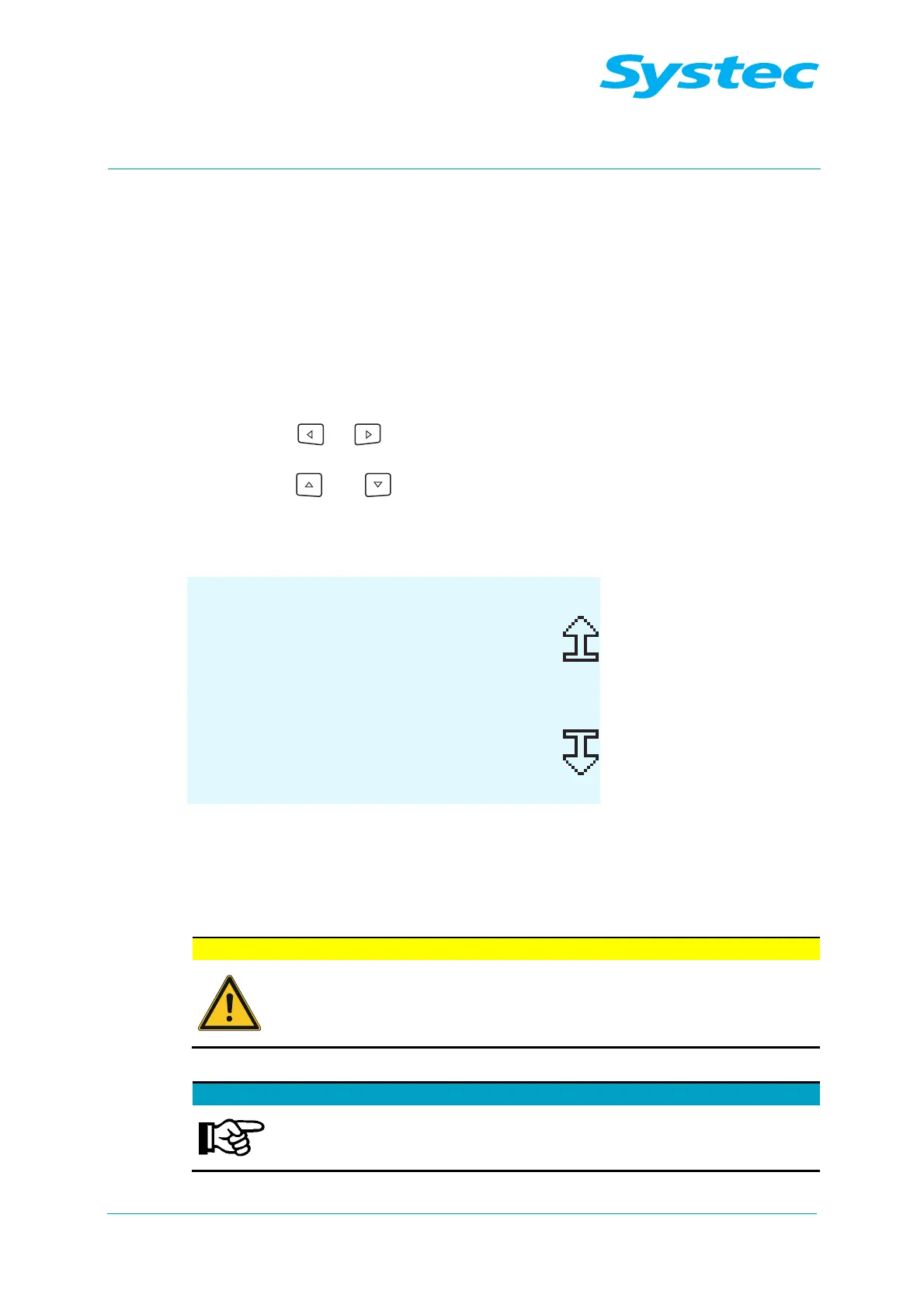
• Use the and buttons to change the value.
• Press the Read button on the display to apply the current measured
value.
CALC. GAIN OFFSET
Chamb Press 124.4
RH:300.0 AH: 300.0
RL:100.0 AL: 100.0
SAVE EXIT
Fig. 7: Calibration: Calculation of the gain and offset values using the high and low
values from a reference measurement produced with external test equipment
• Press the SAVE button to save the changed high and low values. The
DONE confirmation message appears in the display.
SAVE
button recalculates the calibration!
If you press the SAVE button, the calibration is recalculated
according to the values in the display. The display is then
updated. Pressing the SAVE button repeatedly thus leads to
incorrect calibration.
• Press the EXIT button to quit manual entry mode.
Changes can be discarded without saving them!
You can exit the mode for manual entry directly without
previously saving the values using the EXIT button. In this
case, any changes that you have made will be discarded.



 To Next Page