Station Features 119 FlexSet 120S/280S User Guide
Messages: Voice Mail
Messages: Voice Mail
You can use the Voice Mail feature to access your personal voice messaging system. The Coral system operates a
dynamic voice mail system, which guides you through retrieval and handling of your messages, as well as
administration of your voice mail options, using clear and logical voice and on-screen directions. Messages are
displayed in order, with the most recent listed first.
If new voice mails have arrived at your station, a message indicating the number of new voice mails is displayed on the
FlexSet idle screen: < xx New Vmails >, where xx indicates the number of new voice mail messages. This count
is reset to zero once the Voice Mail feature has been accessed, and is not shown again until there are new messages
waiting.
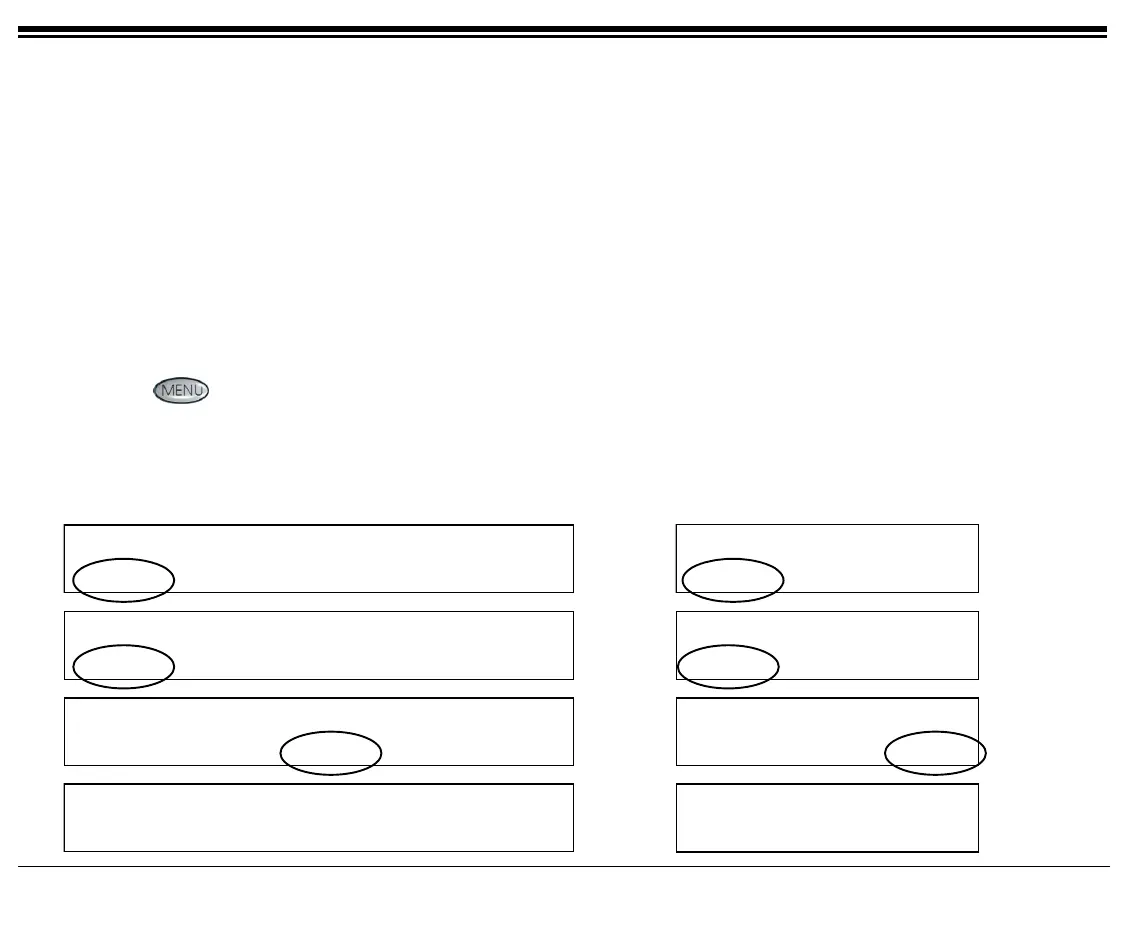
There are four ways to access the Voice Mail options:
• Press
and choose [Vmail].
• When there is a message waiting indication, press [Msg] [Msg.], then select CALL Voice Mail (where
Voice Mail is your local voice mail site name), and choose [Call].
• Press the associated DSS key (see Programming: Feature Keys on page 141 for programming a DSS key).
• Dial the Voice Mail access code.
10:50 26 May 2004 site name
user name station number
Msg CALLog Fwd DND Music
10:50 26 May 2004 site name
user name station
Msg CALLog Fwd
Page 1
Message Options
Msg
.
MsgCan Msg-Wt
Message Options
Msg
.
MsgCan Msg-Wt
Page 2
CALL Voice Mail
Prev Next Call LveMsg Cancel
CALL Voice Mail
Prev Next Call
Page 3
iCMC-Main Menu
< 1 New Msg>
New Old Leave Setup
Exit
iCMC-Main Menu
< 1 New Msg >
New Old Leave
Page 4









 To Next Page