Station Features 134 FlexSet 120S/280S User Guide
Paging: Zone Page
Paging: Zone Page
Use this feature to page a pre-programmed group of FlexSets within a zone, area or dispersed within your company.
The entire group can be paged by dialing the Zone Page access code (default dial numbers: 7300 to 7309).
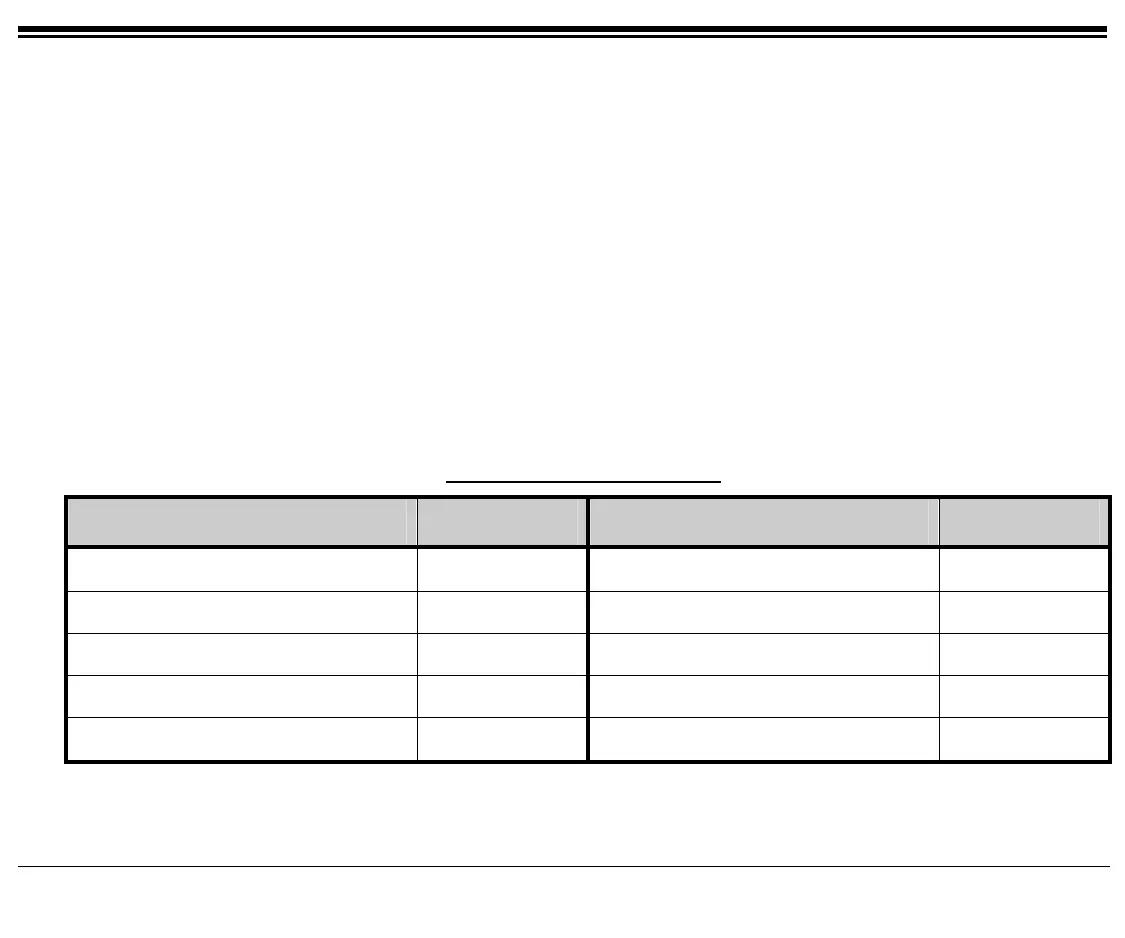
Use the form on this page to write in the various paging zones or areas in your company and their associated access
codes.
Sending a Zone Page:
1. Dial the Zone Page Access Code or press a pre-programmed DSS key with the Access Code number.
(See Programming: Feature Keys on page 141 for instructions on how to program a DSS key.)
2. Announce your message to the group.
3. Disconnect when you finish announcing.
NOTE: See your system administrator to view or define the zone group access codes and their respective members.
Zone Paging - Access Codes
Area/Location Access Code Area/Location Access Code
1.
7300
6.
7305
2.
7301
7.
7306
3.
7302
8.
7307
4.
7303
9.
7308
5.
7304
10.
7309









 To Next Page