FlexSet Overview 13 FlexSet 120S/280S User Guide
Wall Mounting
Wall Mounting
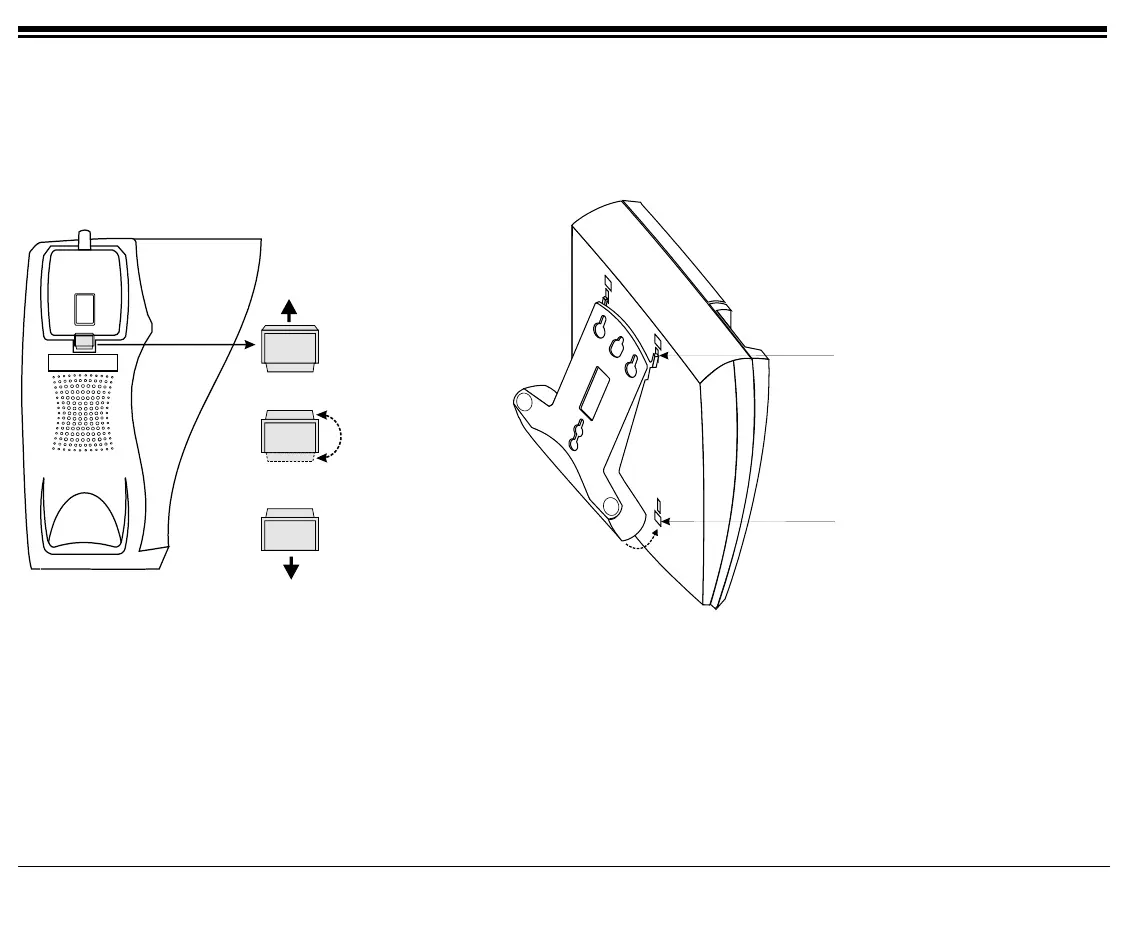
Lift up the tab
from the opening
Rotate the tab
Re-insert the tab
into the opening
Step 1
Step 2
Step 3
Handset Hook Rotation
Step 4
Place the bracket’s legs, located on
the thin edge of the bracket, into the
narrow slots on the back of the
phone.
Step 5
Snap the legs, located on the thick
edge of the bracket, into the lower
slots on the back of the phone.
Bracket Installation









 To Next Page