Station Features 129 FlexSet 120S/280S User Guide
Music Options
Music Options
If your system is equipped with a music source, you may choose to listen to music through your telephone speaker,
when the FlexSet is in idle mode. Music is automatically suspended during calls.
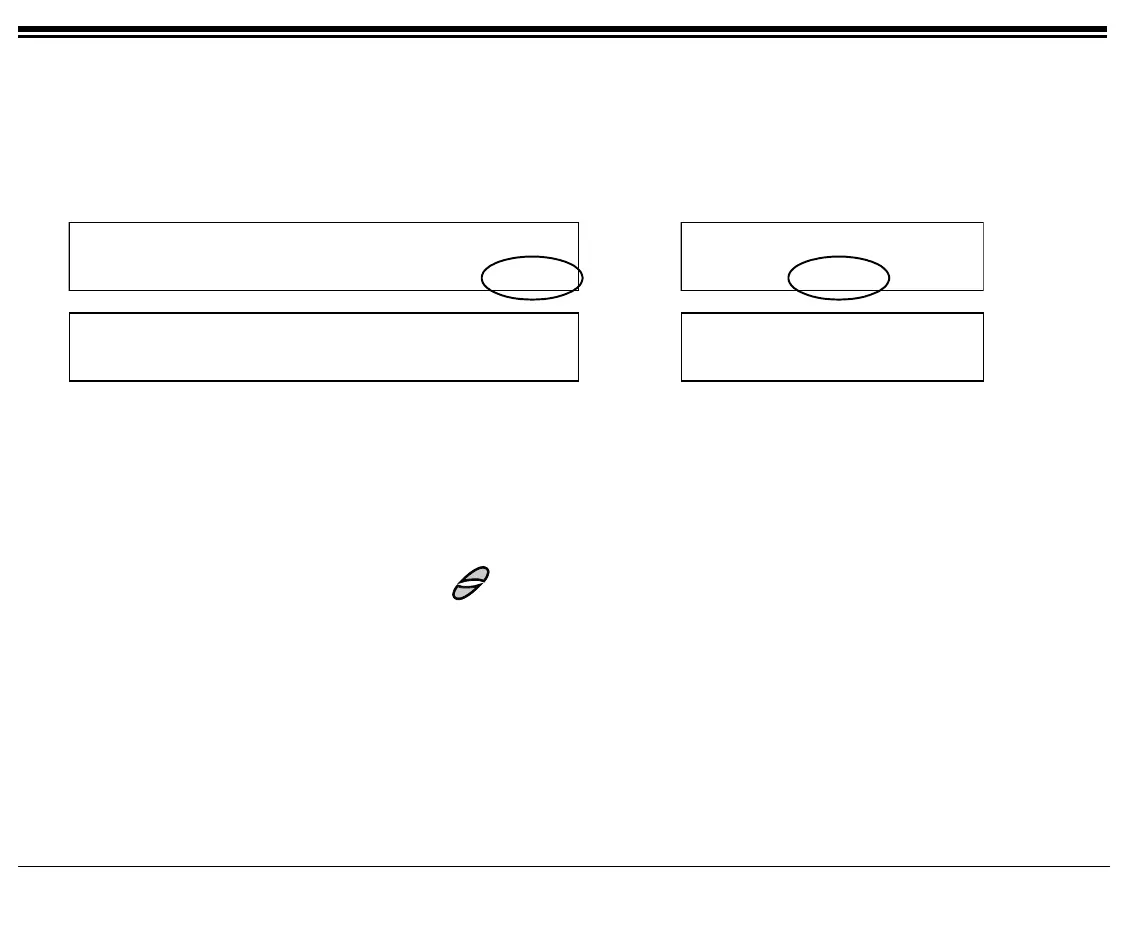
Press [Music] to access the Music options.
10:50 26 May 2004 site name
user name station number
Msg CALLog Fwd DND Music
10:50 26 May 2004 site name
user name station
DND Music Redial
Page 1
Background Music
On/Of
Tuner
Background Music
On/Of
Tuner
Page 2
[On/Off] Music On/Off is used to toggle the music on or off. If this feature is activated, a bullet appears next to
[On/Off], and next to [Music] on the Idle screen.
[Tuner] Music Tuner is used to choose between the available system-defined music sources.
1. Scroll through the available music sources using [Next] and [Prev].
2. Select the desired music source by pressing [Set].
3. Press
SPKR to exit without saving.
Music volume can be adjusted by using the
keys.









 To Next Page