Operating the FlexSet 18 FlexSet 120S/280S User Guide
Using the System Defined Fixed Keys
Using the System Defined Fixed Keys
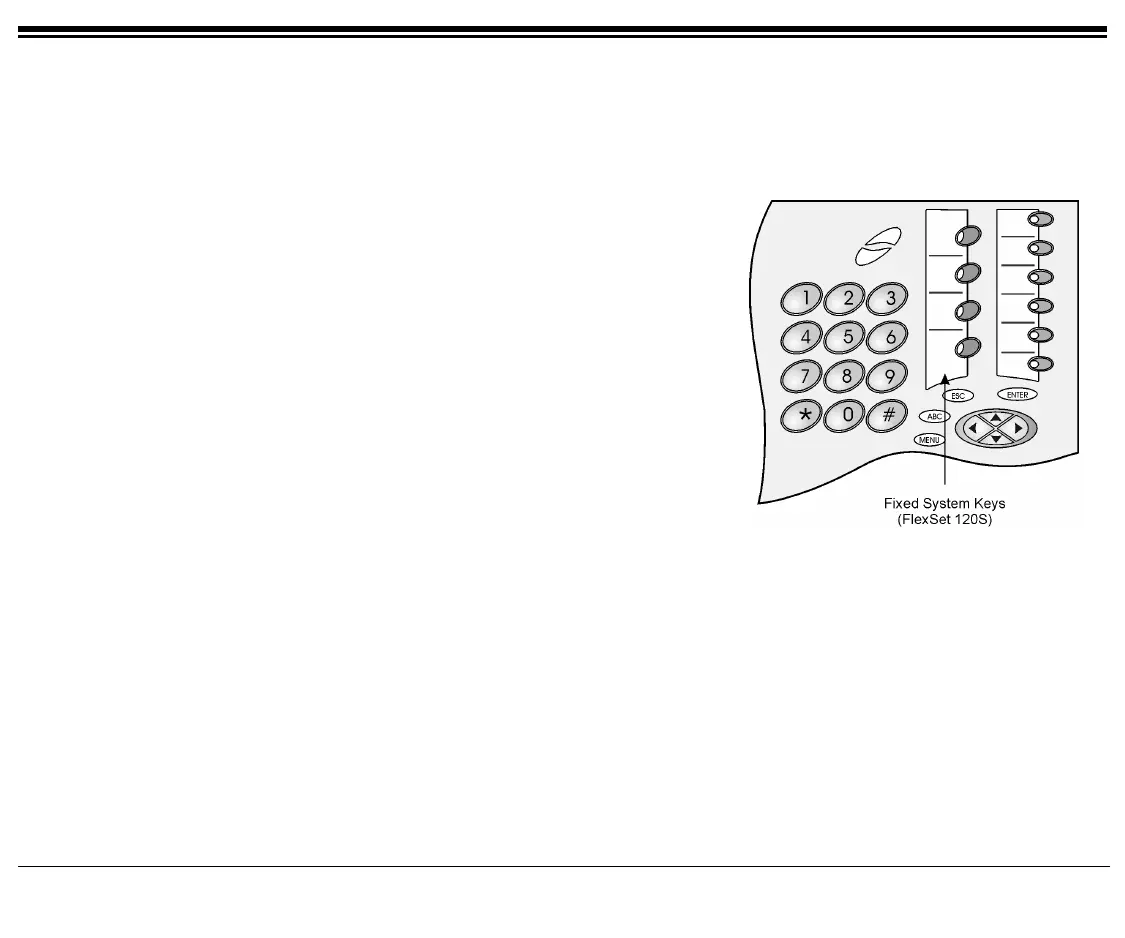
Four FlexSet buttons are programmed during installation, and are the same for each keyset system-wide. These fixed
system keys cannot be programmed from the telephone, and can only be changed, system-wide, by the system
manager. The four system defined fixed keys are different from site to site. The default features are:
Hold
The Hold key is used for placing a party on Hold while another
call is made or received. The held party can hear one of the
following: music, ring-back tone, busy tone or no sound at all,
as defined system-wide. (See Hold on page 106)
Transfer/
Recall
(
XFER)
While engaged on a call you can activate a feature by pressing
the Transfer key. When using Transfer, a special distinctive
dial tone is heard, enabling you to either transfer the call, or
activate a feature. Transfer puts the second party on Hold and
provides one of the following: music, ring-
ack tone, busy tone
or no sound at all, as defined system-wide. (See Transfer (Xfer)
on page 166.)
LOOP
The
LOOP key is used for making and receiving calls. When
several
LOOP keys are in use, the station acts as if it is a multi-
line instrument. (To program additional
LOOP keys, see
Programming: Feature Keys on page 141.
default
LOOP access code: #121,
default
LOOP Originating Only access code: #125).
Speaker
(
SPKR)
The Speaker key is used to converse hands-free. When
conversing through the speaker, voice volume can be adjusted.
Volume of call monitoring, paging, etc. can also be adjusted by
using the volume control buttons. (See Using the Speakerphone
or Headset on page 20, and Volume Adjustment on page 24)









 To Next Page