Station Features 154 FlexSet 120S/280S User Guide
Room Status
Room Status
Use Room Status to turn the Room Status definition of your station on or off. There are 16 different Rooms Status
definitions. Use the table below to write in the various room statuses and related access codes available at your
telephone.
This feature is applicable for Hotel/Motel use. In cases where this is required, specific instructions will be given.
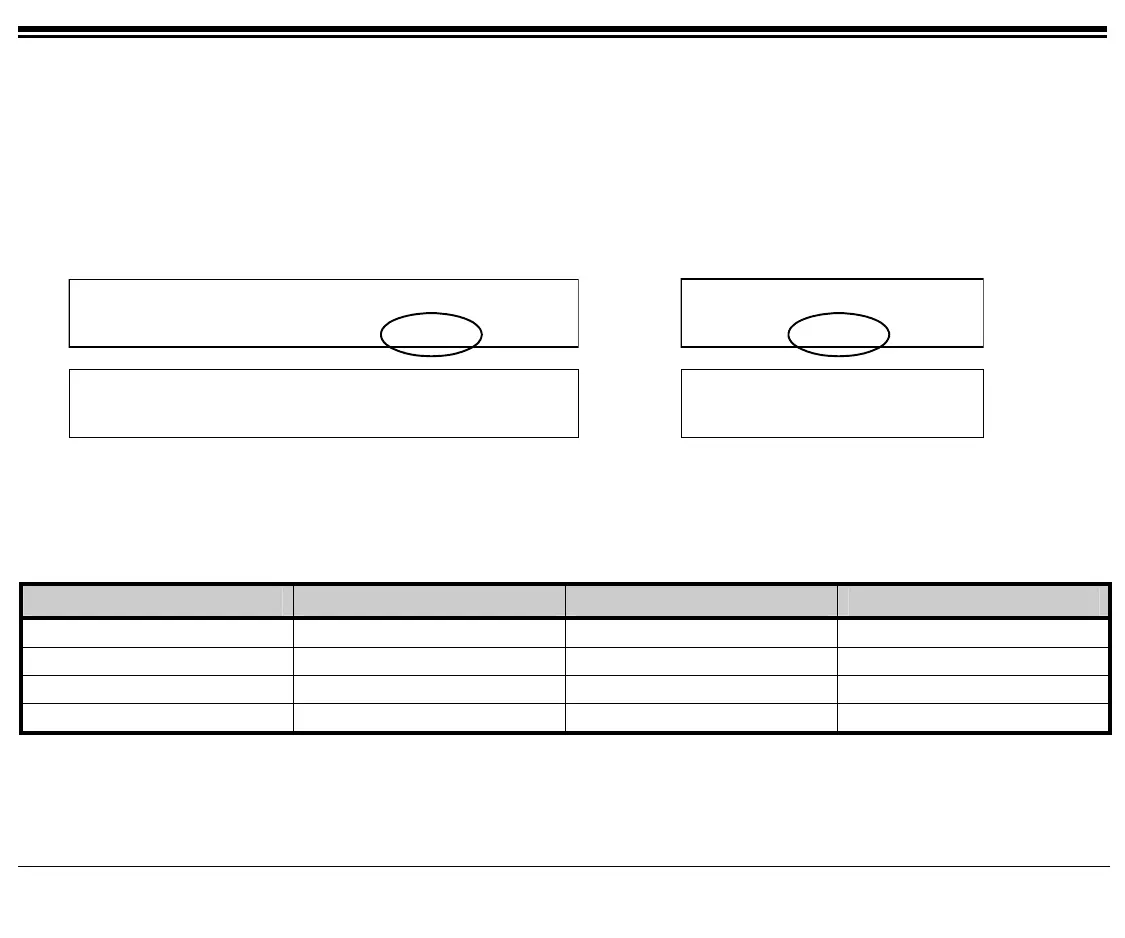
Press [RoomSt] to access the Room Status options.
10:50 26 May 2004 site name
user name station number
COS-Sw Setup Trace RoomSt BG:Fwd
10:50 26 May 2004 site name
user name station
Trace RoomSt BG:Fwd
Page 1
Room Status
RmSts0 RmSts1 RmSts2 RmSts3 RmSts4
Room Status
RmSts0 RmSts1 RmSts2
Page 2
[RmStsx] Press the required Room Status soft key ([RmSts
x
] where x= 0 to 15) to activate. The status definition
appears on the top line. When activated, a bullet is shown next to [RmSts
x
], and next to [RmSts] on the idle
screen.
To cancel, press the relevant [RmSts
x
] key again.
Name Name Name Name
RmSts0. RmSts4. RmSts8. RmSs12.
RmSts1. RmSts5. RmSts9. RmSs13.
RmSts2. RmSts6. RmSs10. RmSs14.
RmSts3. RmSts7. RmSs11. RmSs15.









 To Next Page