Station Features 141 FlexSet 120S/280S User Guide
Programming: Feature Keys
Programming: Feature Keys
The FlexSet comes equipped with 4 system-defined (fixed) keys as well as user programmable keys. You are able to
program most of the programmable keys from the FlexSet itself. The programmable keys may be assigned to directly
access other stations, station groups, trunks, trunk groups, or system features.
There are 6 user programmable keys for the FlexSet 120S (see page 4), 22 for the FlexSet 280S (see page 5) and up
to 142 for the FlexSet 280S with three optional FlexSet 40Bs (see page 6).
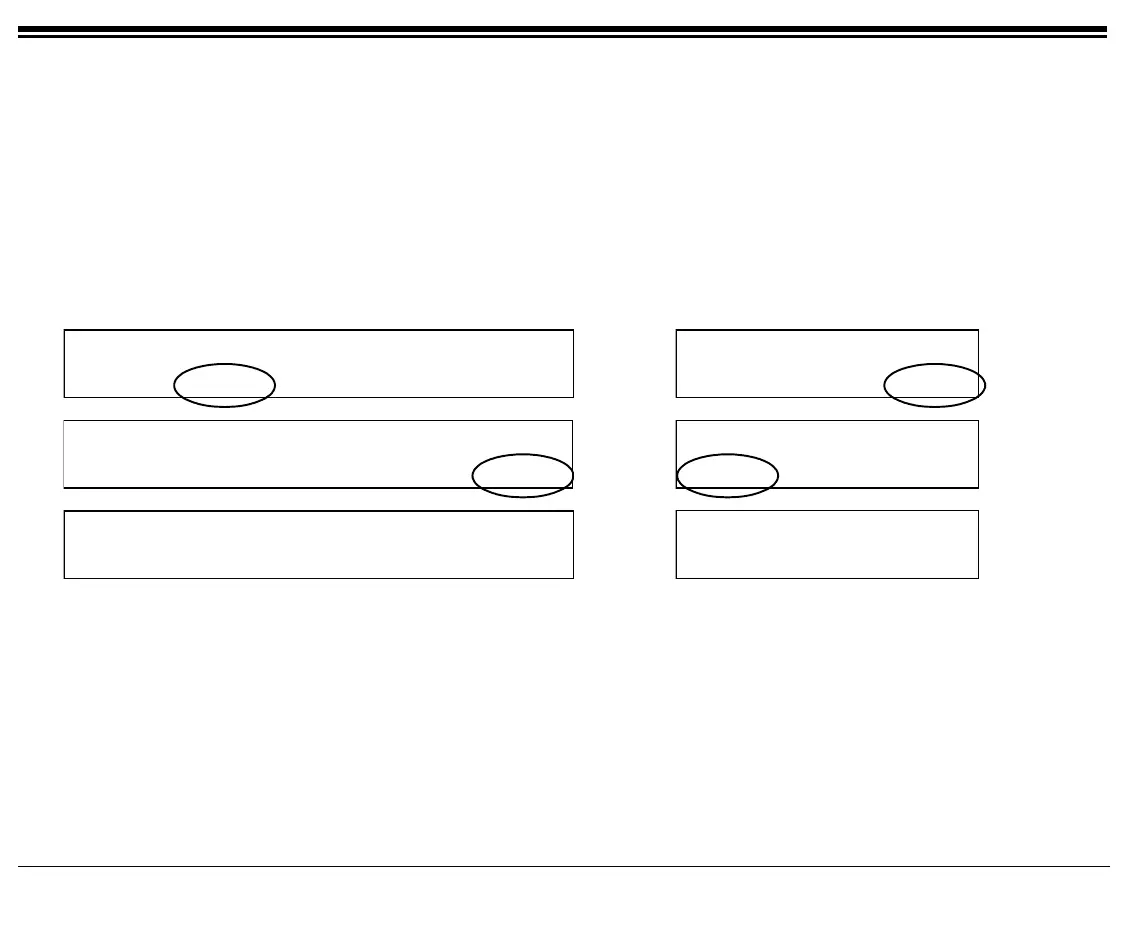
Press [Setup] [ProgKy] to access the Key Programming options.
10:50 26 May 2004 site name
user name station number
COS-Sw Setup Trace RoomSt BG:Fwd
10:50 26 May 2004 site name
user name station
Exec COS-Sw Setup
Page 1
Feature Setup
HeadSt IdlDsp Lang Pascod ProgKy
Feature Setup
ProgKy Prefer PrvLib
Page 2
PROGRAM
SELECT BUTTON.
PROGRAM
SELECT BUTTON.
Page 3









 To Next Page