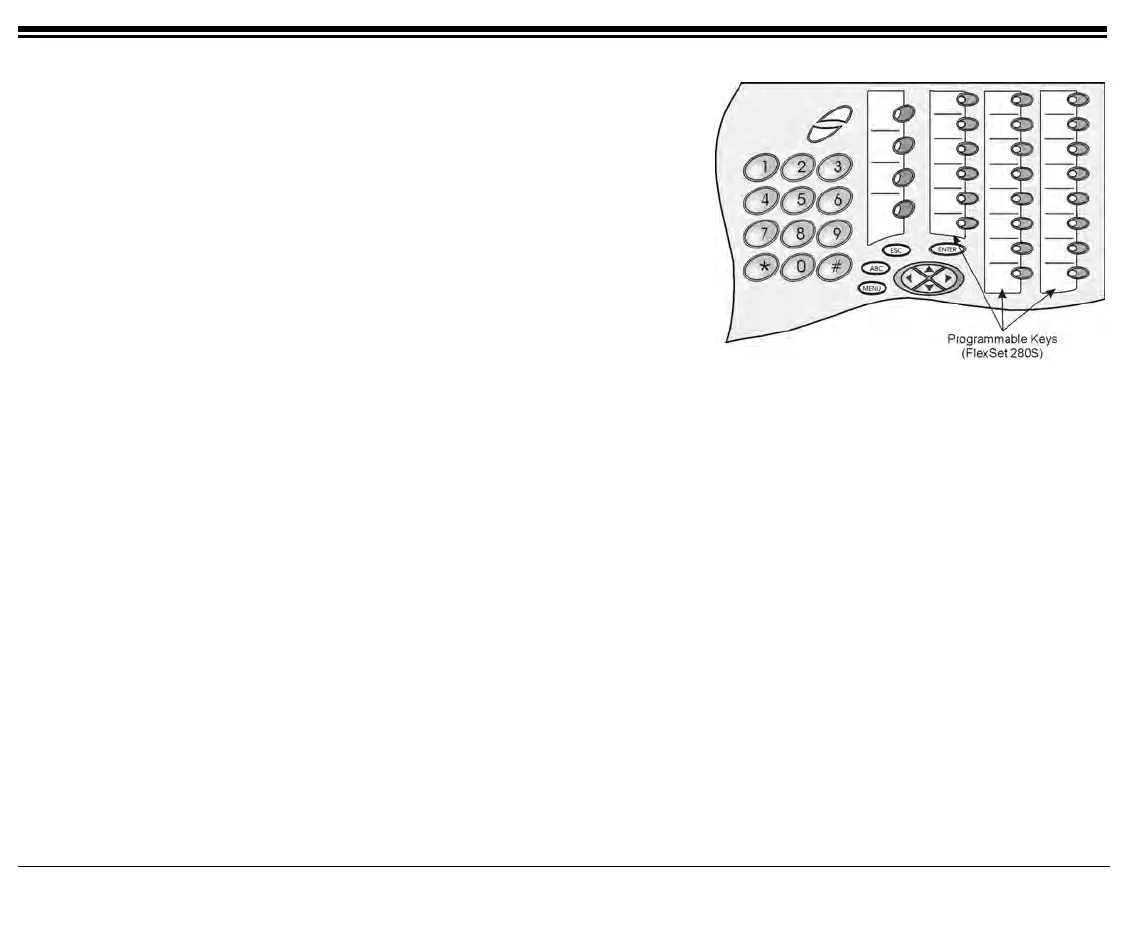
Station Features 142 FlexSet 120S/280S User Guide
Programming: Feature Keys
Several dial commands, in a series, may be
programmed into one DSS key - useful for one-button
speed dialing, voice response and voice mail system
access, and other complex dialing patterns. Features
keys can be programmed exactly as they are
programmed in the FlexSet 280D and 120D series
keysets.
(See Programming: Button Labeling on page 146 for
full programming instructions and button labeling.)
(For detailed information on feature default dial codes,
see Appendix D)
Programming Feature Keys
To Program Feature Keys:
1. Press [ProgKy].
2. Press the DSS/Feature key you wish to program.
3. Dial the numbers exactly as you would normally to enable the feature or to speed dial.
4. If the button is already programmed, the contents appear on the system lines.
5. Press the DSS/Feature key again to save the contents to memory.
To View Programmed Key Contents:
1. Press [ProgKy].
2. Press programmed key.
3. View contents on system lines.
4. If the length of the number exceeds the display size, press the [Next] button to scroll through
additional digits.
5. Press the
SPKR key to release.









 To Next Page