FlexSet Overview 15 FlexSet 120S/280S User Guide
Using the Fixed Keys
Using the Fixed Keys
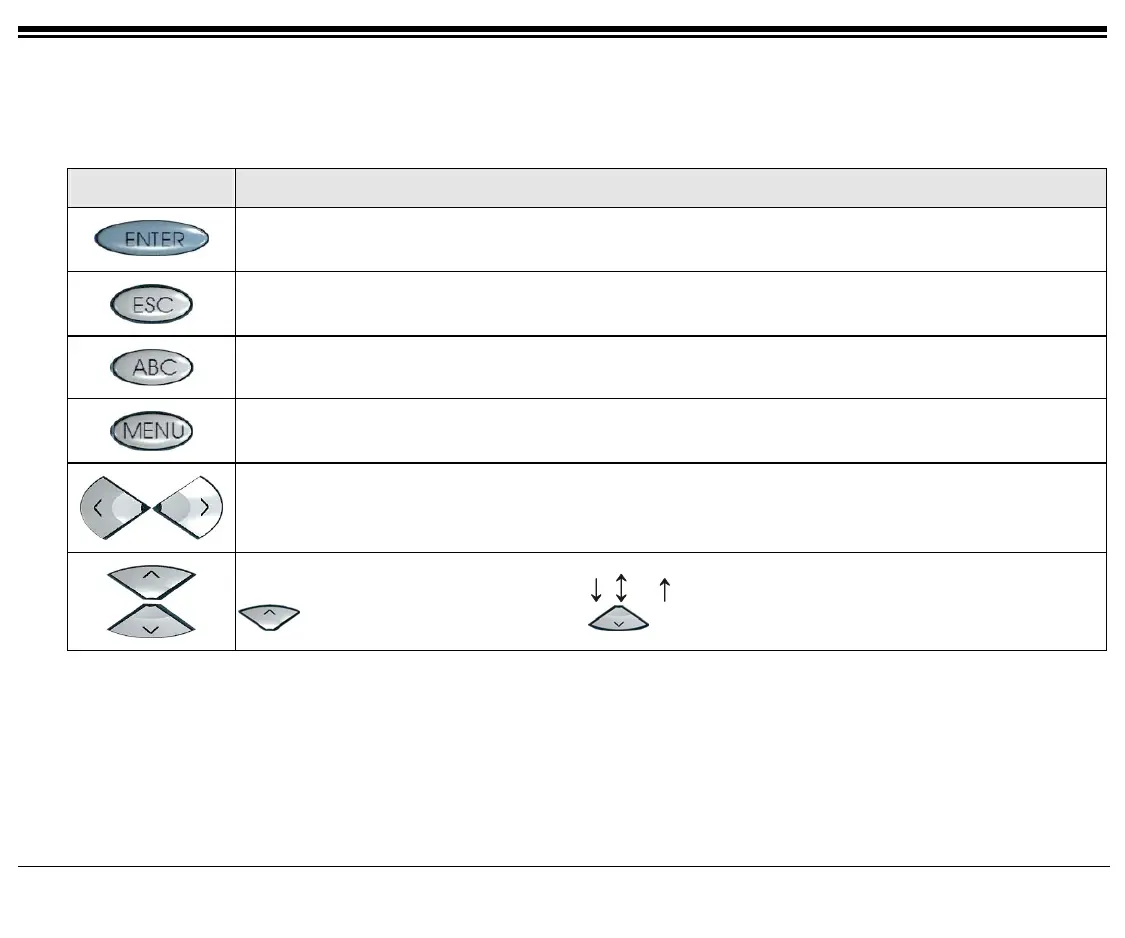
A table containing all the FlexSet fixed keys and the actions they invoke is provided below.
FIXED KEY ACTION
Activates a telephony feature after selecting it with the navigator keys (same as using the
soft key).
Returns to the previous menu or list.
For future use.
Provides access to all the FlexSet functions via the soft keys.
Moves the cursor (→) left and right, or goes to the next or previous menu or list when the cursor
is at the end of a line.
Used to scroll soft key option list when
, or
appear on the display line above the soft keys.
to scroll back one menu or list; to scroll forward one menu or list.









 To Next Page