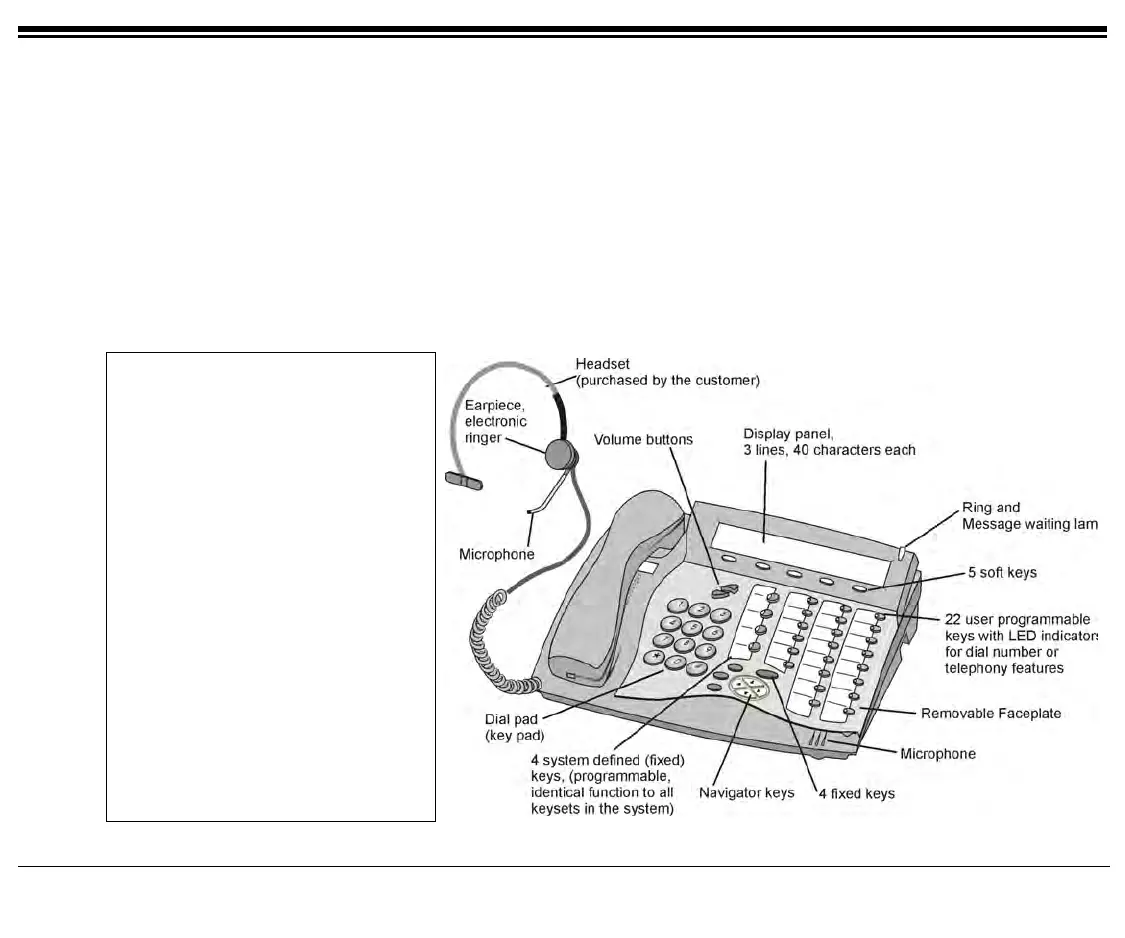
Operating the FlexSet 22 FlexSet 120S/280S User Guide
Using the Speakerphone or Headset
When the FlexSet is programmed as Headset Only and for SPKR On/Off key
When your FlexSet is equipped with a headset:
When the Headset Only feature is activated, and the
SPKR key is set to operate as On/Off (connect/release) switch,
you can answer and disconnect calls by pressing the
SPKR key.
When the key LED is lit:
You are connected. Pressing the lit key will disconnect the call.
Disconnecting calls:
Press the lit
SPKR key.
NOTE:
See your system administrator to
program the
SPKR key to operate
as On/Off switch.
When the FlexSet is set for Zip
Tone mode, the ring sounds at the
headset only rather than through
the speaker (see page 162).
If the FlexSet is defined as
Headset Only (see page 158), the
speakerphone will not operate.









 To Next Page