Station Features 157 FlexSet 120S/280S User Guide
Setup: Telephony Features
Setup: Telephony Features
The Feature Setup menu enables you to adjust the general features of your FlexSet.
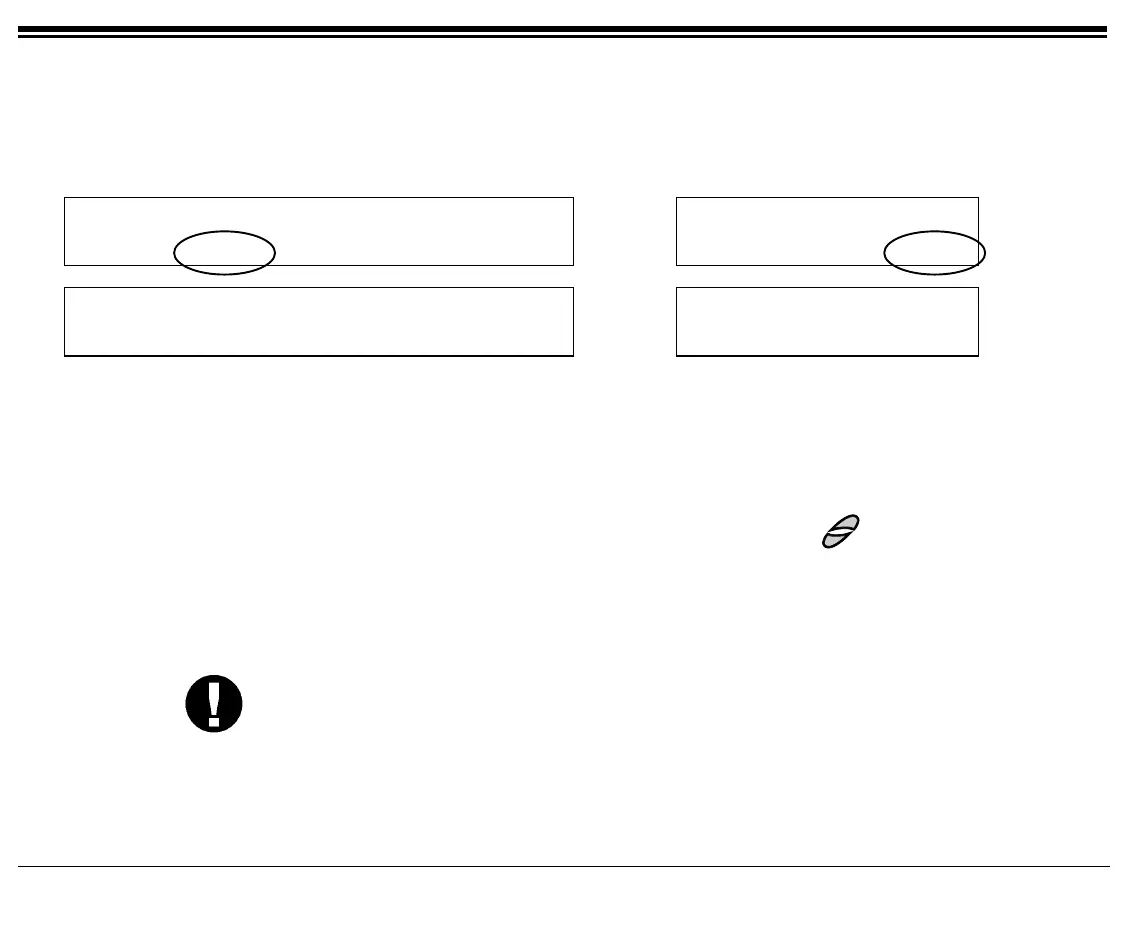
Press [Setup] to access the Feature Setup options.
10:50 26 May 2002 site name
user name station
COS-Sw Setup Trace RoomSt BG:Fwd
10:50 26 May 2002 site name
user name station
Exec COS-Sw Setup
Page 1
Feature Setup
Ring AutAns VP-AA VP-Rcv ElapTm
Feature Setup
Ring AutAns VP-AA
Page 2
[Ring] Ring Adjustment allows you to define the sound of your telephone ring. The following can be
adjusted:
[Volume] Volume is used to change the volume of your FlexSet ring.
[Cadence] Cadence is used to change the cadence of your FlexSet ring.
[Type] Type is used to change the type of your FlexSet ring.
You can adjust the ring volume, cadence and type with the
buttons, or by using the
[Next] and [Prev] soft keys (see page 25).
[AutAns] Auto Answer activates your phone to answer all incoming calls automatically via the speakerphone
after a predetermined number of rings. Press [AutAns] once to activate, press again to deactivate. When
activated, a bullet is displayed next to [AutAns].
CAUTION! Leaving your workstation while Auto Answer is activated will cause your station
to answer an incoming call. All conversation in the room can be heard. A trunk
call trapped in Auto Answer could lock up the trunk until released by the system.
[VP-AA] Voice Page Auto Answer activates your phone to answer all incoming Voice Pages automatically via
the speakerphone after a predetermined number of rings. Press [VP-AA] once to activate, press again to
deactivate. When activated, a bullet is displayed next to [VP-AA].









 To Next Page