Attendant Features 184 FlexSet 120S/280S User Guide
•Available Functions
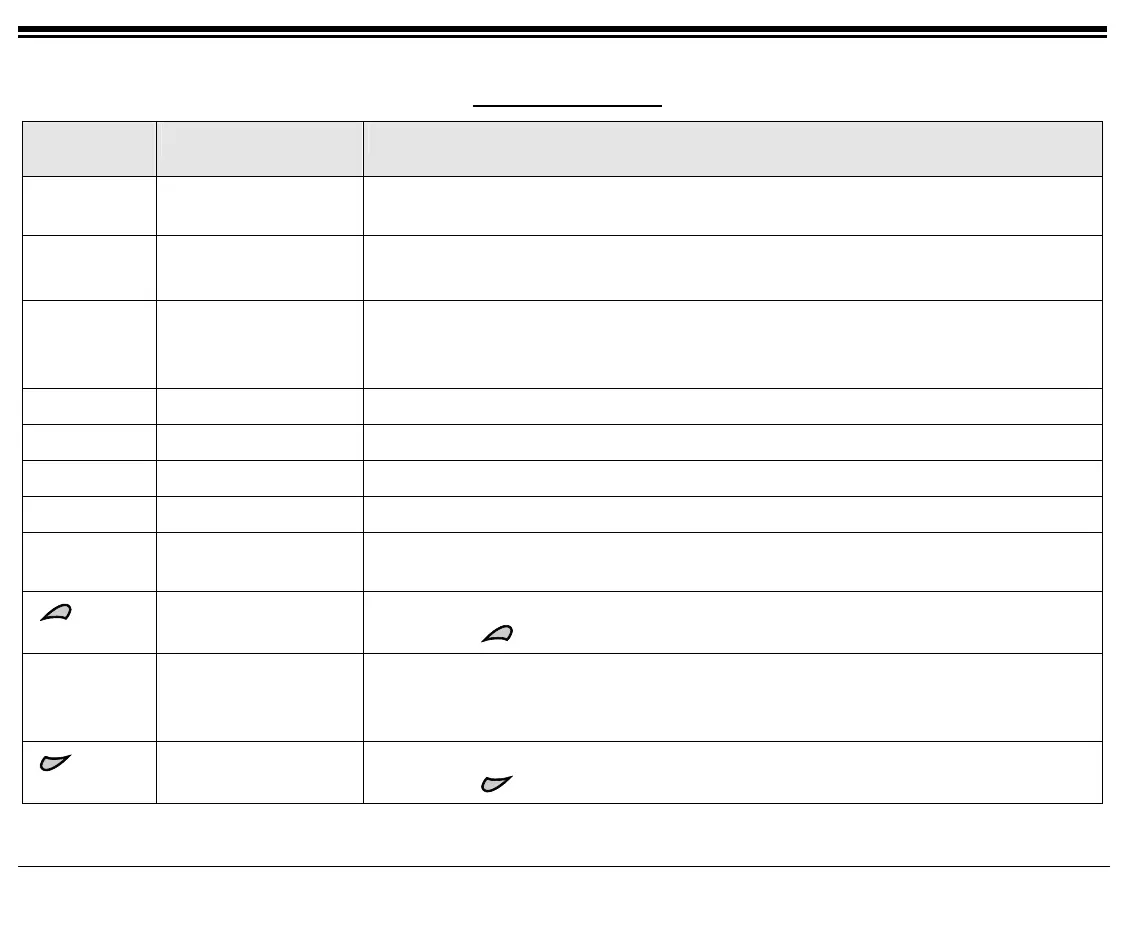
FUNCTION
OPTION
MNEMONIC FUNCTION EXPLANATION
[Dest]
Destination Any station, trunk, ACD/UCD Hunt Group, Boss Group and Public Library port
defined in the system.
[St#]
[St/Rm#]
Station #
Station/Room #
Port dial number defined in the Coral system for a telephone line.
[St/Gp#]
[StRmGp]
Station/Group #
Station/Room/ Station
Group
A number of stations linked together (members) for a common function such as
ACD/UCD group or Boss Group. A station can be defined as a member of many
ACD/UCD groups and/or Boss Groups.
[Trunk#]
Trunk Dial # Dial Number assigned to a trunk.
[TrkGp#]
Trunk/Group Number A number of trunks linked together (members) for a common outgoing function.
[FastUp]
Fast Up Scroll Used to fast scroll forward to the next assigned feature.
[FastDn]
Fast Down Scroll Used to fast scroll backward to the previous assigned feature.
[Next]
Next Used to scroll forward port by port through available ports. While scrolling, the port
name/number appears on the top line.
Operates similarly to [Next].
Keeping the button depressed will scroll forward continuously.
[Prev]
Previous Used to scroll backward port by port through available ports. While scrolling, the
port name/number appears on the top line.
Once you reach the first port on the list, this option changes to another option.
Operates similarly to [Prev].
Keeping the
button depressed will scroll backward continuously.









 To Next Page