Station Features 67 FlexSet 120S/280S User Guide
Call Forwarding
[NoAns] or [NoAn-E] Forward No Answer. Forwards your incoming calls to another destination when you do not
answer within a system-defined number of rings.
[BNA] or [BNA-E] Forward Busy/No Answer. Forwards your incoming calls to another destination when your
terminal is busy, or when you do not answer within a predetermined number of rings. [BNA]
enables you to program [Busy] and [NoAns] in one action, while [BNA-E] enables you to program
[Busy-E] and [NoAn-E] in one action.
[Time] or [Time-E] Forward Timed. Forwards your incoming calls to another destination during specific, system-
defined time periods. The system defined time can include up to two separate time periods, for
example, between 12:00pm and 12:30pm and between 6:00pm and 6:30pm your calls can be
forwarded to the front desk.
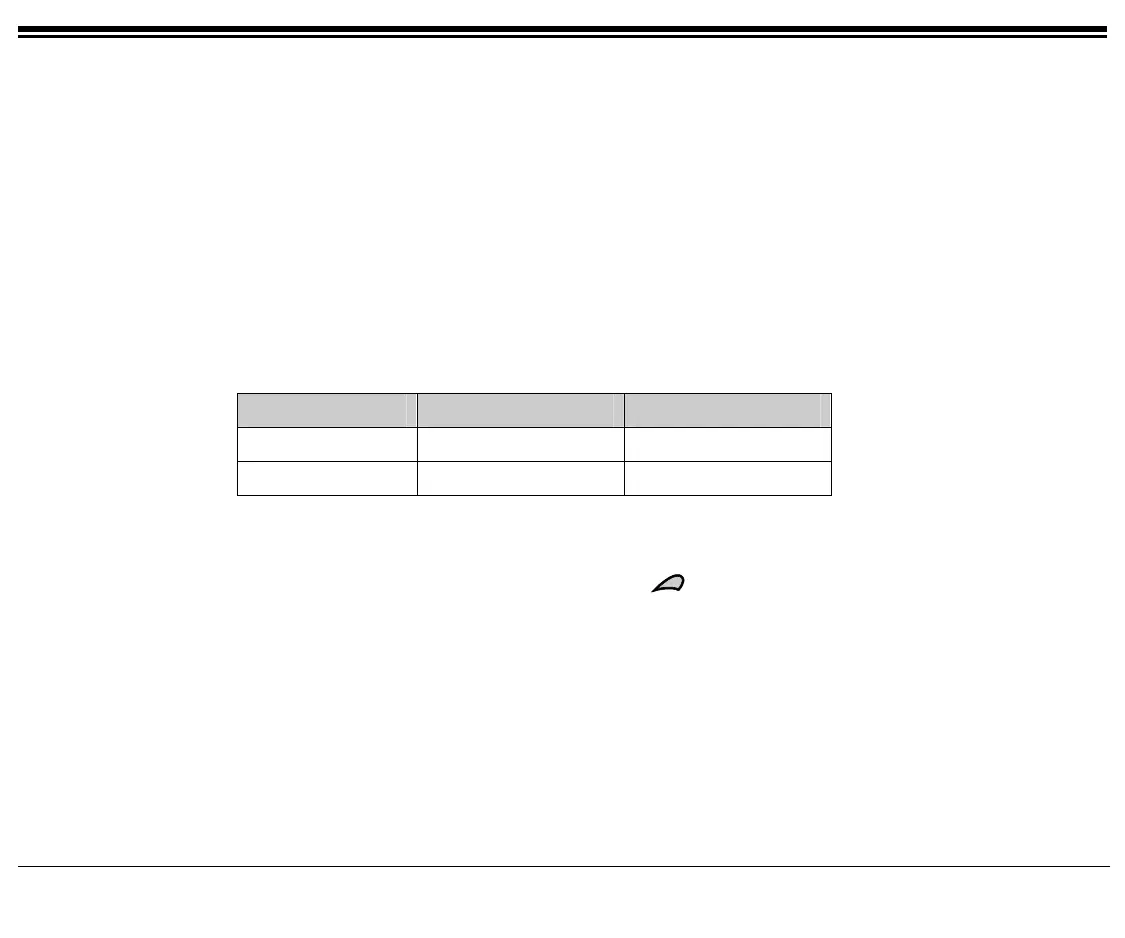
Please use this table to document the system-defined time periods:
Time Period From To
1
st
2
nd
Operating Call Forward:
1. Choose the required forwarding option ([FwdAll], [All-E], [Busy], [Busy-E], [NoAns], [NoAn-E], [BNA], [BNA-E], [Time], [Time-E]).
2. You may scroll through the other forwarding options with the
button.
3. To set Call Forward, dial the destination number, OR
To cancel Call Forward, choose [Cancel], OR
To change the Call Forward destination, choose [Dest] to enter destination and dial the destination number.
4. Listen for confirmation tone.









 To Next Page