Trial licenses for magnetic balance are available which
permit a limited number of tests to be performed. The
remaining number of tests is displayed on the license
screen.
Removing the trial license key will remove the magnetic
balance function from the application bar.
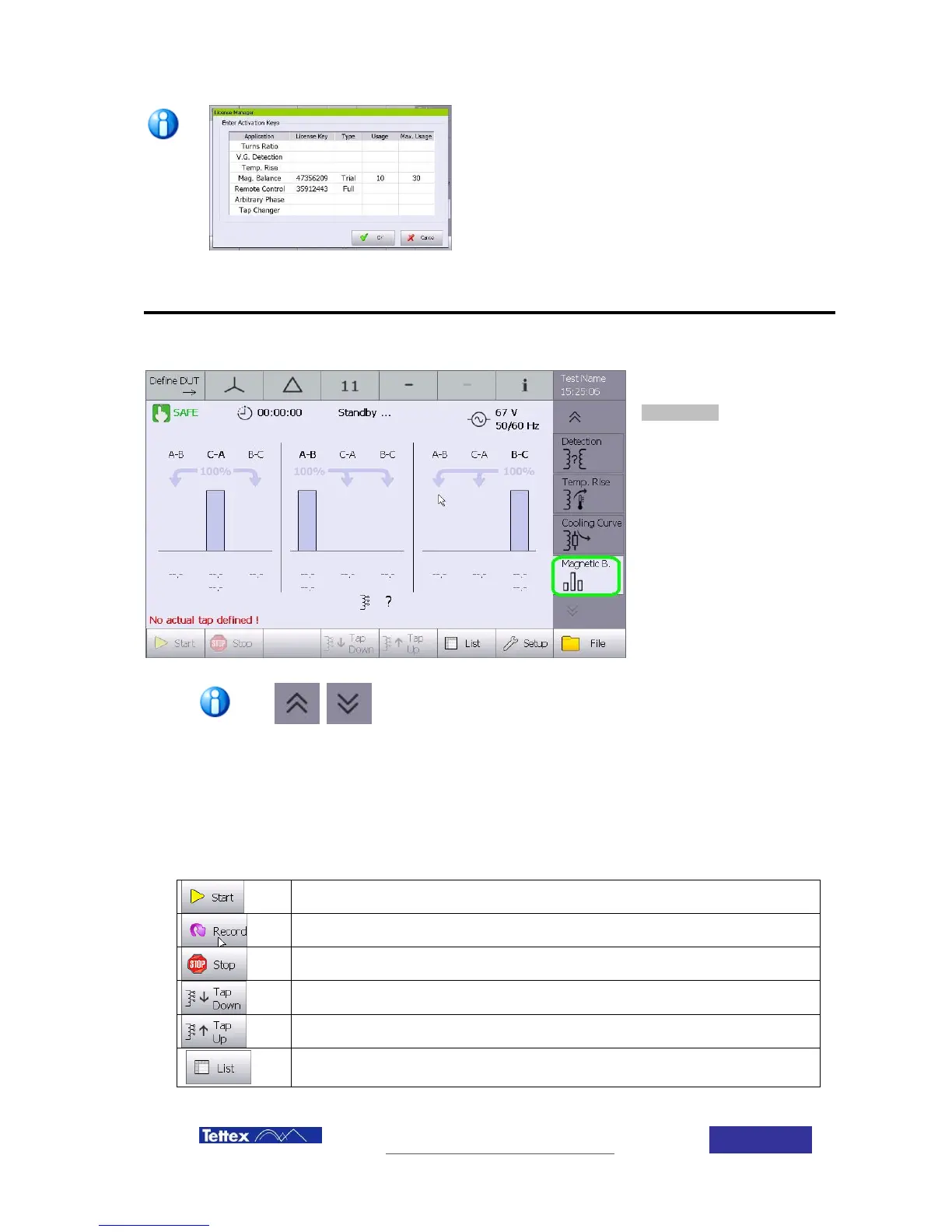
To access the magnetic
balance feature, select
Magnetic B. function in the
applications bar (side bar).
You may need to press the up/down arrow buttons to view the
magnetic balance button depending on which other functions are
enabled.
13.4.1 Function keys
While in magnetic balance application, the following actions are available in the button key bar.
The buttons are case sensitive, i.e. they change according to the actual status.
Record a result while manual recording mode is used
Move tap changer one step down
Move tap changer one step up
Change display to list mode



 To Next Page