See also chapter “Tap Changer Interface” for more details and connection advice.
7.3.8 Temperature correction
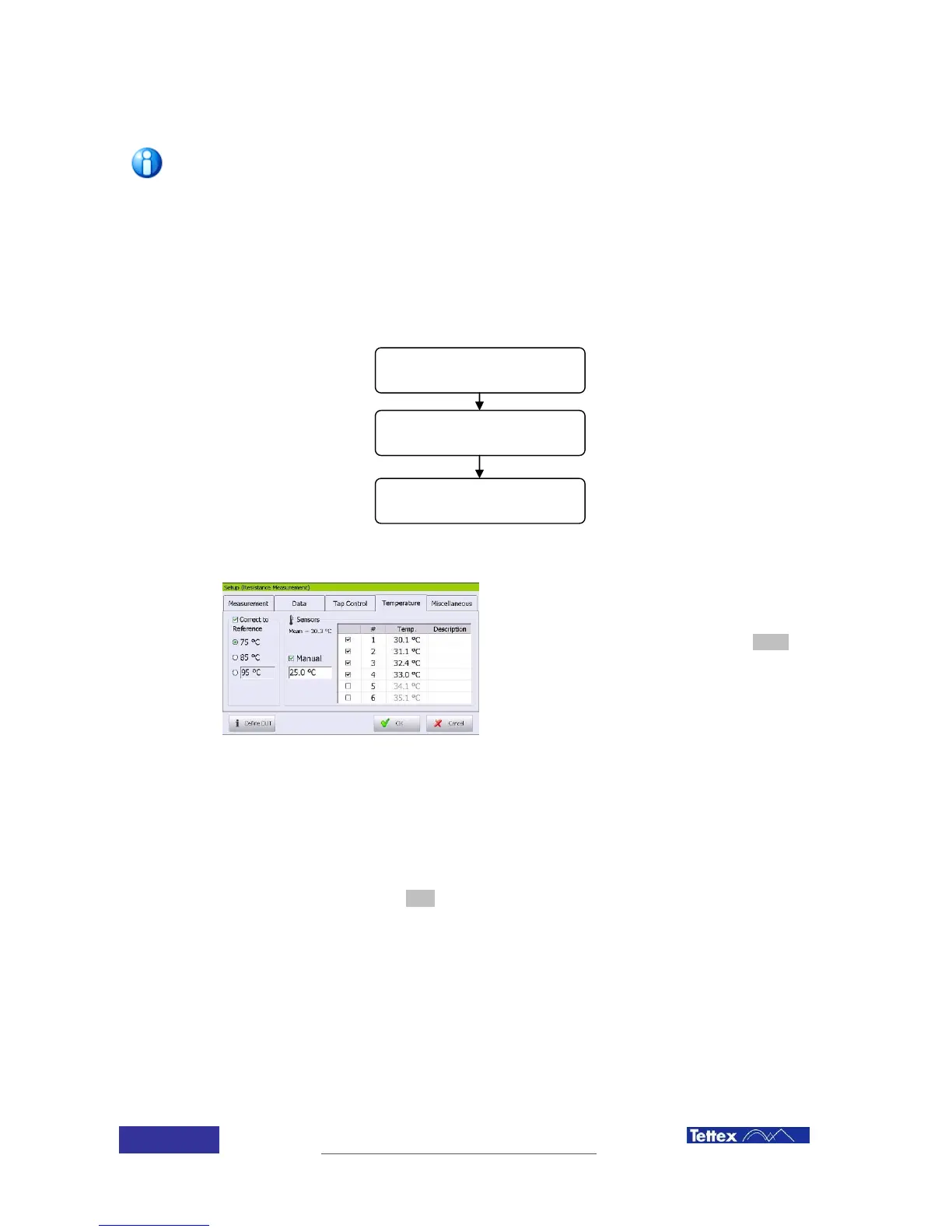
The instrument can perform temperature correction for the values measured, as related in the IEC
or other national or international standard.
If automatic temperature correction is desired,
the DUT actual temperature and the reference
temperature have to be introduced by selecting
the temperature folder after clicking the setup
button in the function key bar.
Read the chapter “Temperature correction” for
the proper data introduction.
7.3.9 Measurement
Performing a measurement on a transformer is quite simple. Once all transformer and options
have been introduced; just click the start button. The instrument will perform all operations
automatically.
During the measuring and while in graphical mode the parts of the circuit being measured will
become red and the actual measured value will be shown bellow the label.
Select the winding material
Reference temperature
selection
Test object actual
temperature



 To Next Page