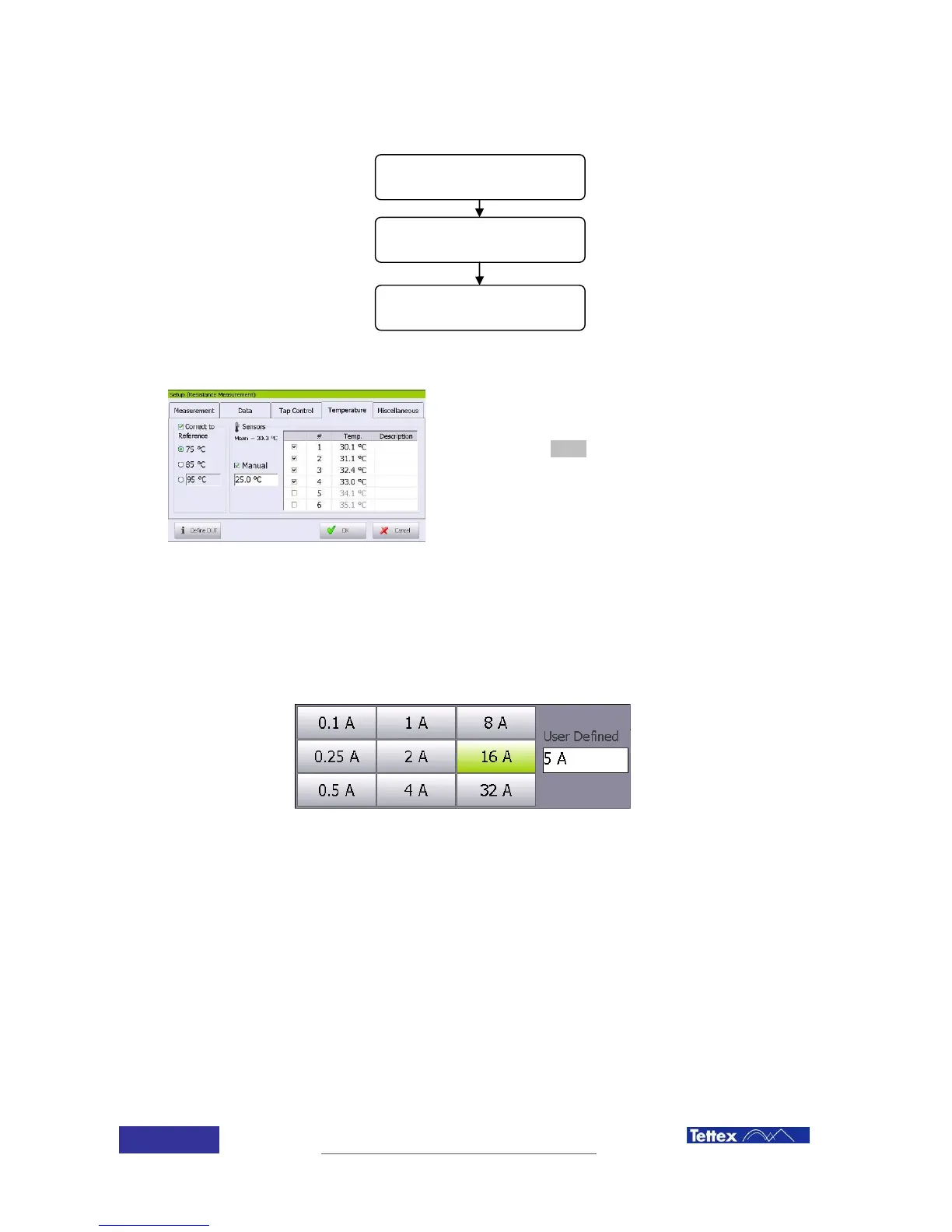
If automatic temperature correction is desired, the DUT
actual temperature and the reference temperature have
to be introduced by selecting the temperature folder
after clicking the setup button in the function key bar.
Read the chapter “Temperature correction” for the
proper data introduction.
If temperature correction is active, then the main screen will show the actual temperature and the
reference temperature.
7.5.4 Test current selection
Selection of the measuring current is done by clicking on the test current field in the main screen,
any value between 0 and 32A can be introduced, some values are directly selectable.
Select the winding material
Reference temperature
selection
Test object actual
temperature



 To Next Page