EasyManua.ls Logo

Tettex 2293 - Device Information; Data Handling; File Management

Tettex 2293
226 pages
Print Icon
To Next Page IconTo Next Page
To Previous Page IconTo Previous Page
Loading...
50
User Interface
6.7 Device Information
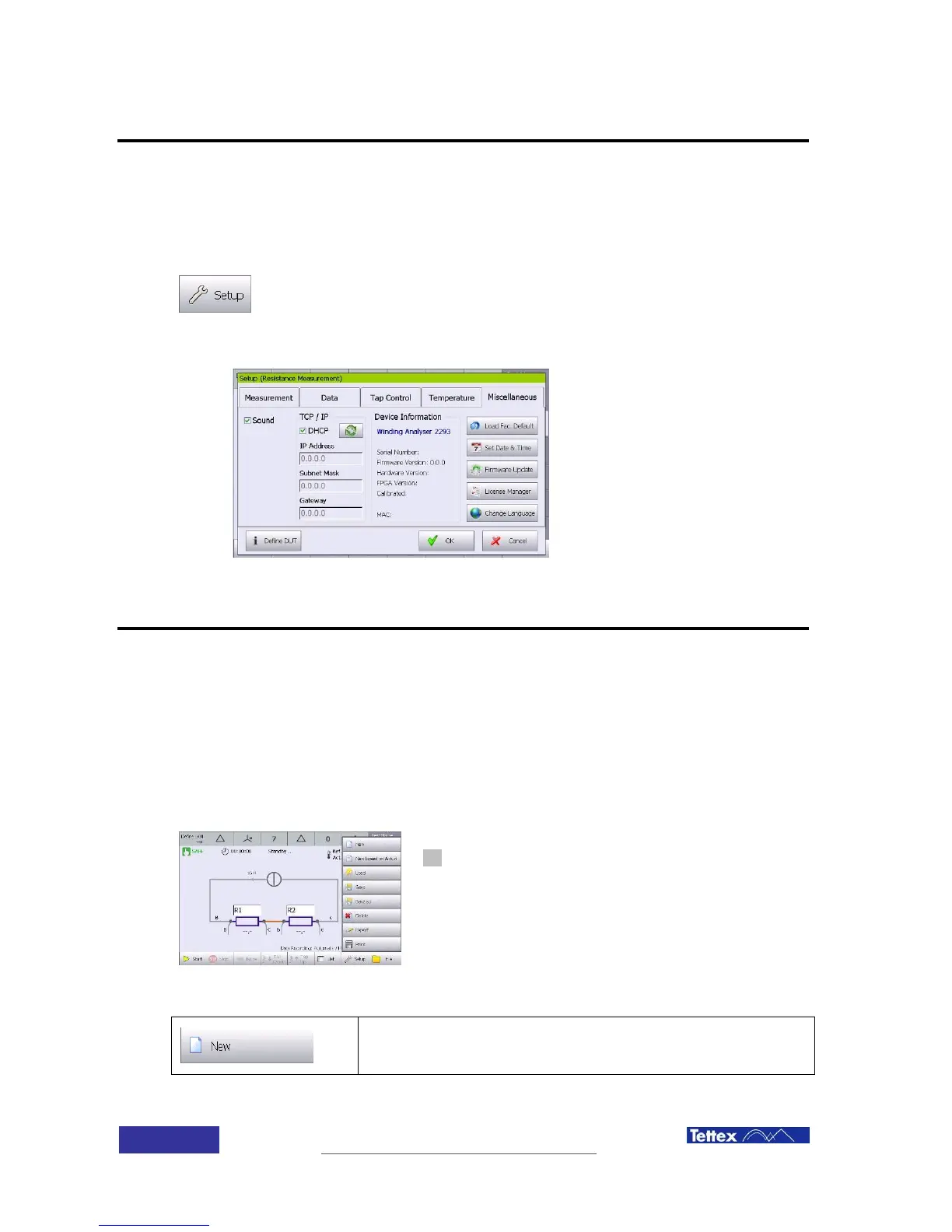
The device information is accessible over Setup button in the bottom bar of each application.
Select the “Miscellaneous” folder. Here you will find the system info.
The device information is accessible over Setup button in the bottom bar of each
application.
Select the “Miscellaneous” folder. Here you will find the system info.
6.8 Data Handling
6.8.1 File management.
The device can print in the included printer, store in the internal memory and export measurement
results. All these operation are done in the file management popup menu
Access the File management menu popup by clicking the
file button in the function key bar.
Open a new test

Table of Contents