Example for a setup of a single phase transformer with no phase shift
Example for a setup of a single phase auto transformer
Example for a setup of a wye 3 phase auto transformer
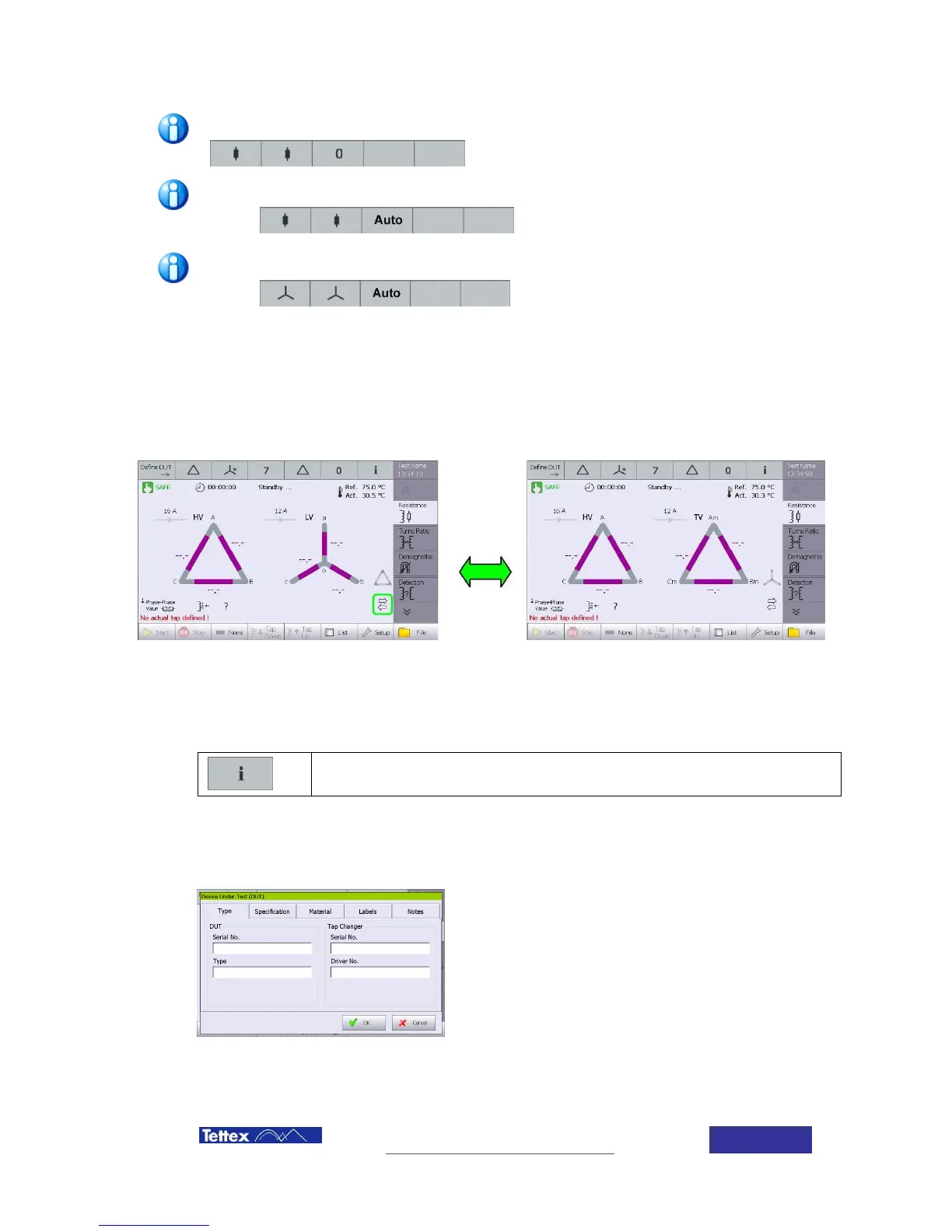
The selected transformer is then shown on a graphical mode in the main screen. In case tertiary
winding has been selected two arrows in the right side will indicate that a tertiary winding has
been configured. By clicking in the arrows either the low voltage winding or the tertiary winding
actual configuration appears in the screen. The other winding appears as a small grey icon in the
button right of the screen.
6.3.2 DUT data definition
DUT additional settings and technical data
General information is necessary to identify the test and a proper reporting generation. Following
fields are available in the device software.
Type
Enter here the Serial number and Type of the device
under Test (DUT) and – if existing – also the Tap
Changer information.
This info is then also used to name the test files and
later on to easy classify measuring data.



 To Next Page