6.3.3 Tap Changer configuration
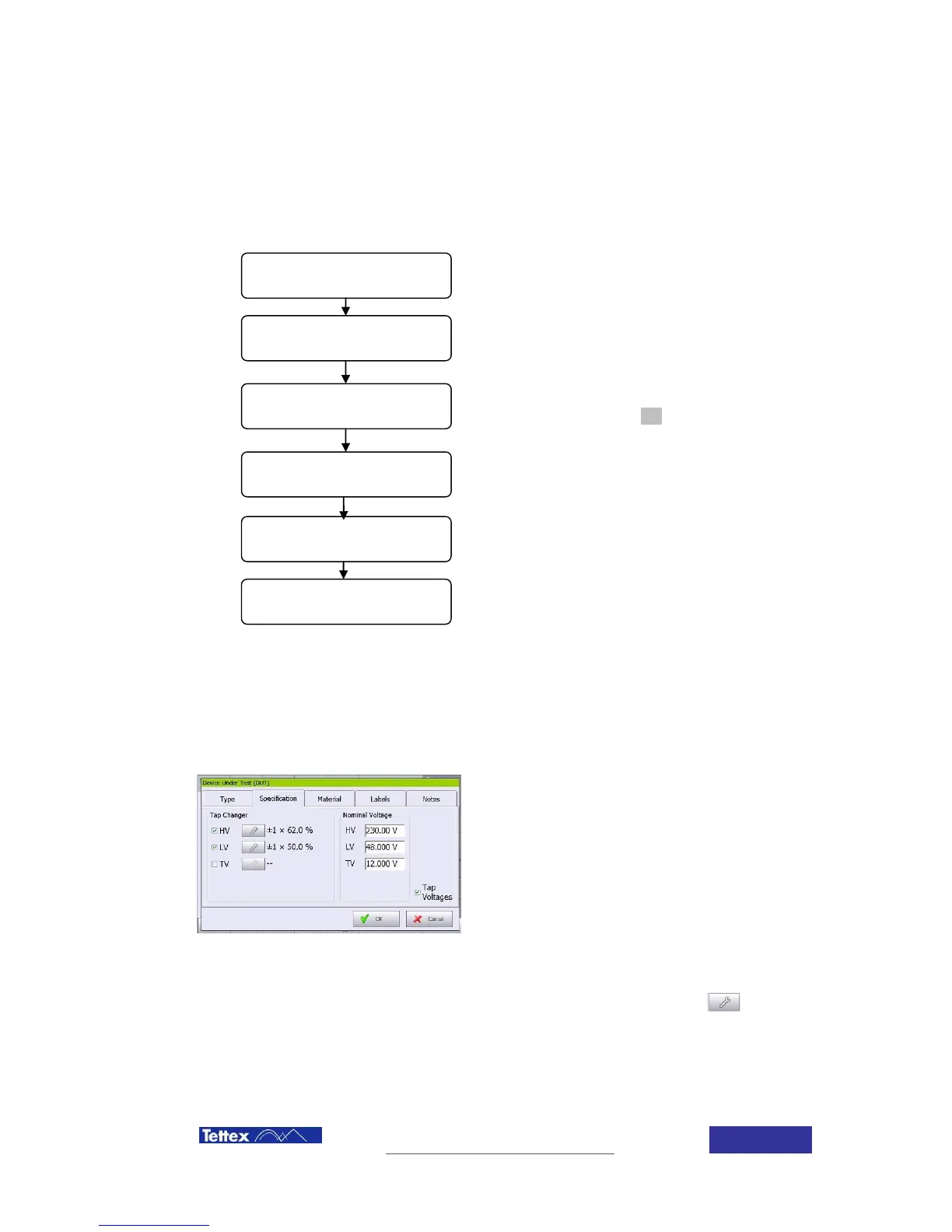
In case the transformer is equipped with a tap changer, it can be easily configured in the device to
allow automation of the measuring procedure and complete test reports generation. The tap
changer configuration screen is accessed selecting the DUT configuration i button in the upper
DUT Top Bar, and selecting the specific folder.
Tap changer configuration consist of the follow
steps:
Tap changer configuration is described trough
following examples which shows the procedure step
by step.
Once the tap changer configuration has been
finalized, just click the OK button to save the actual
configuration.
6.3.3.1 Nominal tap and tap voltage setup
Select the tap voltages option and enter the
nominal voltages of the transformer.
This step is all that is required for an
untapped transformer.
For tapped transformers it is necessary to define each tap voltage. The button has to be
clicked and the following dialog will appear:
1 or 3 nominal taps
selection
On load or off load
tap changer



 To Next Page