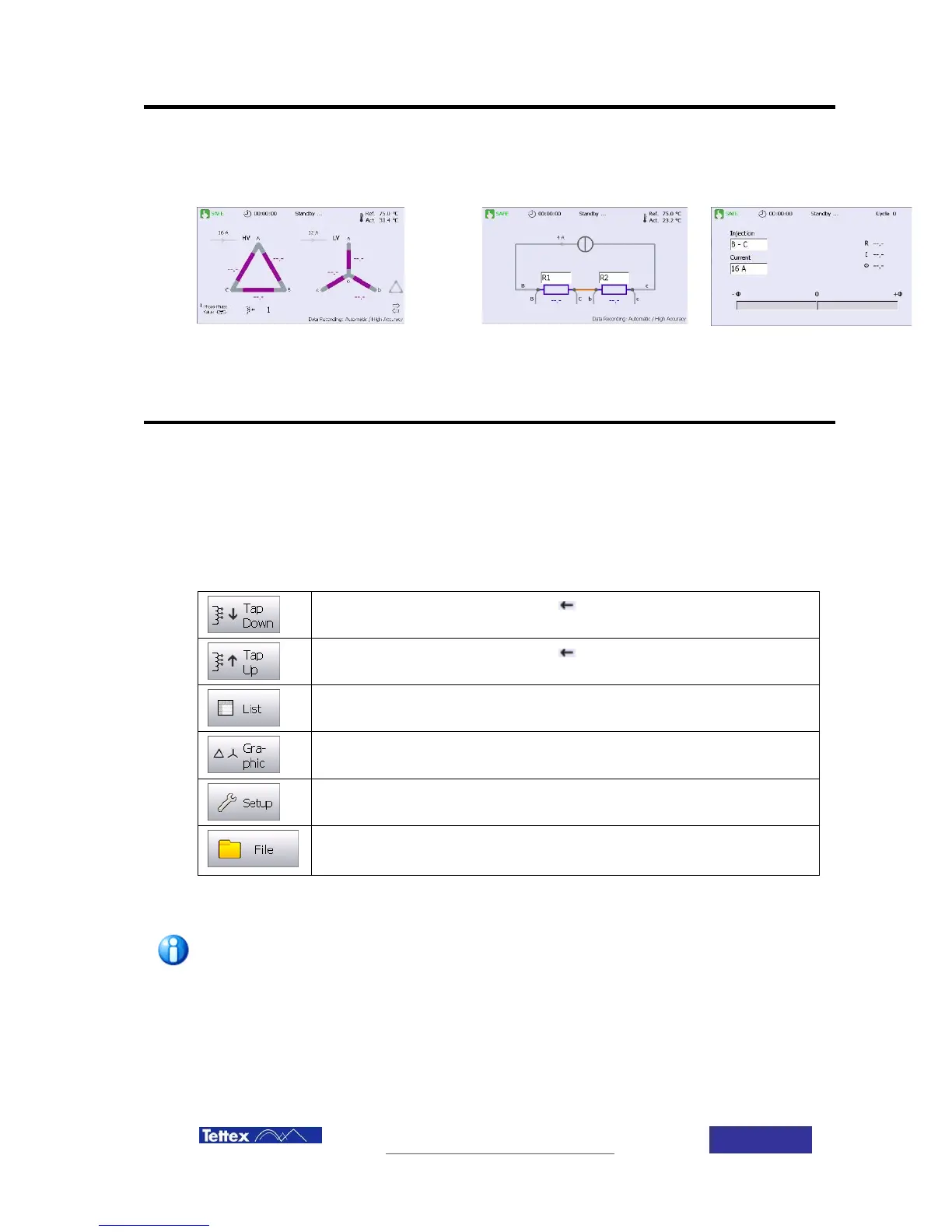
6.5 Active Window
In the centre of the display graphical information and measuring status of the current application
is shown. The screen change depending of the operating mode or the application selected.
Automated mode main screen
6.6 Function Keys (Bottom Bar)
At the bottom of the window a key bar is located which includes all buttons necessary to perform
measurements, prepare setups or analyze test results. The buttons are case sensitive, i.e. they
change according to the actual status.
The common keys, which are used in most applications, are described as bellow:
Move tap changer, that marked with , one step down
Move tap changer, that marked with , one step up
Change display to list mode
Change display to graphic mode
Open setup menu of the selected application
Open data handling functions
See next chapter for details
Specialised keys for the single applications see single application chapters



 To Next Page