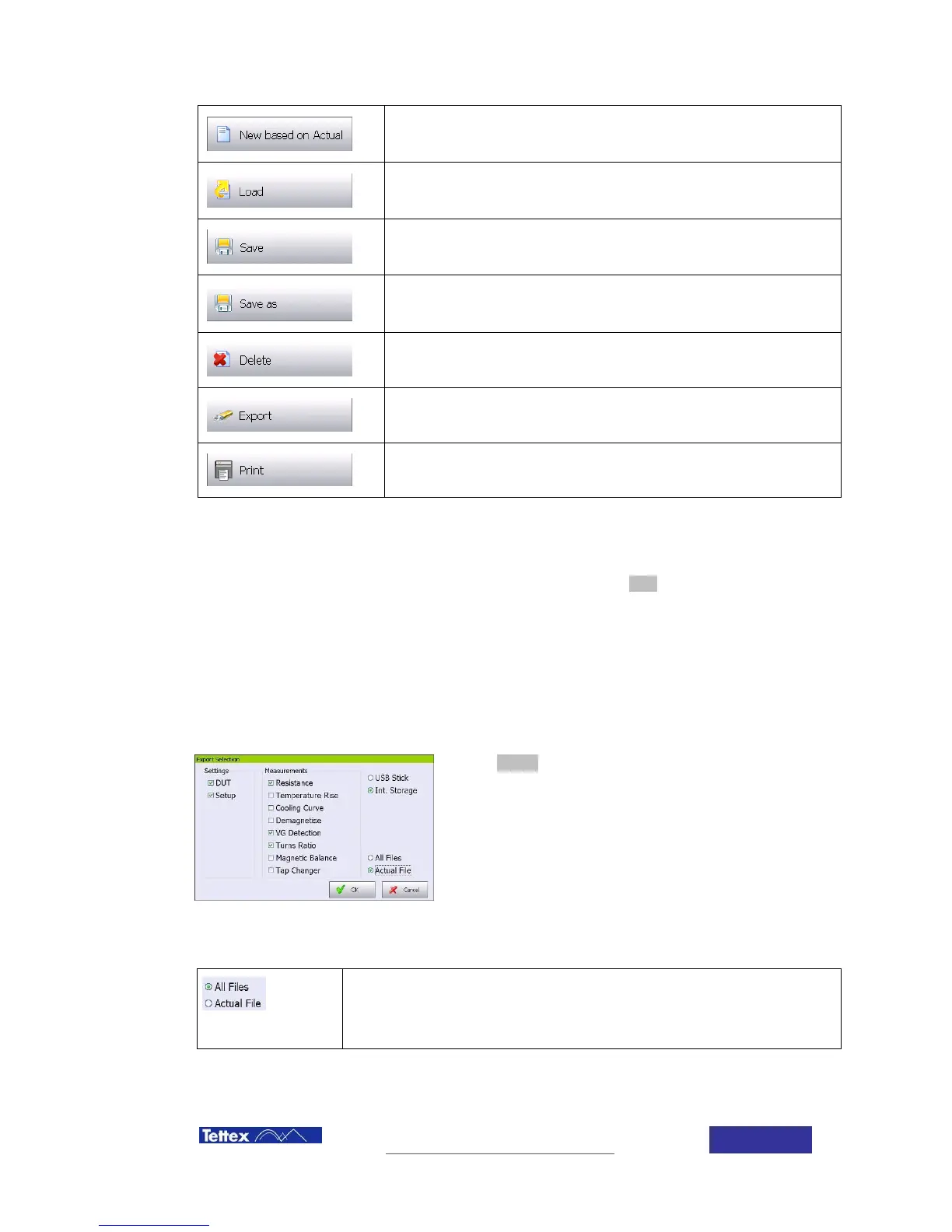
Open a new test based in the actual data
Save actual test under the actual name
Save actual test under a new name
Export data to a memory stick
Print the actual test in the included printer
6.8.2 Printing results.
Results can be printed in the internal device printer by clicking the print button in the file popup
menu.
6.8.3 Exporting measurement results.
Measurement data, as well as the header and test object information can be exported to a
memory stick or the internal storage in a comma separated values file format. This data can be
later read by any commercial software, as for example MS excel.
When export option is selected. A popup screen will ask
which data wants to be exported; data will be saved in the
root directory of the memory stick.
It is possible to export All test saved in the device memory, or only the actual test. In addition
following options are available:
Select “All Files” if all tests stored in the device memory want to be
exported
Select “Actual File” if only the actual test wants to be exported.



 To Next Page