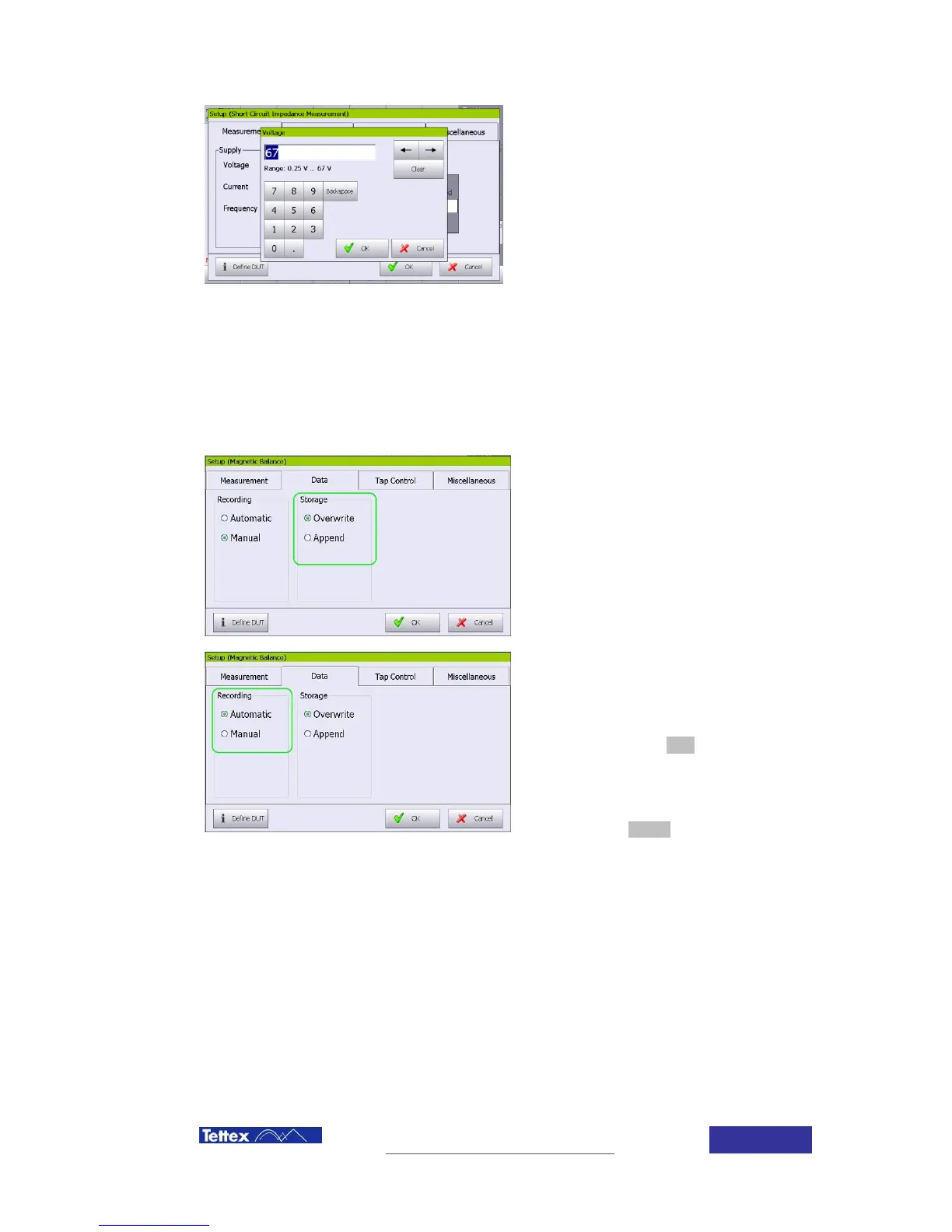
User can also introduce manually any
desired value between the limits by clicking
the “User Defined” Text Box. A Window to
introduce the desired voltage manually will
pop up, just introduce the value and click
“OK” button.
14.4.5 Data Handling
To access the data parameters, click setup button in the bottom of the screen, and then select
“Data” folder.
Storage:
Overwrite when a measurement is
repeated, results overwrite the actual
measured values for the tap
Append When a measurement is
repeated, results are added in the list but
previous results are also kept.
Recording:
Measurement can be done in auto stop mode
(value is automatically recorded when stable)
or in manual mode (unit stays measuring until
the operator click the stop button), selection
between both operations modes is done in
the setup screen, Data folder.
To record a value while measuring on this
mode, click the record button in the function
key bar.
14.4.6 Tap Control
For information about the tap control window, refers to Chapter 7.3.7 Tap Control
14.4.7 Miscellaneous
For information about the tap control window, refers to Chapter 6.7 Device Information



 To Next Page