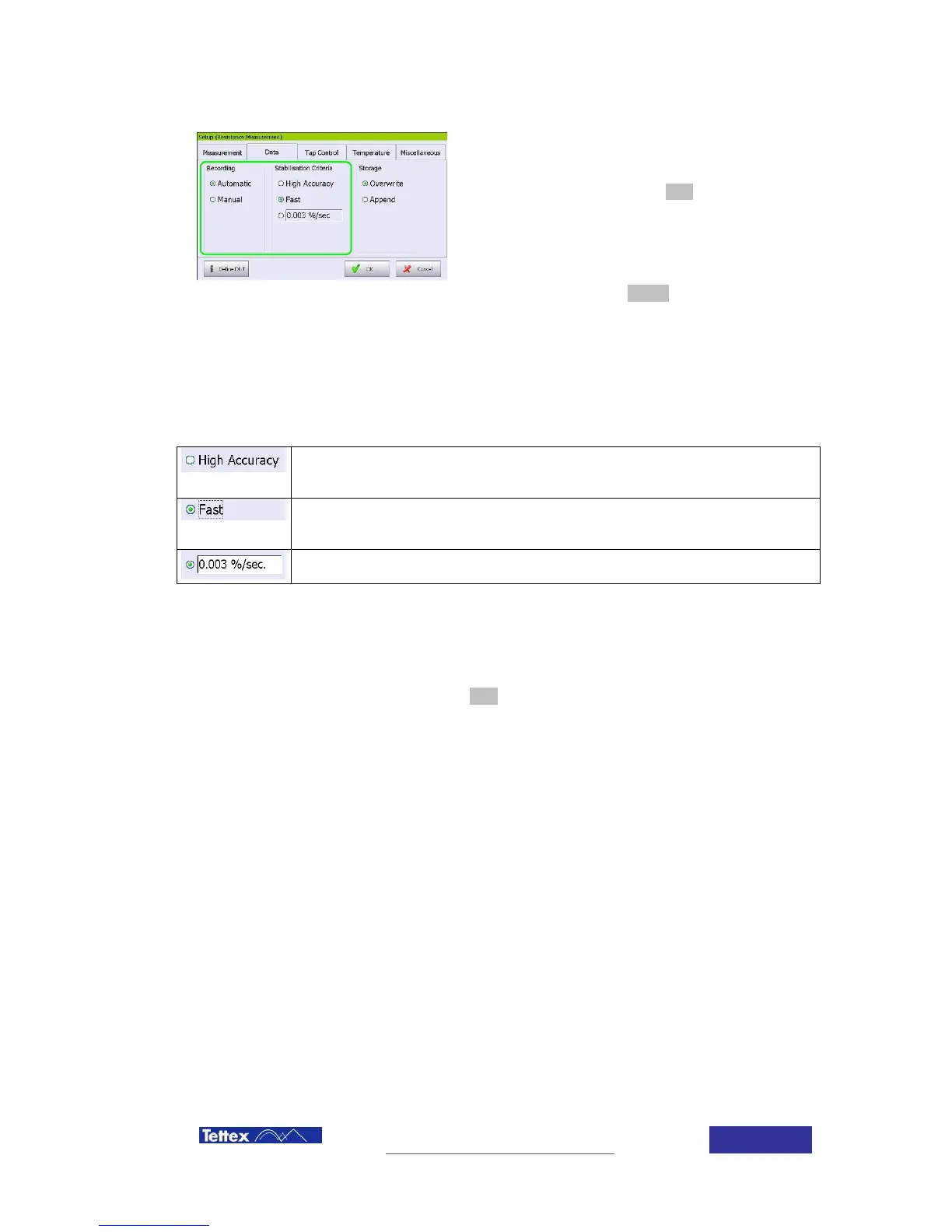
7.5.5 Auto recoding configuration
Measurement can be done in auto stop mode
(value is automatically recorded when stable)
or in manual mode (unit stays measuring until
the operator click the stop button), selection
between both operations modes is done in the
setup screen, Data folder.
To record a value while measuring on this
mode, click the record button in the function
key bar.
If Automatic mode is selected, two pre-programmed stabilization parameters are available. In
addition the user can introduce any value manually.
Value is stable and therefore recorded when a change of 0.0003% per second,
or 0.003% per 10 seconds or 0.03% per 100 seconds is achieved.
Value is stable and therefore recorded when a change of 0.003% per second,
or 0.03% per 10 seconds or 0.3% per 100 seconds is achieved.
User can manually introduce any stabilization parameter, the value introduced
is the slope of the change, and is defined as value (in percentage) per second
7.5.6 Measurement
Measurement starts just after clicking the start button in the main screen. During the measuring
and while in graphical mode the measured value will become red and the actual measured value
will be shown bellow the label



 To Next Page