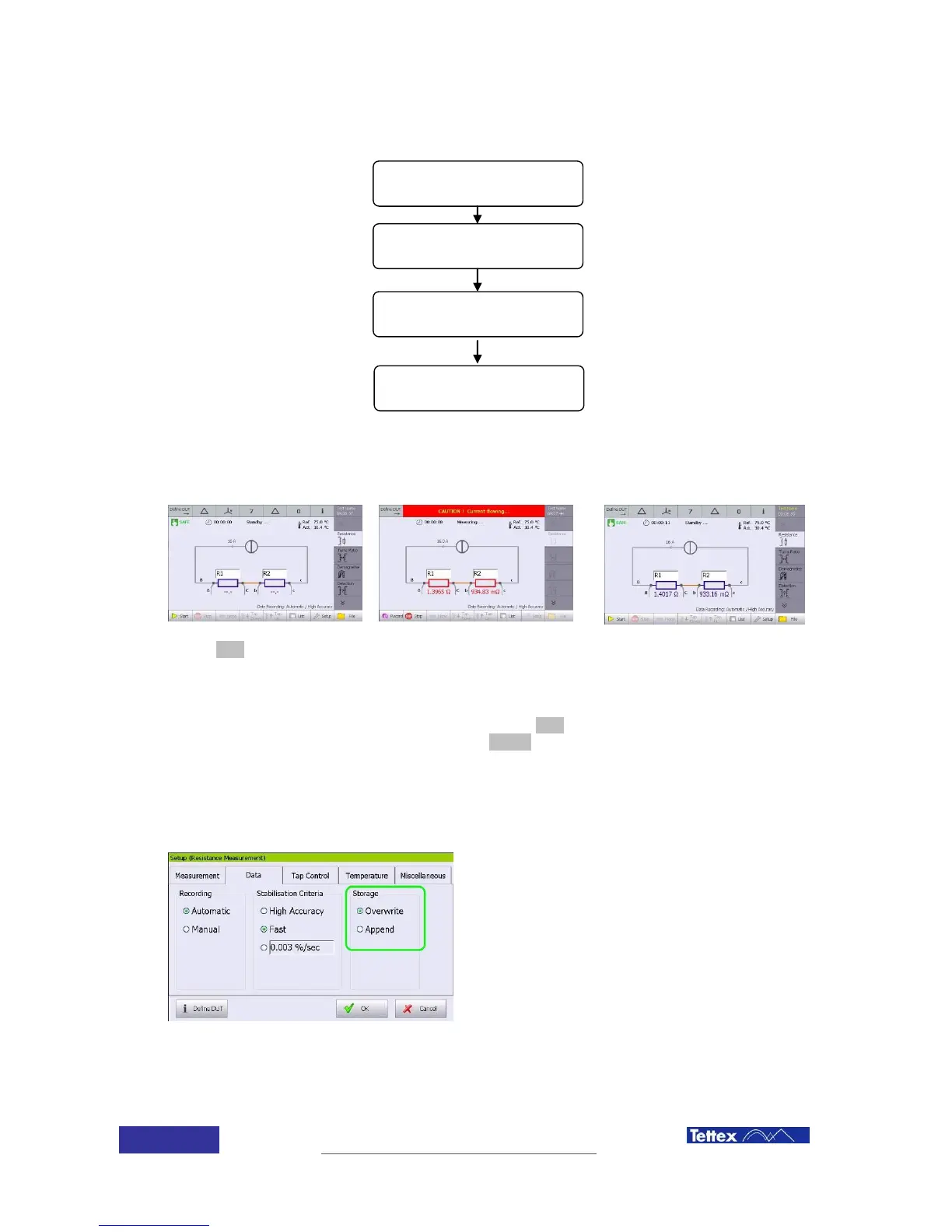
Click start button to initiate
the test
If auto recording is active, instrument will record the value and stop the measurement when the
stabilization condition has been reached. Otherwise the stop button has to be pushed to stop the
test. Values can be recorded manually using the record button.
Measurements will be automatically saved after each test. Data storage options can be selected
in the Data folder, clicking in the setup button of the function key bar.
Overwrite when a measurement is repeated,
results overwrite the actual measured values
Append When a measurement is repeated,
results are added in the list but previous results
are also kept.
If measurement has to be repeated, just click the start button again.



 To Next Page