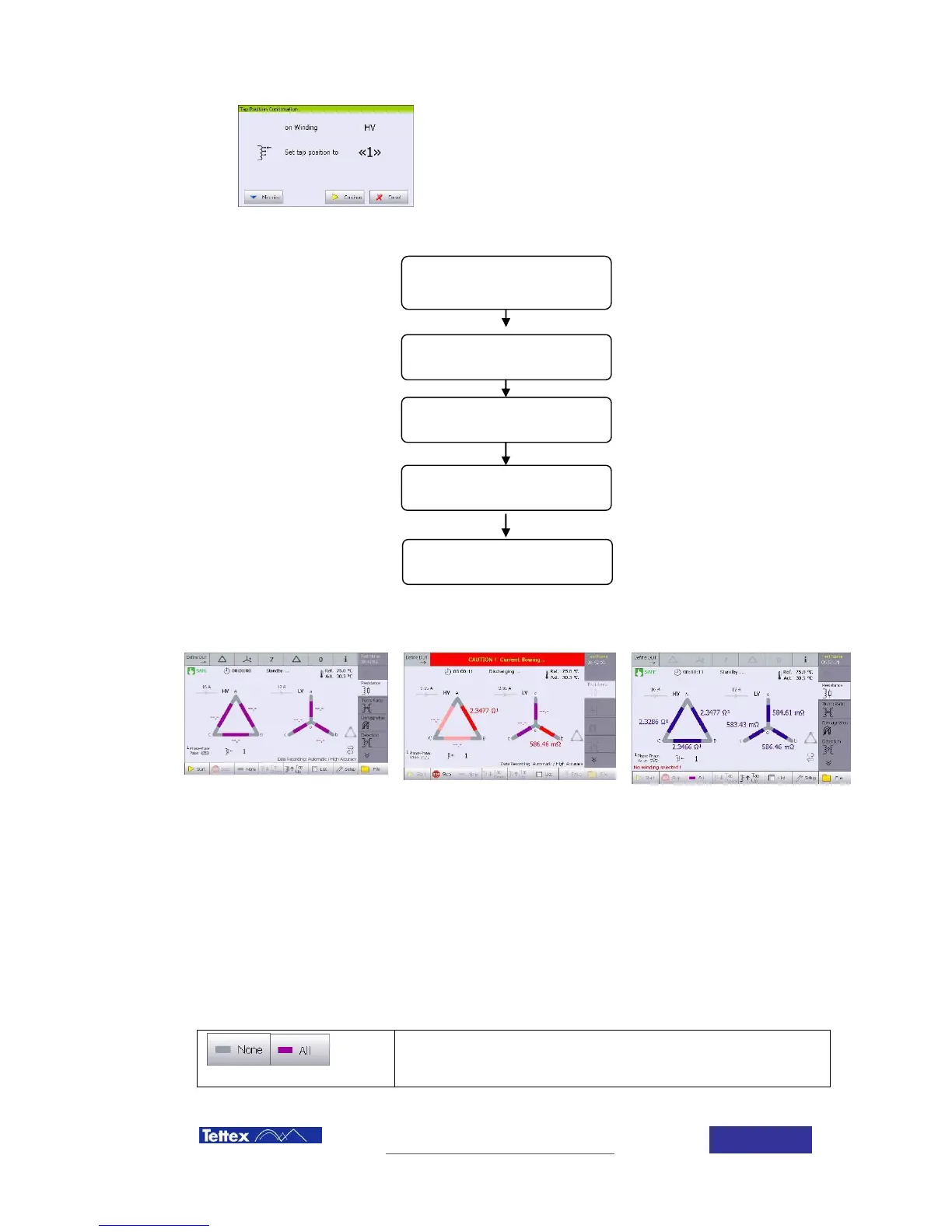
Before starting the test, a screen showing the tap position
that will be measured arises. Tap changer must be
positioned in this position. Measurement sequence depends
on the tap changer configuration menu.
Click start button to initiate the
test
Automatic measurement running
If auto recording is active, instrument will record the value and stop the measurement when the
stabilization condition has been reached.
Windings to be measured are selected by clicking on them. Purple color means that this winding
will be measured; blue color means that this winding will not be measured. If a previous
measurement on this winding and tap position has been done, results are shown in blue, but
measurements can be repeated.
Selecting or de-selecting all windings can be easily done using
the corresponding buttons in the function key bar.
Resistance measurement ( all
phases)
Discharging the transformer
Tap changer position selection
(automatic with optional tap
changer remote control)



 To Next Page