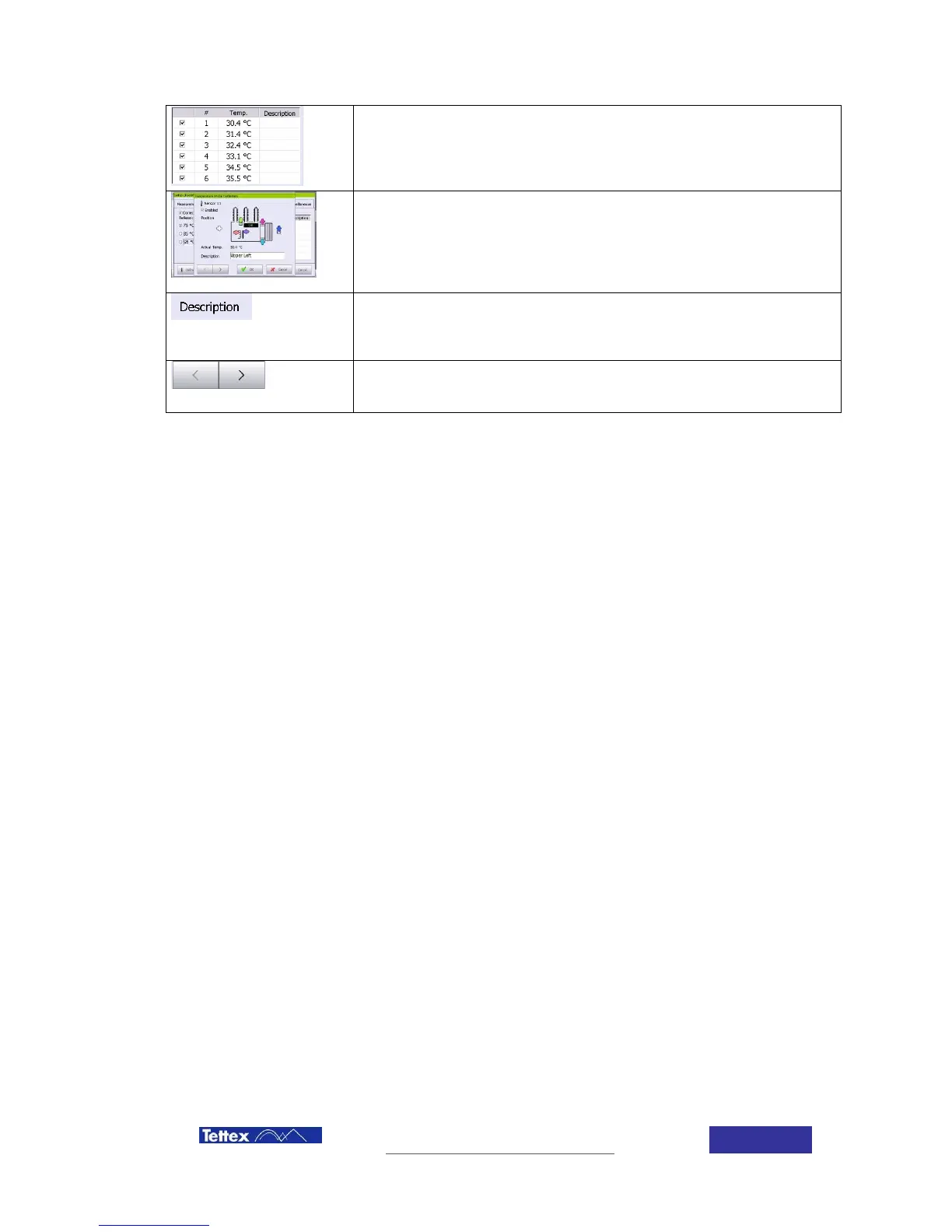
Actual reading of the six temperature channels. To be added to the
medium temperature they should be selected. A description (text) can be
added to every temperature channel.
By clicking on a sensor line in this list you enter the temperature probe
definition dialog:
Select the position where the sensor is mounted on the DUT by clicking.
On the “Temp:” column of the specific probe.
In resistance measurement only the simple average temperature of the
activated sensors is taken. In the heat run measurements, the standard
based calculations are implemented with respect to specific probe
positions. (see related heat run chapters)
Here an additional text for the sensor can be added (e.g. when an
external sensor is used on a cooler fan)
The Text input field can also be accessed directly by clicking in the
specific “Description” column in the parent dialogue.
With these arrows you can toggle trough the single probes definitions



 To Next Page