D292144.7.fm Setup Vision Test (Optional)
Chapter 4: Machine Setup 4- 31
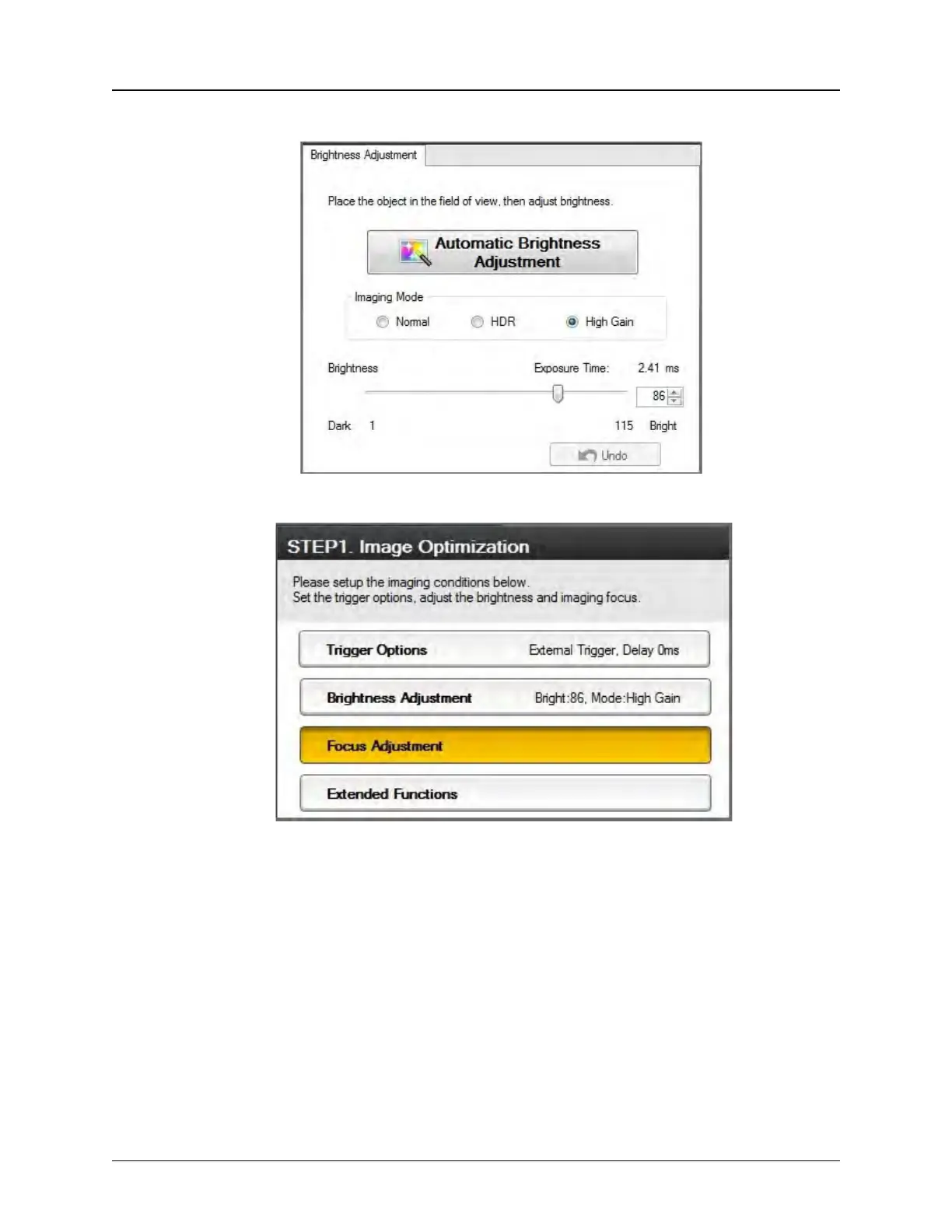
contrast between the laser mark and the part.
11. Select the Focus Adjustment button on the right.
Click the Automatic Focus Adjustment button. One or more yellow dots may
appear above the Undo button, representing the best focus point(s). Click on the
yellow dot(s) to jump to the associated focus point and select the best one. Adjust


 To Next Page