5-12 TM-500 User’s Guide
Preparing to Run a Pre-programmed Job D292144.8.fm
Note: For further instructions on Vision System use, see Chapter 4: Setup or the
Keyence User’s Guide which is provided with the 2D Vision Module.
10. Leave the IV Navigator program in Run Mode and press Alt + Tab to toggle back
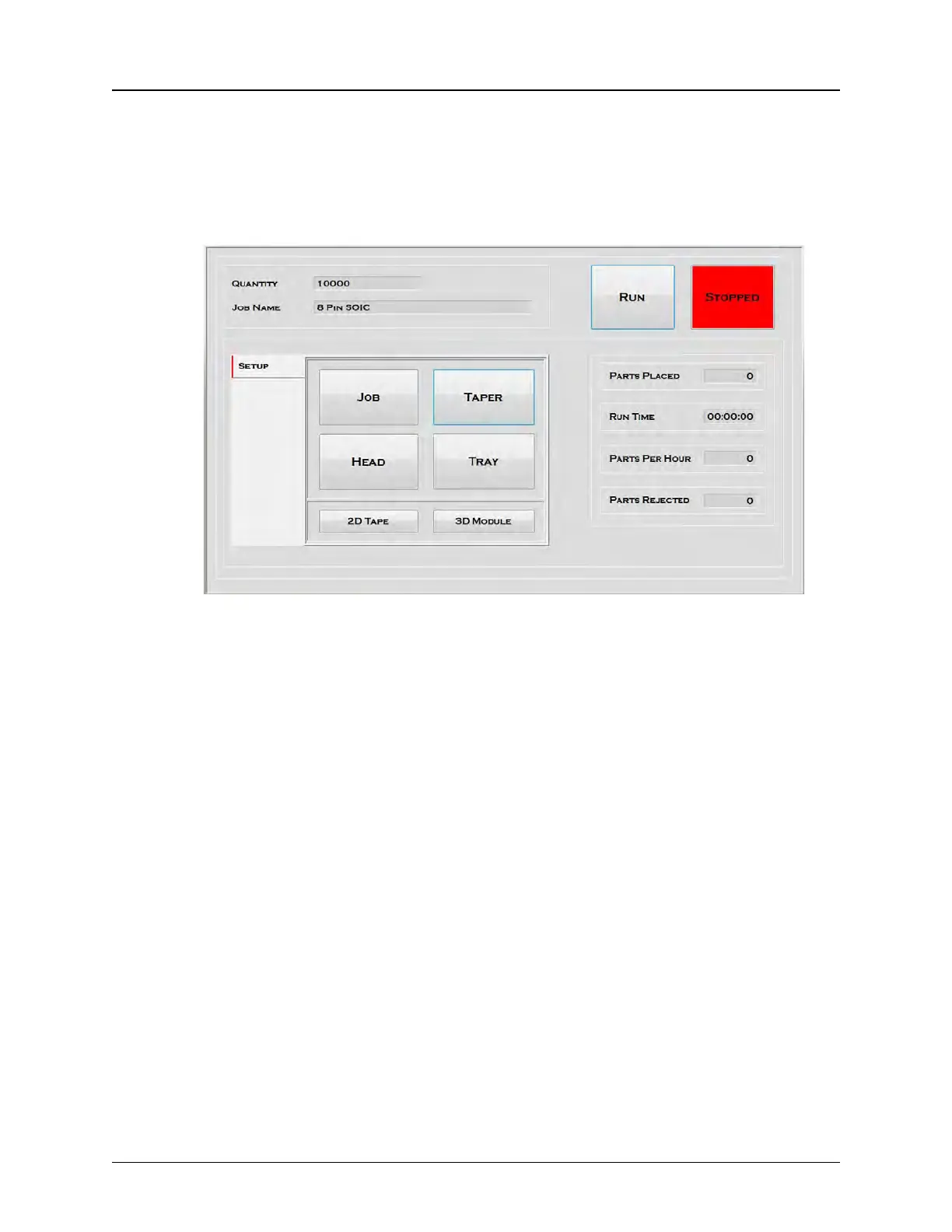
to the TM-500 HMI. Open the Run Tab. Enter Job Quantity and Job Name. Press
Run to begin operation.
Since the TM-500 automatically inspects for the last job that was run, when the first
part in the new job will trigger an Inspection Fail.



 To Next Page