D292144.4.fm Assembling the TM-500
Chapter 1: Assembly & Installation 1- 9
10. Inspect the TM-500.
a. Inspect the fully assembled TM-500, verifying that all twist ties have been removed
and all cables are secure.
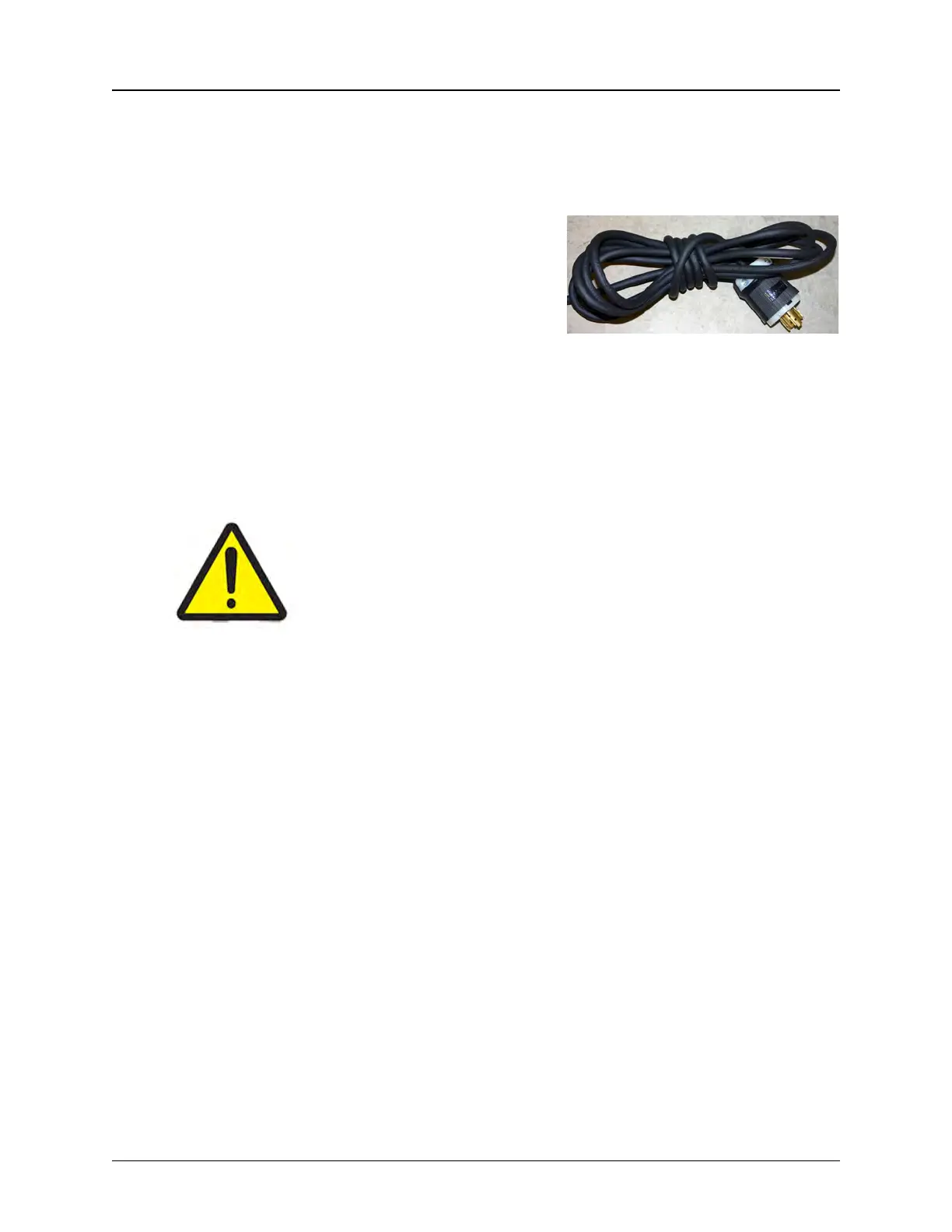
b. Connect the power cord to a 240 VAC sin-
gle phase power supply
Note: It is recommended that the power cord
be routed overhead or underground. If it must
be routed over the floor, cover the cords with
rubber ramps.
Protective earth grounding of the TM-500 is included in the manufacture of the TM-500 at
V-TEK. The TM-500 is fully tested before shipping. No further grounding or testing is
required during re-assembly and installation.
The TM-500 is ready to power up. Follow the instructions in Chapter 3: Machine Setup to setup
the machine for operation.
As with any computer system, V-TEK, Inc. recommends users create a
computer Recovery Disk prior to operation and conduct periodic back-
ups as needed. Visit the computer manufacturer’s website for instruc-
tions on creating a recovery disk.
V-TEK, Inc. does not create or maintain recovery information for this
laptop. Creating a recovery disk is solely the users’ responsibility.



 To Next Page